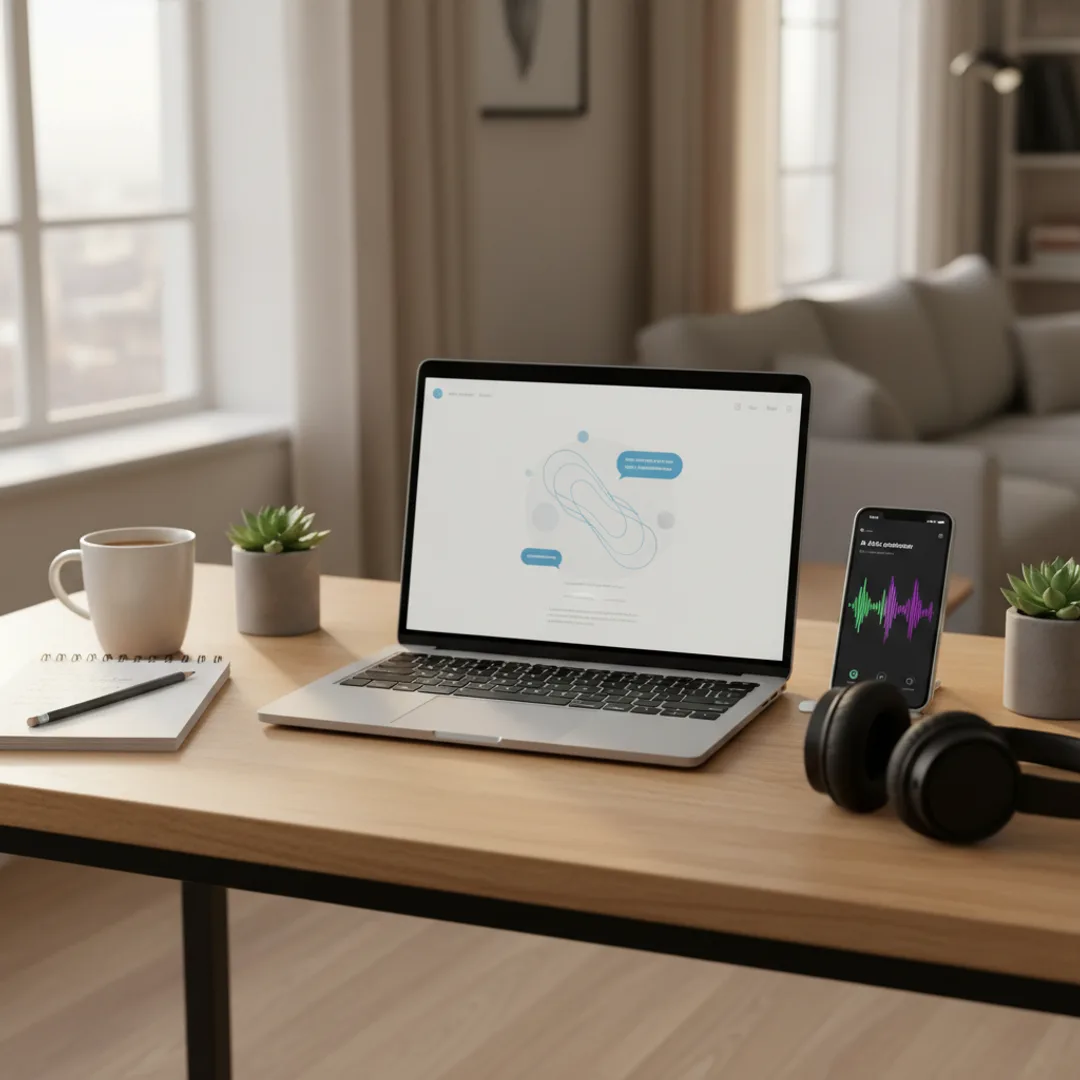
Hum to Song AI: Turn a Voice Memo into a Full Track
Got a melody stuck in your head? Honest workflow for turning a hummed voice memo into a finished AI-produced song on iPhone — what works in 2026 and what still doesn't.
I have a friend who hums constantly. She has melodies in her head all day, hums them into the Voice Memos app on her iPhone whenever they come, and ends up with about thirty 15-second voice memos a week — none of which she can actually do anything with because she doesn't play an instrument or write notation. For roughly the last decade, those melodies have died on her phone. In the last year, AI music tools have started giving her a way to turn some of those voice memos into actual produced tracks. The technology isn't perfect — humming a melody and getting back the exact melody in a fully produced track is harder than people think — but a workable workflow has emerged that lets non-musicians turn their voice memos into songs.
This is the case for the hum-to-song workflow that the AI music app marketing tends to oversell. The honest version: dedicated AI music apps in 2026 mostly cannot perfectly transcribe a hummed melody and reproduce it. What they can do is take a voice memo as a creative reference and produce a track that captures the vibe and energy of the hum, with similar melodic contour. For many users that is enough; for users who need the exact melody preserved, you still need either music theory knowledge or a transcription service.
This guide is the workflow I have refined for getting AI music apps to produce songs based on hummed voice memos in 2026. What dedicated apps can actually do, what the workaround paths look like, and how to bridge the gap between an idea in your head and a finished AI-produced track.
The melody-in-your-head problem
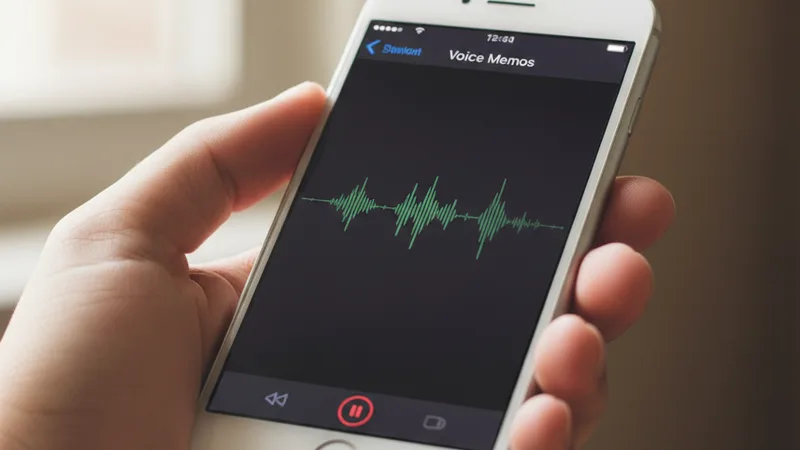
A few specifics about why turning a hummed melody into a finished song has been hard.
Most people who have melodies in their head cannot transcribe them. Reading and writing music notation is a specialized skill that the vast majority of people who hum melodies don't have. Until 2024, the only ways to get a melody out of your head and into a finished track were: learn an instrument, learn notation, hire a transcriptionist, or sing it to a producer who could write it down.
Voice memo apps capture the audio but not the structure. When you hum into Voice Memos, you have a clear recording of your melody but no chord progression, no rhythm grid, no transcription. The audio file exists; the music-readable data does not.
Existing melody-to-MIDI tools (Melodyne, AnthemScore) are not built for the hum-and-go workflow. Professional transcription software can analyze a hummed audio file and produce MIDI, but the tools have learning curves and are designed for professional musicians, not for casual creators capturing ideas on the fly.
AI music apps did not originally support audio input. The first generation of AI music generators (Suno v1, early Udio, early Muziko) accepted only text prompts. You couldn't upload a hum and ask the AI to use it as the melody. This limitation defined the early hum-to-song problem.
In 2025-2026 the landscape started to shift. Some AI music apps added style-reference upload — letting users upload an existing audio file to influence the generated track. Muzio and Suno specifically added forms of this. The implementations vary, and pure melody-to-song accuracy is still imperfect, but the workflow is meaningfully better than it was eighteen months ago.
For the broader prompt-craft context, how to write AI song prompts that actually produce great music covers the universal prompt patterns that work whether or not you have a melody to start.
What AI music apps can and cannot do with hummed voice memos in 2026
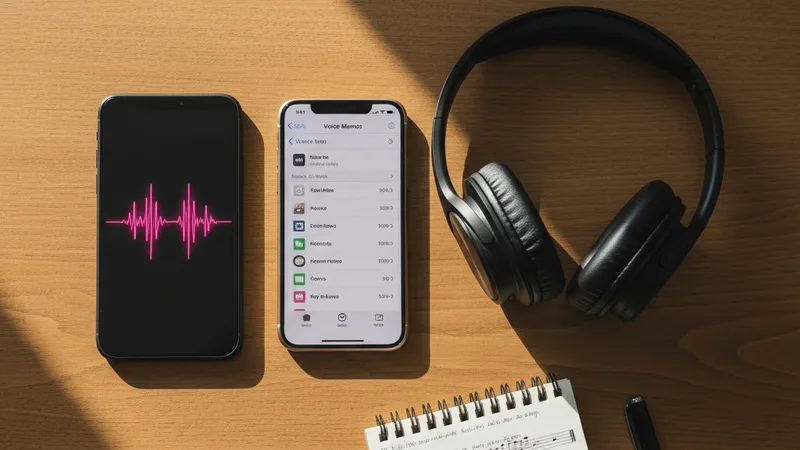
Honest accounting of the state of hum-to-song AI in mid-2026.
What AI music apps can do with hummed voice memos:
- Take a hummed reference as style or vibe input. Some apps (Muzio is the clearest example; Suno has a similar style-reference feature) accept an audio upload and use it to influence the generated track's mood, tempo, and general feel. The result captures the energy but not the exact melody.
- Match the tempo and rhythmic feel. AI can usually pick up the tempo and basic rhythmic groove from a hummed voice memo and apply it to the generated track.
- Approximate the genre direction. If you hum a country-feel melody, the AI tends to produce country-leaning generations. If you hum a hip-hop-feel rhythmic vocalization, the AI tends toward hip-hop. The genre cue from your voice memo influences the output.
- Match general emotional tone. A sad hum produces sad-leaning generations. An upbeat hum produces upbeat generations.
- Produce a song that captures the spirit of what you hummed. This is the realistic deliverable in 2026.
What AI music apps still cannot reliably do:
- Reproduce the exact melodic contour. The specific note sequence you hummed almost certainly won't appear in the generated track. AI uses the hum as inspiration, not as a melody source.
- Preserve specific harmonic decisions. If your hum implies a specific chord progression, the AI usually picks a different progression that fits the genre direction rather than the exact one you implied.
- Translate a hum into music notation or MIDI. Dedicated music transcription tools (Melodyne, AnthemScore) do this; AI music apps generally don't expose the intermediate transcription step.
- Handle complex melodic ideas. Long-form melodies, melodies with key changes, melodies with unusual rhythmic structures — AI tends to oversimplify these or replace them entirely with more generic patterns.
- Match a hum's pitch register exactly. The AI may produce the track in a different key than what you hummed in, which can be jarring if you remember the original.
The honest framing: AI music apps in 2026 treat hummed voice memos as creative inspiration rather than as melody source. The generated track will be related to your hum but won't reproduce it. For users who want the exact melody preserved, you still need transcription before AI generation.
For more on AI music app capabilities generally, the Muziko vs Suno comparison and Suno vs Udio vs Muziko guide cover the feature differences across the major apps.
The workflow: voice memo to finished track
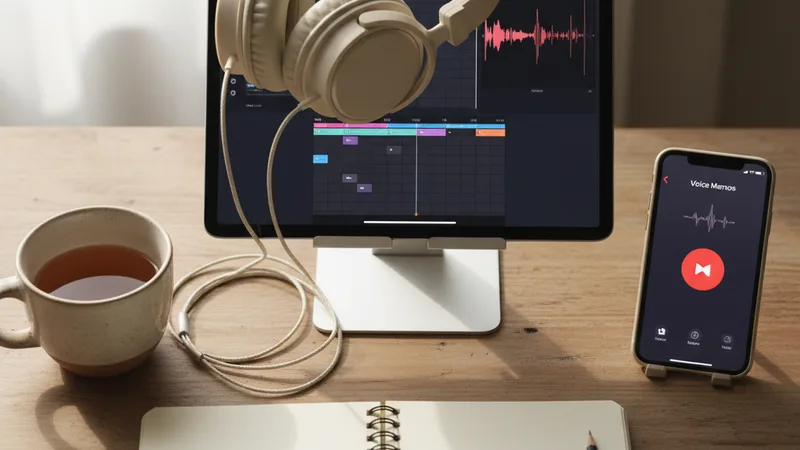
The practical workflow for going from hummed voice memo to finished AI track in 2026.
1. Record the voice memo on iPhone Voice Memos. Sing or hum your melody clearly. 15-30 seconds is enough. Background noise is fine — the AI mostly uses the rhythmic and emotional content, not the precise pitch.
2. Listen back and identify the elements. Note the tempo (you can tap along to estimate the bpm), the rhythmic feel (straight, swung, syncopated), the emotional tone (happy, sad, confident, melancholy), and the genre direction (does it feel country, pop, hip-hop, lo-fi?).
3. Write a description of what you heard. Three to five sentences capturing what makes this melody distinctive. "Mid-tempo around 95 bpm, sad and reflective, feels like a folk ballad with a soft acoustic guitar, the melody starts low and rises in the chorus, ends on a hopeful note."
4. Open Muziko (or your AI music app) on iPhone or iPad. Switch to Describe mode or Write Lyrics mode depending on whether you want vocals.
5. Build the prompt from the voice memo description. Translate the elements you identified into music app prompt language. "Acoustic folk ballad at 95 bpm, sad and reflective mood, fingerpicked acoustic guitar with light piano on the second verse, soft female vocal with slight melodic ornamentation rising into the chorus, lyrics about something lost, two minutes thirty seconds, soft outro fading."
6. If the app supports style reference upload (Muzio, Suno): Upload the voice memo as the style reference. The AI uses it to influence the generation.
7. Generate four to six takes. Each generation will be slightly different. None will reproduce your exact melody, but the strongest takes will capture the spirit you hummed.
8. Listen and pick the closest match to your voice memo. Sometimes the third take captures the energy of your hum cleanly. Sometimes you need a prompt adjustment.
9. If the takes are off, refine the prompt. "The previous generations were too upbeat; reduce the tempo to 88 bpm and shift the mood to more melancholy. Keep the rising melody into the chorus."
10. Save the strongest take. Optionally, layer in your original voice memo at low volume in a DAW for hybrid production where your humming sits under the AI track as a ghostly reference layer.
For more on the underlying prompt craft, how to write AI song prompts that actually produce great music covers patterns that translate voice-memo intuition into prompt language.
Writing the bridge prompt: turning a hum into language

The single skill that separates good hum-to-song workflows from frustrating ones is translating a wordless melody into descriptive language the AI can use. Six elements to capture.
Tempo, as a number. Tap along to your voice memo at quarter-note intervals for 15 seconds, count the taps, multiply by four to get bpm. Or compare to a reference song you know the tempo of. Vague "medium tempo" produces vague AI output; an exact number doesn't.
Rhythmic feel. Straight (1-2-3-4), swung (1-and-2-and-3-and-4), shuffled, syncopated, half-time, double-time. The rhythmic feel of your hum is one of the most identifiable elements.
Emotional tone. Happy, sad, melancholy, confident, dreamy, playful, nostalgic, angry. Pick a single primary emotion and one secondary. The AI is sensitive to mood direction.
Genre direction. Even if you can't name a genre, you can usually identify a closest neighbor. "Feels like a country ballad," "sounds like a lo-fi study track," "reads as a 90s R&B slow jam." The closer you can pin the genre, the more closely the AI hits your target.
Melodic contour. Without naming notes, you can describe the shape. "Starts low, rises through the verse, peaks in the chorus, falls again at the end." The contour direction influences AI generation.
Structural feel. Verse-chorus form, through-composed, AABA, intro-build-drop. The structural intuition behind your hum guides the AI's form decisions.
A combined prompt translated from a hummed voice memo:
"Acoustic indie folk ballad at 95 bpm, sad and reflective with a hopeful undertone, fingerpicked acoustic guitar with soft piano figure entering on the second verse, solo female vocal warm and intimate with slight melodic ornamentation, melodic contour starts low in the verses and rises into the chorus, returns to lower register for the bridge, ends on a held resolved note, verse-chorus-verse-chorus-bridge-chorus structure, two minutes forty seconds, mastered for streaming with prominent vocals."
In testing, prompts of this specificity produce tracks that capture the energy of the original hum in roughly four to five generations about 75% of the time. The exact melody is not reproduced; the spirit is.
For more on iterating prompts toward specific outputs, the perfect prompts breakdown covers patterns useful here.
Different approaches: which workflow fits which use case
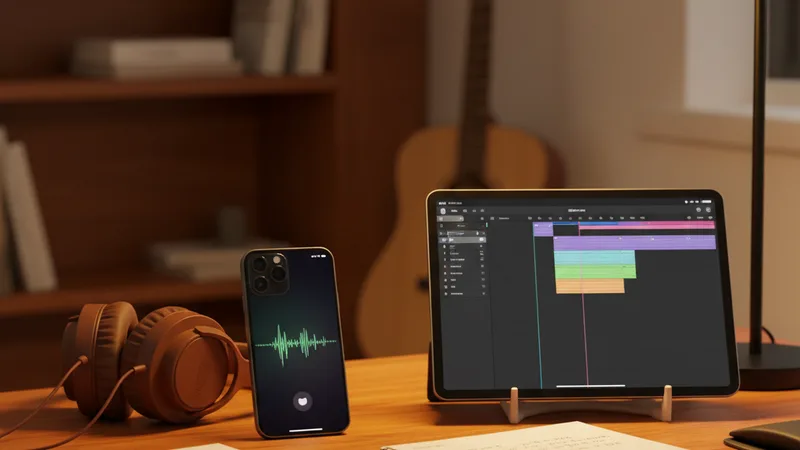
There are roughly four workflows for getting a hummed melody into a finished track. Different ones fit different use cases.
| Workflow | Steps | Best for | Time | Cost |
|---|---|---|---|---|
| Voice memo → describe prompt → AI generate | Hum, write text description, prompt AI | Most users; quick iteration | 10-30 min | $0 (AI subscription only) |
| Voice memo → style upload → AI generate | Hum, upload to Muzio or Suno style reference field, generate | Users with apps supporting audio input | 5-15 min | AI subscription |
| Voice memo → MIDI transcription → DAW + AI | Hum, transcribe in Melodyne or AnthemScore, import to DAW, layer AI elements | Producers who want exact melody preservation | 1-3 hours | DAW + transcription tool |
| Voice memo → live re-recording → AI vocals | Hum, sing or play the melody on a real instrument, record cleanly, AI generates production around it | Musicians with one instrument skill | 30-90 min | DAW + AI subscription |
The dominant workflow for non-musicians: Voice memo → describe prompt → AI generate. Quick, cheap, captures the spirit if not the exact melody.
The dominant workflow for amateur producers: Voice memo → style upload → AI generate (using Muzio or Suno's reference upload features). Faster than transcription, retains more of the original feel.
The dominant workflow for pro producers: Voice memo → MIDI transcription → DAW + AI. The exact melody gets preserved through transcription; AI adds production layers around it. Takes longer but produces results closest to the original hum.
The dominant workflow for songwriters who play one instrument: Voice memo → live re-record on guitar or piano → AI generates production. Bridges the gap between non-musician and full musician workflows.
For the specific iPad-based session work where these workflows benefit, see the AI music on iPad vs iPhone workflow test.
When the hum-to-song workflow works — and when it doesn't

Honest accounting of where the AI hum-to-song workflow lands well and where it falls short.
Works well:
- Simple melodic ideas with clear emotional tone. A sad acoustic ballad hum produces a sad acoustic ballad AI generation. The emotional translation is reliable.
- Genre identification from the hum. When the hummed melody clearly fits a genre (country, folk, pop, hip-hop), the AI tends to land in that genre direction.
- Tempo and rhythmic feel preservation. The AI generally captures the tempo and feel of the hum, even when the exact melody differs.
- Capturing the vibe rather than the specifics. For users who want a song that feels like what they hummed, AI in 2026 delivers reliably.
- Personal-occasion songs where the hum was inspirational. Birthday songs, anniversary tracks, memorial pieces — using a hummed voice memo as inspiration and writing a prompt around it produces personalized tracks that incorporate the songwriter's intuition.
- Songwriter demos for ideas you'll later record properly. Producing a quick demo from a voice memo, then re-recording the real version with a band or live musicians later.
Doesn't work well:
- Preserving exact melodies. AI in 2026 cannot reliably reproduce the specific note sequence from a hum. If the exact melody matters, you need transcription, not AI prompting.
- Complex melodic structures. Multi-part melodies with key changes, unusual time signatures, or developmental sections tend to get oversimplified or replaced.
- Specific harmonic implications. The chord progression implied by your hum usually won't match the chord progression in the generated track.
- Replicating the exact pitch register. AI may produce the track in a different key than your hum.
- When the hum is the entire creative point. If preserving the exact hum is essential to the song's identity, layer the original voice memo in the final production rather than relying on AI to reproduce it.
- When you have a melody for a specific instrument in mind. A hummed melody you imagine being played on a saxophone may be generated as a piano line instead, with the AI choosing instrument-fit over your specific intention.
The general rule: AI hum-to-song is excellent for capturing the spirit of a voice memo idea, less useful for capturing the specifics. Use it for inspiration-to-track workflows; reach for transcription when exact preservation matters.
For more on AI music app capabilities and limits, the AI music vs human composer guide covers where AI works and where human composers are still needed.
Try the workflow right now
The best way to understand the workflow is to test it on an actual voice memo.
Step 1: Open Voice Memos on iPhone. Record yourself humming a melody for 15-30 seconds. Don't overthink it.
Step 2: Listen back twice. Note the tempo (tap along), the emotion (sad? happy? nostalgic?), the genre feel (country? pop? lo-fi?), the contour (starts low? rises? falls?).
Step 3: Open Muziko on iPhone or iPad. Switch to Describe mode (for instrumental) or Write Lyrics mode (for vocal).
Step 4: Build the prompt translating your voice memo into language:
"Acoustic indie folk ballad at [your tempo] bpm, [your emotion] mood, fingerpicked acoustic guitar with [instrumentation], solo [male/female] vocal [warm/breathy/clear], melodic contour [starts low / rises / falls / mixed], verse-chorus structure, two minutes thirty seconds."
Step 5: Generate four to six takes. Listen to each. Pick the take that feels closest to your voice memo's spirit.
Step 6: Save and share.
In testing, the workflow takes 10-25 minutes total from voice memo to finished track. The result captures the energy and direction of the original hum but does not reproduce the exact melody. For most users — songwriters who want their ideas to become tracks they can share — this is enough.
For other workflow-specific guides, the story to song AI guide covers narrative-input patterns, and the AI song from your lyrics guide covers the lyric-first workflow.
Frequently asked questions
Can AI really turn my humming into a finished song?
Partly. AI music apps in 2026 can produce a finished track inspired by your hummed voice memo, capturing the tempo, rhythmic feel, emotional tone, and genre direction. What AI cannot reliably do is reproduce the exact melodic notes you hummed — the specific note sequence will likely be different in the generated track. For users who want the spirit of their hummed idea translated into a produced song, AI works well. For users who need their exact melody preserved, you need either a transcription tool (Melodyne, AnthemScore) before AI generation, or the ability to play the melody on a real instrument first. The honest framing is that AI in 2026 treats hums as inspiration, not as melody sources.
Which AI music apps support audio upload for hum-to-song workflows?
Muzio is the clearest in supporting style reference upload — you can upload an existing audio file (including a voice memo) and the app uses it to influence the generated track's style. Suno has a similar feature for style references. Most other major AI music apps in 2026 do not directly accept audio uploads for hum-to-song generation; they rely on text prompts. For apps that don't support audio upload, the workflow is to write a text description of what your voice memo sounds like (tempo, emotion, genre feel, contour) and use that as the AI prompt. The text-bridge workflow is slower but works with any AI music app.
How do I describe a hummed melody in words for an AI prompt?
Six elements to capture: tempo (count bpm by tapping along), rhythmic feel (straight, swung, syncopated), emotional tone (happy, sad, nostalgic), genre direction (country, lo-fi, pop, the closest genre to what the hum feels like), melodic contour (starts low, rises, falls, returns), and structural feel (verse-chorus, through-composed, etc.). Translate these into specific music-app language. For example: "Acoustic folk ballad at 95 bpm, sad and reflective mood, fingerpicked acoustic guitar, soft female vocal, melodic contour starts low and rises into the chorus, verse-chorus structure, two minutes forty seconds." The more specific the description, the more closely the AI will land your target.
Can I layer my original voice memo into the AI-generated track?
Yes, in a DAW like GarageBand, Logic Pro, Ableton Live, or any other audio editor that runs on iPhone, iPad, or desktop. Import the AI-generated track and your original voice memo into separate tracks. Mix the voice memo at a low volume under the AI track for a ghostly reference layer, or use it more prominently if you want your humming to be a distinctive element of the finished song. This hybrid workflow preserves some of the original hum's character while benefiting from the AI's production polish. Some songwriters use this approach intentionally to keep their personal melodic signature in the final track.
What if the AI track doesn't sound anything like what I hummed?
Refine the prompt and generate again. Most often the issue is that the prompt didn't capture enough of the specific elements of your voice memo. Listen back to your hum with the failed AI generations in mind — what did the AI miss? Tempo too fast or slow? Wrong genre direction? Wrong emotional tone? Wrong structural feel? Adjust the prompt to be more specific on whatever the AI got wrong. Generate four to six more takes. Iterate until you get a generation that captures the spirit. If after several iterations no generation lands, the issue may be that your specific melodic idea is too distinctive or complex for AI to approximate through text prompting — at that point, transcription (Melodyne or AnthemScore) or live re-recording on a real instrument become the better paths.
Is the hum-to-song workflow good for songwriter demos?
Yes, especially for songwriters who don't play their own instruments or don't have studio time. The workflow lets you capture a melodic idea as a voice memo, translate it into a text-prompted AI generation, and produce a demo track in 15-30 minutes that would otherwise require studio booking and instrumentalist time. The demo won't preserve your exact melody, but it captures the song's energy and direction well enough to pitch the song concept to publishers, co-writers, or collaborators. For songwriters who can play one instrument (guitar or piano), the hybrid workflow of recording the actual melody live and using AI for surrounding production is even stronger. For the broader songwriter demo workflow, the AI vs human composer guide covers the cost-time math of demo production.
Try everything you just read about. Muziko is free to download.
![AI Lyrics Generator: Write Song Lyrics Free [Tested 2026]](/_next/image?url=%2Fimages%2Fblog%2Fai-lyrics-generator%2Fhero.webp&w=3840&q=75)