How to Make an AI Song From Your Lyrics (Step-by-Step)
Bring your own lyrics to AI: how to write lyrics that an AI model can actually sing, the genre + style cues that shape the melody, and a step-by-step iPhone workflow.
There is a specific kind of joy in hearing your own words sung back to you. A line you scribbled on a napkin, a verse you wrote about your sister's wedding, a chorus that had been stuck in your head for a year — suddenly arranged, performed, and produced into a real-feeling track in under a minute. Lyrics-to-song AI is the feature that makes this possible without a producer, a studio, or knowing how to write melody.
The trick is that AI models are not equally good at every kind of lyric. A well-structured set of lyrics with a clear verse-chorus shape will produce something close to a finished song on the first generation. A wall of unstructured text will produce something that feels rushed, awkwardly phrased, or just wrong. The model is not failing — it is matching the structure you gave it.
This guide walks through how to write lyrics that work, the genre and style cues that shape what the AI does with them, and the exact iPhone workflow I use to go from a notes-app draft to a finished song in about 4 minutes.
What lyrics-to-song AI actually does
Lyrics-to-song mode takes two inputs:
- Your lyrics — the actual words to be sung.
- A style description — genre, vocal type, energy, mood, scene.
The model uses the lyrics for what is sung, and the style description for everything else: melody, instrumentation, vocal tone, tempo, production. If you provide only lyrics with no style cue, most apps fall back to a default style (usually generic pop) and you get a bland-sounding result. If you provide style cues without lyrics, you get a text-to-song generation with the model writing its own words.
The two inputs work together. The same set of lyrics will sound completely different as country folk vs synthwave vs trap, and that is the point. Lyrics-to-song gives you control over what is said, and broad creative direction over how it is performed.
For a deeper dive on style descriptions specifically, the text-to-song guide covers the four-ingredient recipe — and the same recipe applies to the style field in lyrics-to-song mode.
How to write lyrics an AI can sing
Most lyrics that fail did not fail because they were bad — they failed because they were structured in a way the model could not parse cleanly. Three rules cover most of it:
1. Use clear structure tags
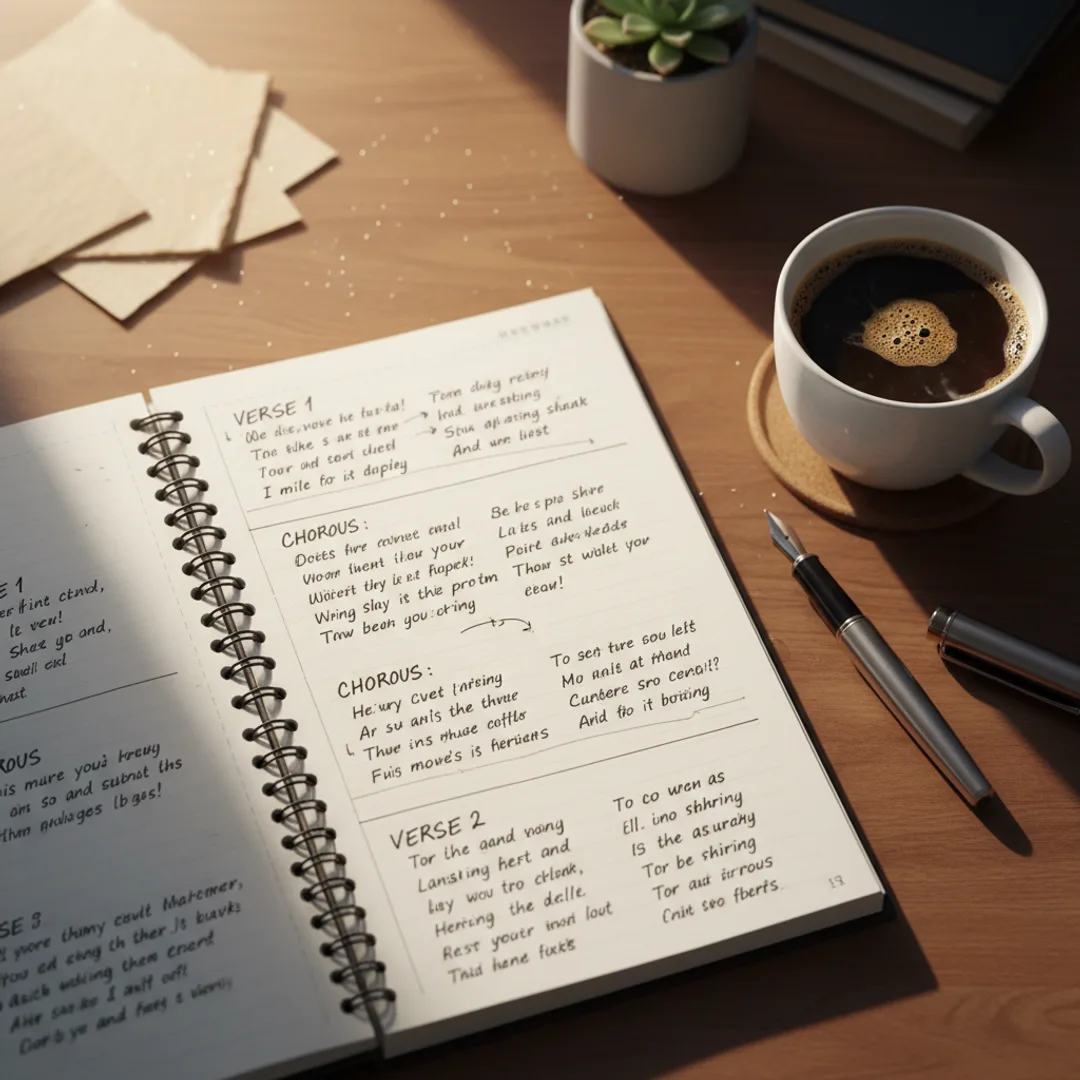
Most AI music apps support structure tags: [Verse 1], [Chorus], [Bridge], [Outro]. The model uses these to set song dynamics — verses are usually quieter and more melodic, choruses get more energy and instrumentation, bridges shift the harmony.
If you do not include tags, the model has to guess where the chorus is, and it usually picks the wrong section. With tags, the structure of your song becomes the structure of the audio.
A working template:
[Verse 1]
First four lines of story.
Each line is one sung phrase.
Keep it grounded in detail.
End the verse on a thought that leads in.

[Chorus]
The hook line repeats here.
Two to four lines max.
Memorable, simple, repeatable.

[Verse 2]
Second story beat.
Same number of lines as verse 1.
Different scene, same character.
Build toward the chorus again.

[Chorus]
Repeat the chorus exactly.

[Bridge]
A new angle on the theme.
Short — two or four lines.
This is the emotional pivot.

[Chorus]
Final chorus, often with a tag.
2. Match line length to genre
Pop, country, folk, and rock work best with short lines — 5 to 10 syllables per line is the sweet spot. The model can phrase short lines as a single melodic gesture.
Hip hop and rap work with longer lines — 10 to 16 syllables — because rap flow accommodates more words per bar. For full guidance on rap-specific lyric writing, the rap generator guide covers syllable counts and flow patterns in depth.
The mistake is using rap-length lines with a pop genre tag. The model gets a 16-syllable line and tries to phrase it as a single pop melody, which produces awkward stretching or compression. Match the line length to the style.
3. Write singable, not poetic
Lyrics that read beautifully on a page often sing badly. Three patterns to avoid:
- Tongue-twister consonants. "She slipped silently through the streetlamp's shifting shadows." The model can sing this, but it sounds messy. Simpler consonants sing cleaner.
- Internal rhymes that fight the meter. A line like "I wandered, pondered, bloomed and yawned and squandered" has too many stresses to sing naturally. Pick one rhyme per line.
- Made-up words in the chorus. A clever neologism in a verse is fine. In a chorus that needs to be memorable and repeatable, the model often mispronounces invented words.
A useful test: read your lyrics out loud at the tempo you imagine the song will be. If you can sing them naturally, the AI can sing them. If you stumble on certain lines, the model will too.
The style description that pairs with your lyrics
Once your lyrics are written, the style description tells the model how to perform them. The same four-ingredient recipe from the text-to-song guide applies:
- Genre and energy — "Country folk, mid-tempo."
- Vocals — "Female vocals with a warm storyteller delivery."
- Instruments — "Acoustic guitar with light strings and brushed drums."
- Production cue — "Warm intimate close-mic'd mix."
A complete style line for a folk song with your lyrics:
"Country folk, female vocals with a warm storyteller delivery, acoustic guitar with light strings and brushed drums, around 95 bpm, warm intimate close-mic'd mix."
The vocal type is the single most important field for lyrics-to-song. "Female vocals" vs "male vocals" changes the entire performance. "Vulnerable cracking delivery" vs "confident shouted delivery" changes the feel of the same lyrics from heartbreak to anthem.
For more on the prompt formula that builds these style lines, the prompts that work guide is the deeper reference.
Step-by-step iPhone workflow
This is the exact process I use end-to-end. Total time: about 4 minutes from finished lyrics to finished song.
1. Open Muziko and switch to Lyrics mode
Open Muziko, tap the Create button, and switch from Describe to Lyrics mode. The lyrics input field is now the primary input.
2. Paste your lyrics with structure tags
Paste your full lyrics including [Verse 1], [Chorus], etc. tags. Do not over-edit — the structure tags do the heavy lifting.
If your lyrics are very short (under 8 lines), the model may pad with instrumental sections, which is usually what you want. If your lyrics are very long (over 40 lines), the model may compress phrasing to fit the song length, which can feel rushed. 16–32 lines is the sweet spot.
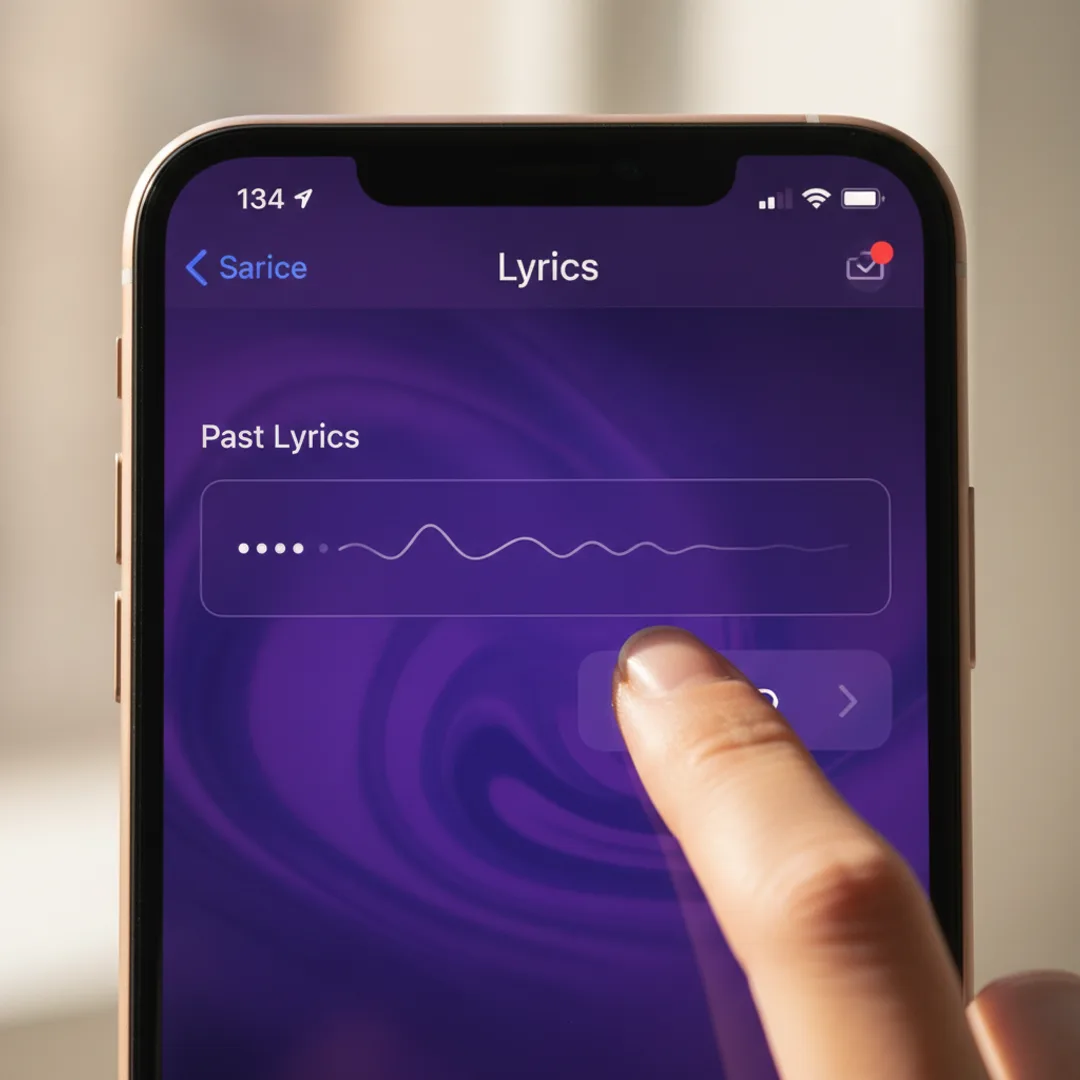
3. Pick a genre tile and add a style description
Tap the genre tile that matches your song (Pop, Country, Folk, Lo-fi, Hip Hop, etc.) and add a one-sentence style description in the field below. Use the four-ingredient recipe.
The genre tile sets a strong starting point; the style description fine-tunes from there.
4. Generate two takes
Tap Generate twice. Generation takes 8 to 15 seconds per take in Muziko. Two takes lets you compare interpretations — sometimes the model picks a melody you love on the first try, sometimes the second take is the keeper.
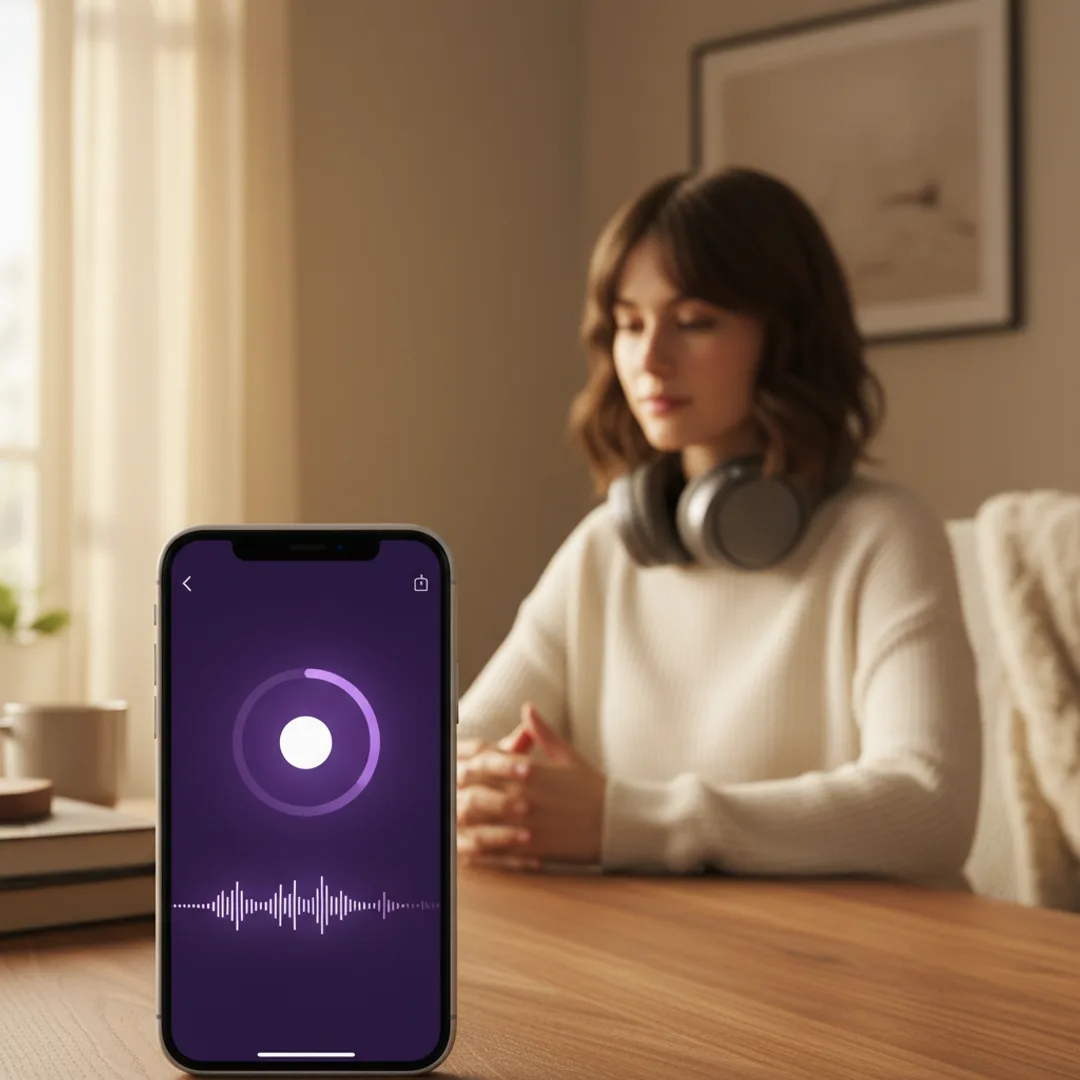
5. Listen with headphones and pick the better take
Use headphones for the first listen — phone speakers compress dynamics and make it harder to hear vocal nuance. Pick the take where the melody fits your lyrics most naturally. If both takes sound off, the issue is usually the style description, not the lyrics. Adjust one ingredient and regenerate.
6. Save and share
Once you have a take you love, save it to your library. Muziko exports as MP4 or audio file. Share to Messages, Files, or directly to TikTok or Instagram.
Common problems and fixes
The vocals sound robotic. This usually means the style description was too generic. Adding a specific delivery cue — "with a warm storyteller delivery", "with a vulnerable cracking delivery" — tends to fix this in one regeneration.
The chorus is missed. If the model treated your chorus as another verse, the structure tags were probably missing or formatted wrong. Make sure each section uses its own tag like [Chorus] on its own line.
The melody is repetitive across verses. Some models recycle verse melodies, which can sound monotonous. Adding a [Bridge] section between the second and third chorus usually fixes this — the bridge gives the model permission to introduce a new melodic idea.
The song is too long or too short. Lyric length is the main lever. Short lyrics → short song with longer instrumental sections. Long lyrics → long song with rushed phrasing. The 16–32 line range usually produces a 90-second to 2-minute track.
Commercial use of AI songs from your lyrics
If you wrote the lyrics, you own the lyrics. The AI-generated music wrapped around them is also yours under most app terms (including Muziko Pro at $34.99/year) — meaning the full song can be released on Spotify, used in monetized YouTube videos, attached to TikTok content, or licensed.
Two caveats worth knowing:
- Free tiers usually restrict commercial use. Verify your plan before releasing.
- If you use someone else's lyrics, you do not own those lyrics. The AI music is yours, but lyric copyright still applies — using a Beyoncé song's lyrics produces a track you cannot legally release.
For more on the legal landscape, the Wikipedia entry on AI music copyright is a useful primer.
Try this exact lyric and style right now
Open Muziko, switch to Lyrics mode, pick Folk as the genre and Calm as the mood. Paste these lyrics:
[Verse 1]
The kettle hums on Sunday mornings,
You make the coffee, I cut the bread.
The window catches a slow gold light,
And nothing important needs to be said.

[Chorus]
This is the kind of love I wanted,
Quiet, ordinary, awake.
This is the kind of life I asked for,
Soft enough to make.

[Verse 2]
The dishes wait, but they can wait longer,
Your hand finds mine across the table.
A whole week of small forgivenesses,
Stacked into something stable.

[Chorus]
This is the kind of love I wanted,
Quiet, ordinary, awake.
This is the kind of life I asked for,
Soft enough to make.

[Bridge]
And maybe nobody writes a song
About the kettle and the bread,
But all the love I ever needed
Lives here instead.

[Chorus]
This is the kind of love I wanted,
Quiet, ordinary, awake.
This is the kind of life I asked for,
Soft enough to make.
Style description:
"Country folk, female vocals with a warm storyteller delivery, fingerpicked acoustic guitar with light strings and brushed drums, Sunday morning kitchen scene, around 90 bpm, warm intimate close-mic'd mix."
In testing, this combination produces a release-quality folk track on the first generation about 75% of the time.
For more on what makes AI songwriting workflows actually work, the 3-minute iPhone walkthrough covers the broader Muziko workflow, and the prompts that work guide covers the style recipe in depth.
Frequently asked questions
Try everything you just read about. Muziko is free to download.