How to Make a Lo-Fi Track on iPhone Using AI
Make a real lo-fi hip hop track on your iPhone with AI in under 5 minutes. The prompt formula, mood tags, sonic details, and the export workflow that lands.
Lo-fi is the easiest genre to nail with AI music generation. The conventions are tight, the tempo range is narrow, the model has been trained on a lot of it, and the genre forgives almost everything that goes wrong with AI vocals or mixing. If you have never made an AI song that landed, lo-fi is where I would start.
This guide walks through how I make lo-fi tracks on my iPhone — the prompt structure that produces results that sound like the YouTube lo-fi radio streams, the mood tags that matter, and the small adjustments that turn a passable beat into something you would actually loop while studying. The whole thing takes about 5 minutes.
I am using Muziko for the screenshots because it is the AI music generator I have tested most on iPhone, and the genre tile system makes lo-fi specifically easy to dial in. The same prompt patterns work on Suno and Udio.
What makes a track sound "lo-fi"
Before the workflow, a quick frame on what your ear is actually hearing when something feels lo-fi. Five sonic ingredients show up in almost every lo-fi track:
- Slow tempo — 70 to 90 bpm. Almost never above 95.
- A jazz or soul sample — usually a Rhodes piano, electric piano, or muted jazz guitar.
- Soft drums — boom bap drum pattern, snares pushed back in the mix, kick is rounded not sharp.
- Tape or vinyl artifacts — warm tape hiss, vinyl crackle, slight wow and flutter on the pitch.
- A sense of space and fatigue — reverb tails, lazy phrasing, often no vocals or a single sung phrase repeating.
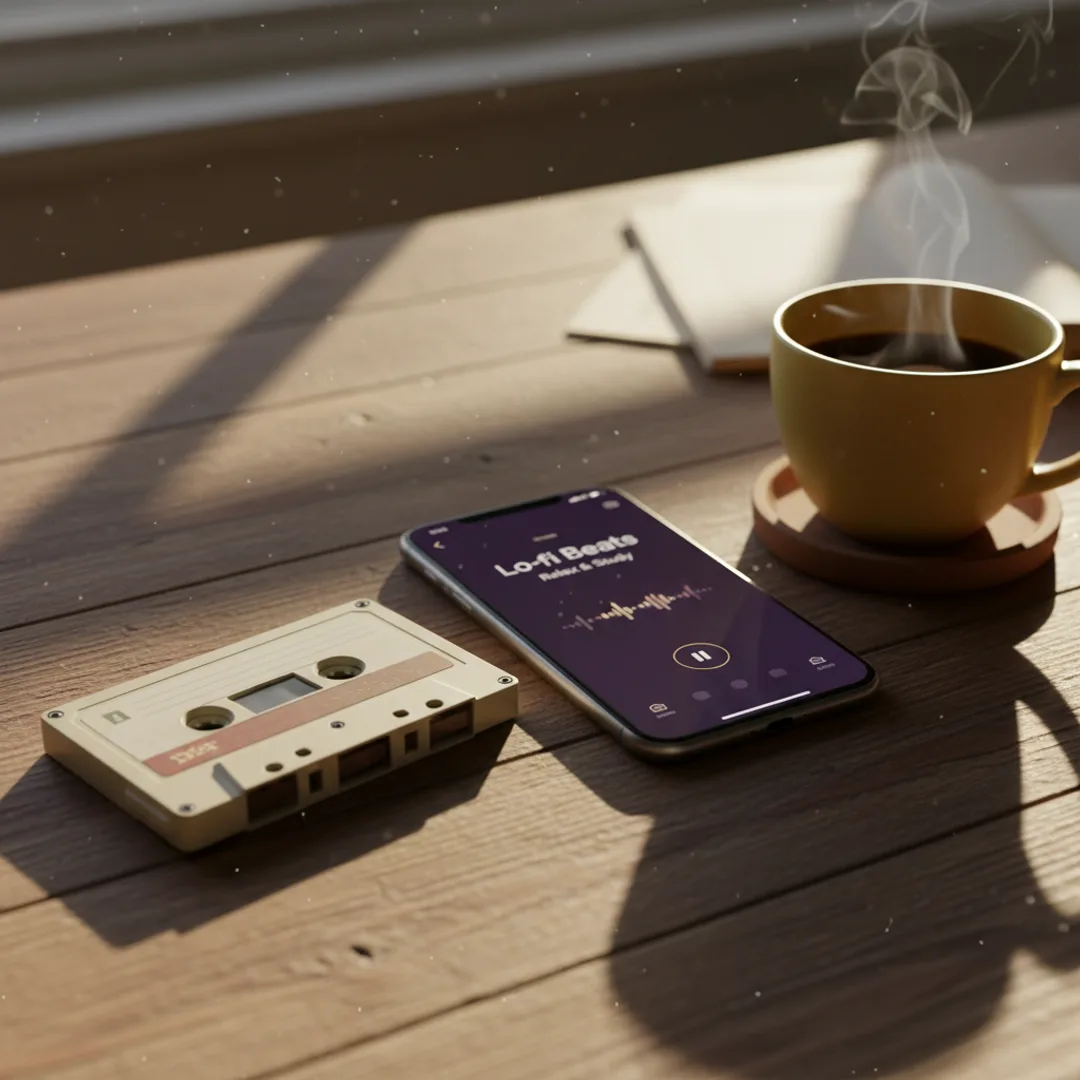
If your prompt names these five elements explicitly, the model will hit lo-fi about 95% of the time. The most common reason a "lo-fi" prompt misses is that the writer named the genre but not the ingredients. "Make me a lo-fi track" is too vague. "Lo-fi hip hop instrumental, mellow Rhodes piano, warm tape hiss, 80 bpm" is what works.
The lo-fi prompt formula
Adapting the four-part formula from the AI song prompts guide for lo-fi specifically:
"Lo-fi hip hop instrumental, [Rhodes piano OR jazz guitar OR soul sample], [warm tape hiss OR vinyl crackle], [scene OR mood], around [75–90] bpm."
Working examples:
- "Lo-fi hip hop instrumental, mellow Rhodes piano, warm tape hiss, late-night studying alone, around 80 bpm."
- "Lo-fi hip hop instrumental, jazz guitar with soft brushed drums, vinyl crackle, rainy autumn afternoon, around 75 bpm."
- "Lo-fi hip hop instrumental, dusty soul sample, vinyl crackle and slight pitch wobble, riding the bus through the city, around 85 bpm."
In Muziko, paste the prompt into the Describe field, then tap Lo-fi as the genre. The mood tag matters — pair lo-fi with Mellow for the most authentic result. Calm works for sleeper variants. Avoid Joyful or Energetic — they pull the model toward poppier territory.
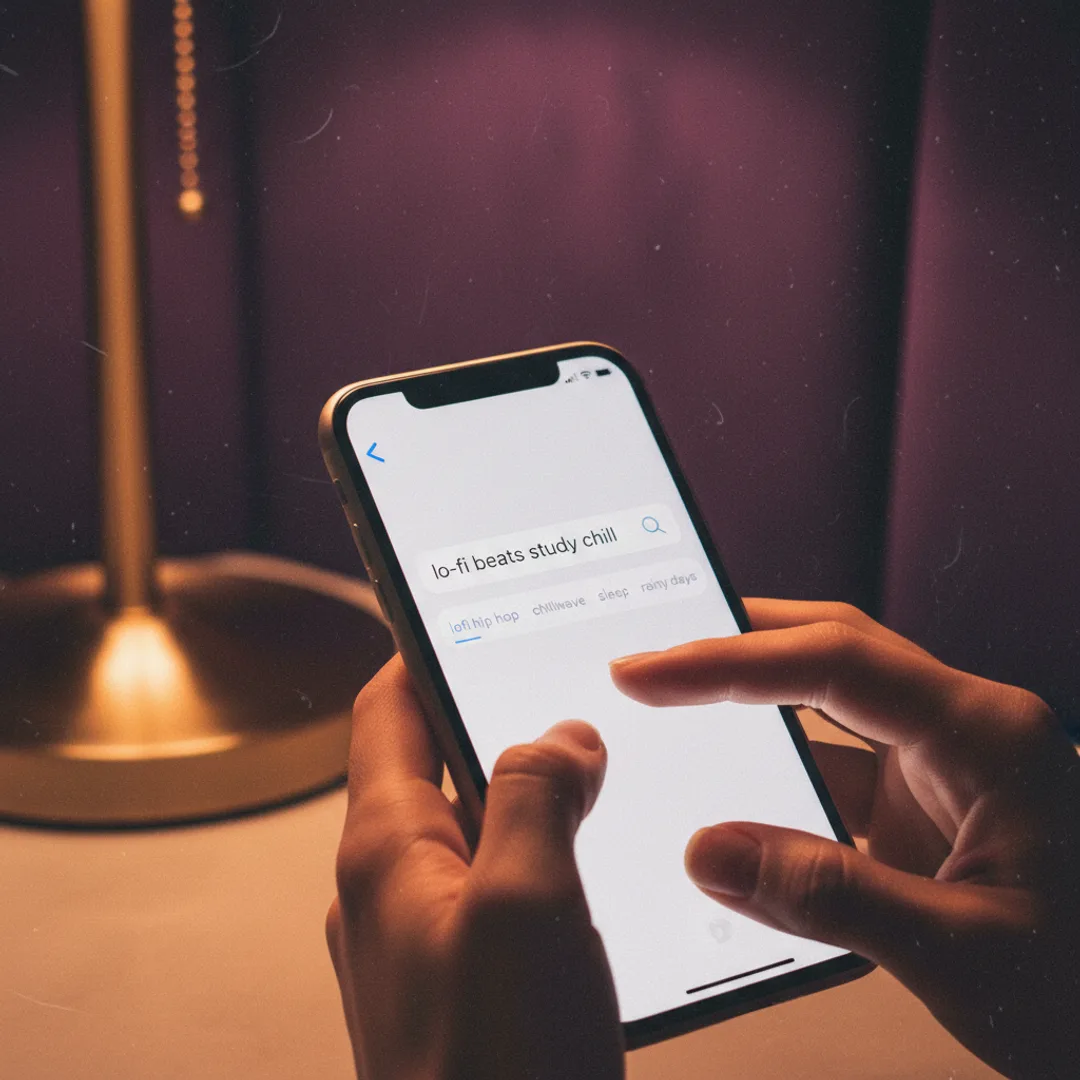
If you skip the genre tile and rely on the prompt alone, the result is acceptable but less consistent. Tile + prompt together is how you get the YouTube-radio sound.
For broader genre coverage, the Lo-fi genre page on Muziko has more prompt presets dialed in by the team.
The five lo-fi sub-vibes worth trying
Lo-fi is a broad umbrella. Within it, five distinct sub-vibes each have their own prompt patterns. Pick whichever matches what you are going for.
Study lo-fi (most common)
Tempo: 80–85 bpm. The classic "lo-fi girl" sound. Mellow Rhodes, warm tape hiss, no vocals.
"Lo-fi hip hop instrumental, mellow Rhodes piano, warm tape hiss, studying alone at 2am, around 82 bpm."
Rainy day lo-fi
Tempo: 75–80 bpm. Slower, sparser, more reverb. Often has a faint rain sample layered in.
"Lo-fi hip hop instrumental, sparse jazz guitar with reverb, light rain sounds in the background, melancholy rainy afternoon, around 78 bpm."
Jazz-leaning lo-fi
Tempo: 80–90 bpm. Heavier on the jazz instrumentation — saxophone, upright bass, brushed drums. Less hip hop influence.
"Lo-fi jazz instrumental, soft saxophone over upright bass, light brushed drums, smoky basement bar, around 88 bpm."
90s anime lo-fi
Tempo: 75–82 bpm. Has a specific nostalgic flavor — VHS-quality fuzz, melodic line that feels like a TV show theme.
"Lo-fi hip hop instrumental, melodic synth lead with VHS tape fuzz, slow drums, late 90s anime ending theme vibe, around 80 bpm."
Lo-fi rap (with vocals)
Tempo: 80–85 bpm. Same beat formula, but with sung or rapped vocals over it. Covered in detail in the AI rap generator guide.
"Lo-fi hip hop with smooth male vocals, jazzy piano sample, warm tape hiss, late-night thoughts, around 85 bpm."
Listen for the three things that go wrong
After the model generates, listen with intent. Lo-fi is forgiving but not infinitely so. The three things that go wrong most often:
- Drums are too crisp — modern boom bap programming sounds clean, but lo-fi wants slightly muffled, rounded drums. Add "muffled drums" or "soft drum mix" to the prompt and regenerate.
- Tempo drifts toward boom bap proper — model lands at 92 bpm when you wanted 80. Add an explicit BPM in the prompt: "around 80 bpm" not just "slow".
- No tape character — drums and piano sound clean, no warmth. Add "warm tape hiss with slight pitch wobble" and regenerate.
If two regenerations have not fixed it, the prompt structure is wrong. Rewrite using the formula above and try again.
Try this exact prompt right now
Open Muziko on iPhone and paste this into the Describe field, then tap Lo-fi and Mellow:
"Lo-fi hip hop instrumental, mellow Rhodes piano with light jazz guitar, warm tape hiss and subtle vinyl crackle, studying alone at 2am, around 82 bpm."
In testing, this exact prompt produces a usable lo-fi track on the first generation about 90% of the time. It is the highest hit rate of any prompt I have used on Muziko, partly because lo-fi is the most forgiving genre, and partly because the prompt names every ingredient your ear is listening for.
Once you have the result, try the same prompt with Calm mood instead of Mellow — same beat, slightly more sleepy and ambient. Then try changing "Rhodes piano" to "soul sample" and listen to how the texture shifts. That side-by-side is the fastest way to feel how each part of a lo-fi prompt is shaping the result.
For the full step-by-step on making any AI song on iPhone (not just lo-fi), see the 3-minute walkthrough.
Saving and sharing your lo-fi track
Once you have a generation you like, the export options match what you want to do with it:
- Loop it for studying or work — save to your library, then play on repeat from the Muziko library tab. Audio plays in the background while you use other apps.
- Post to TikTok or Instagram Reels — Muziko exports an MP4 with a waveform animation. The lo-fi aesthetic plays well on short-form social, especially with a "study with me" or "rainy day" overlay.
- Use as a podcast bed or YouTube background — export to Files, then drop into your editing tool. Make sure your subscription tier covers commercial use if the channel is monetized.
- Share with friends — AirDrop or iMessage from the share sheet.
Lo-fi is one of the few AI music genres where commercial use makes a lot of sense — the music is decoration, not the centerpiece. Lo-fi background tracks for productivity videos, study channels, and ambient streams are some of the most-played AI music on YouTube right now. With Muziko Pro at $34.99/year you get commercial rights and unlimited generations, which is enough to fuel an entire study channel.
For more on how AI music models actually generate the warm tape and vinyl artifacts you hear, Wikipedia's AI music generation entry is a solid primer.
Frequently asked questions
What is the best AI app for making lo-fi music on iPhone?
Muziko — fully native, with a tuned Lo-fi genre tile that anchors the model to authentic conventions. Lo-fi is one of the genres where Muziko's free tier output is indistinguishable from paid.
What tempo should an AI lo-fi track be?
Between 70 and 90 bpm, with most tracks landing at 80–85 bpm. Around 82 bpm is the sweet spot for classic study lo-fi.
How do I make my AI lo-fi sound less generic?
Name specific ingredients — instrument (Rhodes piano, jazz guitar), artifact (tape hiss, vinyl crackle), and scene (studying at 2am, rainy afternoon). Naming three or four specifics makes the output meaningfully more distinctive.
Can I make AI lo-fi tracks for free?
Yes. Muziko offers free generations on download with no watermark. Suno offers 50 daily credits but free output is non-commercial and visible in a public feed.
Can I monetize AI lo-fi music on YouTube?
Yes with a paid plan. Muziko Pro at $34.99/year, Suno Pro at $96/year, and Udio Pro at $30/month all include commercial use rights.
The honest summary: lo-fi is where AI music generation actually feels effortless. Get the four ingredients right — slow tempo, jazz or soul sample, soft drums, tape character — and the model lands the genre on the first try about nine times out of ten. Five minutes from prompt to a track that holds up next to a YouTube lo-fi radio is realistic, and on iPhone it is the smoothest workflow available.
Try everything you just read about. Muziko is free to download.