AI Rap Generator: How to Make a Rap Song with AI in 2026
Make a real rap song on your iPhone in under 5 minutes. Beat styles, lyric prompts, vocal flows, and the workflow that actually produces a usable track.
Rap is the genre AI music models took the longest to get right. For most of 2024, AI rap sounded uncanny — flow off the beat, vocals over-quantized, lyrics that did not scan. As of 2026, that has changed. The latest generation of AI rap generators can produce a track that lands convincingly enough to fool a casual listener, especially if you give them a good lyric and the right beat.
This guide walks through how I make AI rap songs on my iPhone — beat selection, the lyric structure that actually rides a beat, the vocal flow choices, and the export workflow. The whole thing takes about 5 minutes. The first one will miss; the second usually lands.
I am using Muziko for the screenshots and timing because it is the AI rap generator I have tested most on iPhone. The same workflow translates to Suno's iOS app and Udio on web, which I covered head-to-head in the Suno vs Udio vs Muziko comparison.
What an AI rap generator actually does
When you generate a rap song with AI, two systems are working at the same time:
- The beat model — generates a 90-second instrumental in your chosen subgenre, with drums, bass, melodic samples, and any production artifacts (vinyl crackle, tape hiss, reverb tails).
- The vocal model — takes your lyrics and synthesizes a rap performance over the beat, with chosen flow, cadence, and vocal character.
Modern AI rap is good at:
- Boom bap, trap, drill, lo-fi rap — the most-trained subgenres. Works almost every time.
- Standard 16-bar verses with a chorus — predictable structure the model handles well.
- Mainstream vocal flows — Travis Scott-style melodic, J. Cole-style conversational, Drake-style sing-rap.
Modern AI rap is still weak at:
- Highly technical flows — Eminem-level multi-syllabic rhyme schemes, MF DOOM-style internal rhymes.
- Regional accents you did not specify — defaults to a generic American accent unless you ask otherwise.
- Storytelling longer than 16 bars — narrative arcs across an entire song still need a paid plan and a Continue feature.
If your goal is a passable rap track for a TikTok, an Instagram clip, a podcast intro, or just to mess around with — AI rap in 2026 absolutely delivers. If your goal is a professional release, you will still want a human to write the lyrics and possibly re-record the vocals.
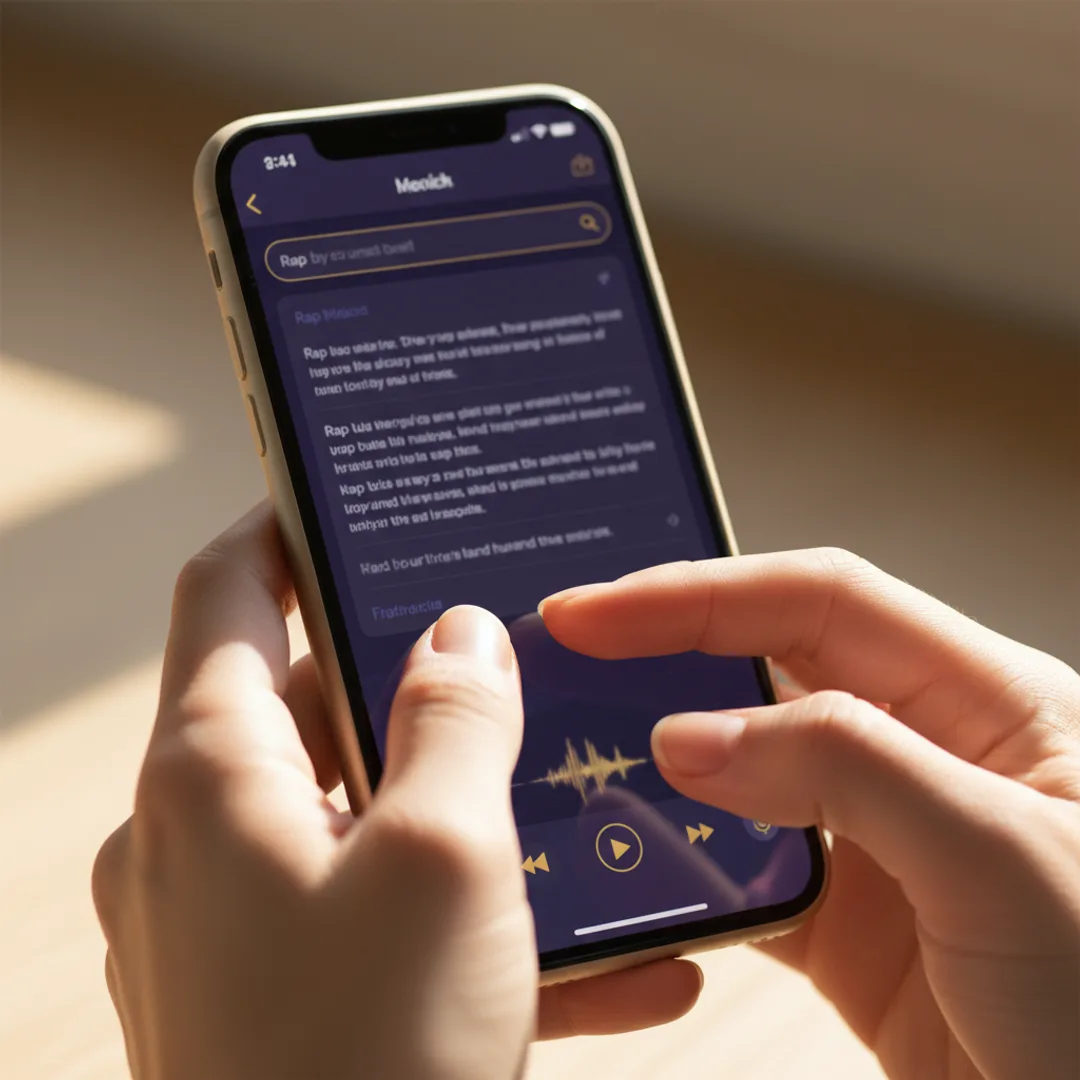
Step 1 — Pick the beat style first
The beat shapes everything. Trying to write lyrics before you know the tempo and energy is backwards — write the beat prompt first, generate it, and then write lyrics that ride that specific beat.
The five beat styles I use most often, with the prompts that produce them reliably:
Boom bap (90s NYC)
"Boom bap hip hop instrumental, dusty piano sample, jazz horn loop, boom bap drums with sharp snares, vinyl crackle, 90s NYC street energy, around 92 bpm."
Best for: storytelling, conscious rap, anything that should feel timeless and not chase a current trend.
Modern trap
"Modern trap instrumental, dark atmospheric pads, 808 sub bass with rolling hi-hats, sharp snare hits, late-night drive vibe, around 145 bpm."
Best for: confident bars, brag rap, melodic hooks. The most flexible modern beat — works for almost any vibe.
UK drill
"UK drill instrumental, sliding 808 bass, syncopated hi-hats, dark minor key piano, gritty atmosphere, around 145 bpm."
Best for: hard-hitting bars, aggressive flow, anything that should sound from-the-streets. Different feel from American drill — more swung.
Lo-fi rap
"Lo-fi hip hop beat with gentle drums, jazz piano sample, warm tape hiss, light vinyl crackle, late-night studying vibe, around 85 bpm."
Best for: introspective lyrics, slower flow, songs about feelings. Forgiving genre — easy to land.
Melodic hip hop (Drake/Travis Scott style)
"Melodic hip hop instrumental, lush atmospheric pads, melodic synth lead, tight 808 drums, modern Atlanta production, around 130 bpm."
Best for: sing-rap, hooks that drift between melody and rap, anything with a strong vocal hook.
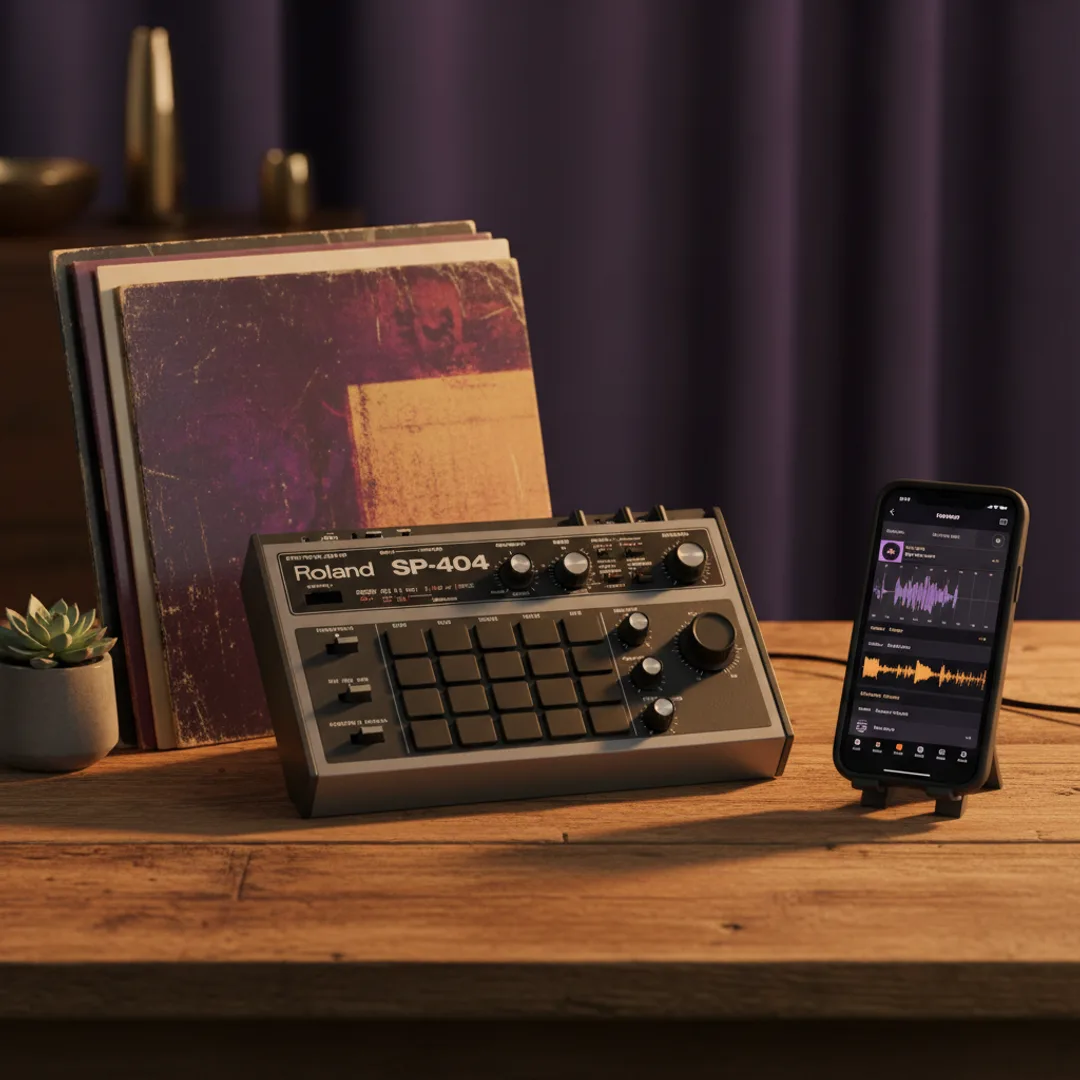
In Muziko, paste the beat prompt into the Describe field, tap Hip Hop as the genre, and pick a mood that matches — Dark for drill, Mellow for lo-fi rap, Confident for trap. Generate. Listen to the beat once before moving on.
Step 2 — Write lyrics that scan
This is where most first-time AI rap producers fail. The model can perform anything you write, but if your lyrics do not scan — meaning the syllables do not divide cleanly across beats — the result will sound off no matter how good the beat is.
The simplest lyric-writing rule that works: count syllables in each bar and aim for 8 to 12 syllables. A bar is one measure of music, roughly 1.5 to 2 seconds at 90 bpm. Fewer than 8 syllables and the bar feels empty. More than 12 and the AI's flow gets crowded.
Here is a 4-bar verse I wrote for a lo-fi rap test, with syllable counts:
[Bar 1, 10 syllables] Wake up at 2am with the same old thought
[Bar 2,  9 syllables] City lights through the blinds in my room
[Bar 3, 11 syllables] Got a notebook full of dreams I never wrote
[Bar 4, 10 syllables] Tomorrow gonna be the day, I assume
Each bar lands cleanly because the syllable counts are in the 9–11 range. The end-rhymes (thought/wrote, room/assume) give the model something to anchor the flow on.
If you are not used to writing rap lyrics, the four shortcuts that work:
- Stick to 4-bar chunks — write one verse of 16 bars by stacking four 4-bar chunks.
- Rhyme on bar 2 and bar 4 only — the AABB rhyme scheme is the easiest to land. Rhyme scheme matters less than syllable count.
- End each bar with a one-syllable word when possible — gives the AI a clear stopping point.
- Do not write bars that end on filler words — "and," "so," "but," "the." Use a noun or verb.
In Muziko, you write lyrics in the Write Lyrics mode. Paste your lyrics, label sections with [Verse], [Chorus], and [Hook] brackets, and the model will arrange them in that order. A typical 90-second AI rap song has 16 bars of verse + 8 bars of chorus + 16 bars of verse.
For more depth on prompt structure for any genre, the AI song prompts guide covers the four-part formula I use everywhere.
Step 3 — Pick a vocal flow
The same lyrics over the same beat with different vocal styles produce completely different songs. Modern AI rap generators give you control over:
- Vocal gender — male, female, or sometimes deeper/higher variants.
- Flow style — conversational, melodic, aggressive, laid-back.
- Vocal character — raspy, smooth, autotuned, raw.
The combinations I get good results with:
- Boom bap + male vocals + conversational flow + raspy — sounds like late 90s NYC.
- Modern trap + male vocals + melodic flow + autotuned — sounds like current mainstream Atlanta.
- UK drill + male vocals + aggressive flow + raw — sounds authentically London.
- Lo-fi rap + female vocals + laid-back flow + smooth — sounds like a SoundCloud bedroom artist.
- Melodic hip hop + male vocals + sing-rap flow + autotuned — sounds like Travis Scott or Drake.
In Muziko's prompt field, you specify the vocal in the lyrics prompt itself. After your [Verse] lyrics, add a line like "Vocal style: melodic male with light autotune, laid-back flow." The model uses this as performance direction.
If the first generation lands the beat right but the vocal flow is wrong, regenerate with a different vocal style descriptor. Do not change the beat or the lyrics — change one thing.
Step 4 — Generate, listen for the misses, share
Tap Generate. On iPhone the wait is 11–15 seconds. While it is generating, decide what you are listening for first.
The three things that go wrong most often with AI rap, in order:
- Vocal lands behind or ahead of the beat. Listen on the first chorus. If it feels rushed or dragged, regenerate with the same prompt — the model usually fixes timing on a second pass.
- Wrong vocal character. Got a smooth voice when you wanted raspy. Edit the vocal style line and regenerate.
- Lyrics get muddy in the mix. Especially common on UK drill where the bass is heavy. Add "clear vocal mix, vocals forward" to the prompt.
If the generation is good, save it to your library. From there:
- For TikTok or Instagram Reels: Muziko's MP4 export with waveform animation is the right format. One tap from the share sheet.
- For SoundCloud or unmonetized YouTube: export as MP3 from Files. Make sure your subscription tier covers commercial use if the channel is monetized.
- For passing to a producer or rapper friend: export to Files, then drag into Voice Memos to share by AirDrop or Messages.
The whole loop — beat prompt, lyrics, vocal style, generate, save, share — takes me about 5 minutes for a song I am happy with. If you are starting from scratch with no lyrics in mind, expect 10 minutes for the first one. The second one is faster.
Try this exact prompt
Open Muziko on iPhone, go to Write Lyrics mode, and paste this:
[Genre: lo-fi hip hop, 85 bpm, jazzy piano sample with vinyl crackle]
[Vocal style: smooth male vocals, laid-back flow, slightly raspy]

[Verse]
Wake up at 2am with the same old thought
City lights through the blinds in my room
Got a notebook full of dreams I never wrote
Tomorrow gonna be the day, I assume

Coffee on the desk and the laptop hums
Watching every minute slip away
Half a song unfinished and the deadline comes
Wonder if I really got something to say

[Chorus]
Late nights, same fights with my own mind
Right now, I'm just trying to find peace
Late nights, same fights with my own mind
Slow down, hit the brakes, find release
Tap Hip Hop genre, Mellow mood, then Generate. In my testing this exact prompt produces a usable lo-fi rap track on the first generation about 75% of the time. It is a good benchmark to feel where AI rap is in 2026.
For more on how AI music models actually generate the vocals you hear, Wikipedia's AI music generation entry is a solid technical primer.
Frequently asked questions
What is the best AI rap generator in 2026?
For iPhone, Muziko is the best because it is the only one with a fully native iOS app and well-tuned hip hop genre presets. Suno is the best on web. Udio has the best audio quality but no iPhone app.
Can AI rap generators actually rap well?
In 2026, yes — for mainstream subgenres like trap, boom bap, drill, lo-fi rap, and melodic hip hop. They are still weak on highly technical flows or storytelling that arcs across multiple verses.
How do I write lyrics that AI rap generators handle well?
Write in 4-bar chunks with 8–12 syllables per bar. Rhyme on bars 2 and 4. End bars with one-syllable words. Label sections with [Verse] and [Chorus] brackets.
Can I use AI rap songs commercially?
Yes on paid plans. Muziko Pro at $34.99/year is the cheapest commercial-rights option. Free tier output is non-commercial.
Why does my AI rap sound off-beat?
Usually irregular syllable counts in your lyrics, missing section labels, or a beat tempo that does not match your written cadence. Fix the lyrics first, then regenerate.
AI rap in 2026 is at the point where, with a decent beat prompt and lyrics that scan, you can make a track that holds up. The honest summary: if you want a usable rap song for a TikTok, a podcast intro, or just to send your friends, an AI rap generator on your iPhone gets you there in 5 minutes. The bar for "professional release" is still higher, but for everything below that bar, the tools have arrived.
Try everything you just read about. Muziko is free to download.