7 Free AI Song Generator Apps That Actually Work (2026)
I tested 20 free AI song generators and only 7 actually let you make a real song without paying. Here is the honest list, with what is free and what is not.
"Free AI song generator" is one of the most-searched, most-disappointing app categories on the internet. Most of the apps that come up in the App Store search either gate everything behind a paywall, watermark every export, or output 15-second clips that nobody would call a song.
I spent the last two weeks testing 20 free AI song generators — the seven below are the only ones that actually let me create a usable song without paying anything. Some have generous free tiers. Some are time-limited trials with no credit card required. All seven produce a real, full-length track on the free plan, not a teaser.
I will tell you honestly what is free and what is not at each one. None of these are perfect, but they are real options.
What "free" actually means in 2026
Before the list, a quick reality check. Most "free" AI music apps fall into one of four buckets:
- Truly free — limited generations per day or per month, no watermark, no payment required. Rare.
- Free trial — full access for 3 to 7 days, then paid. Useful for one-off projects.
- Free with watermark — unlimited generations, but every export has an audio tag every 15 seconds. Useless for real use.
- Free demo — you can hear a sample but cannot export. Don't bother.
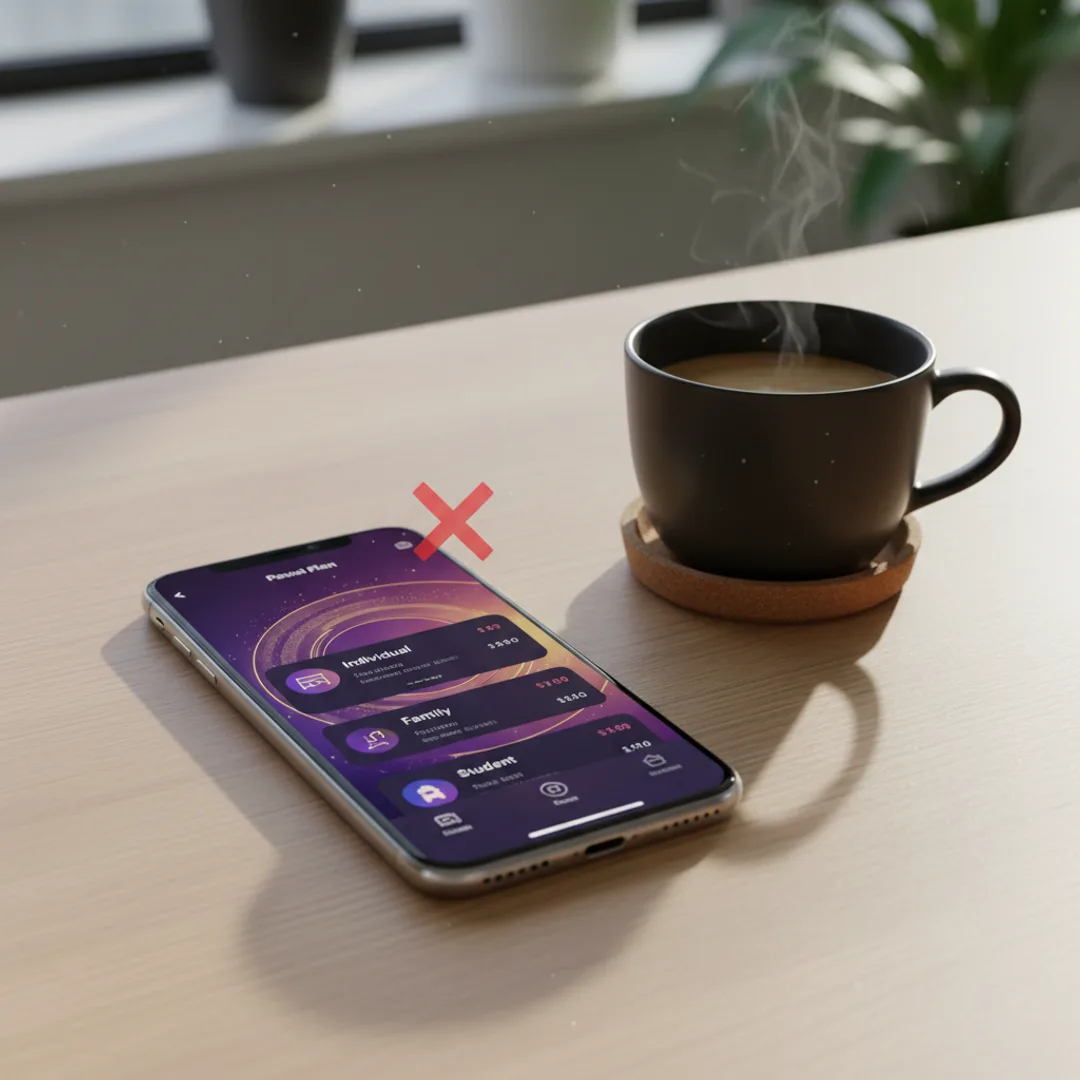
The seven apps below are all category 1 or 2. None of them watermark exports on the free tier, and none of them require a credit card to start. I will mark each one with the bucket so you know what you are signing up for.
If you want a deeper rundown of the paid options, my Top 10 best AI music apps for iPhone in 2026 covers the full ranking.
1. Muziko — best free generations on iPhone
Bucket: Truly free (limited daily generations). Platform: iOS 18+ (iPhone, iPad, Vision Pro, Apple Silicon Macs). Free tier: A handful of full-length generations on download with no time limit, no watermark, no credit card.
Muziko gives you enough free generations on first download to make a real song or two — full 90-second tracks, exported clean, with no watermark. After the free credits, you can either keep using the free portion of the app (limited daily regenerations) or subscribe at $6.99/week or $34.99/year.
Where Muziko stands out on the free tier:
- 50+ genres and 14 moods are all unlocked from day one.
- All three creation modes — Describe, Write Lyrics, Story Mode — work without a subscription.
- Exports are clean MP3, no audio tag.
Where Muziko's free tier ends:
- Daily free regenerations are limited (you will hit the cap quickly if you regenerate often).
- The Continue feature for extending songs past 90 seconds is a paid feature.
For most people testing the waters, Muziko's free tier is enough to decide if AI music on iPhone is for you. Try Muziko free on the App Store.
2. Suno — most generous free tier on the web
Bucket: Truly free (50 daily credits). Platform: Web + iOS app. Free tier: 50 credits per day = roughly 10 free songs daily, no watermark, no credit card.
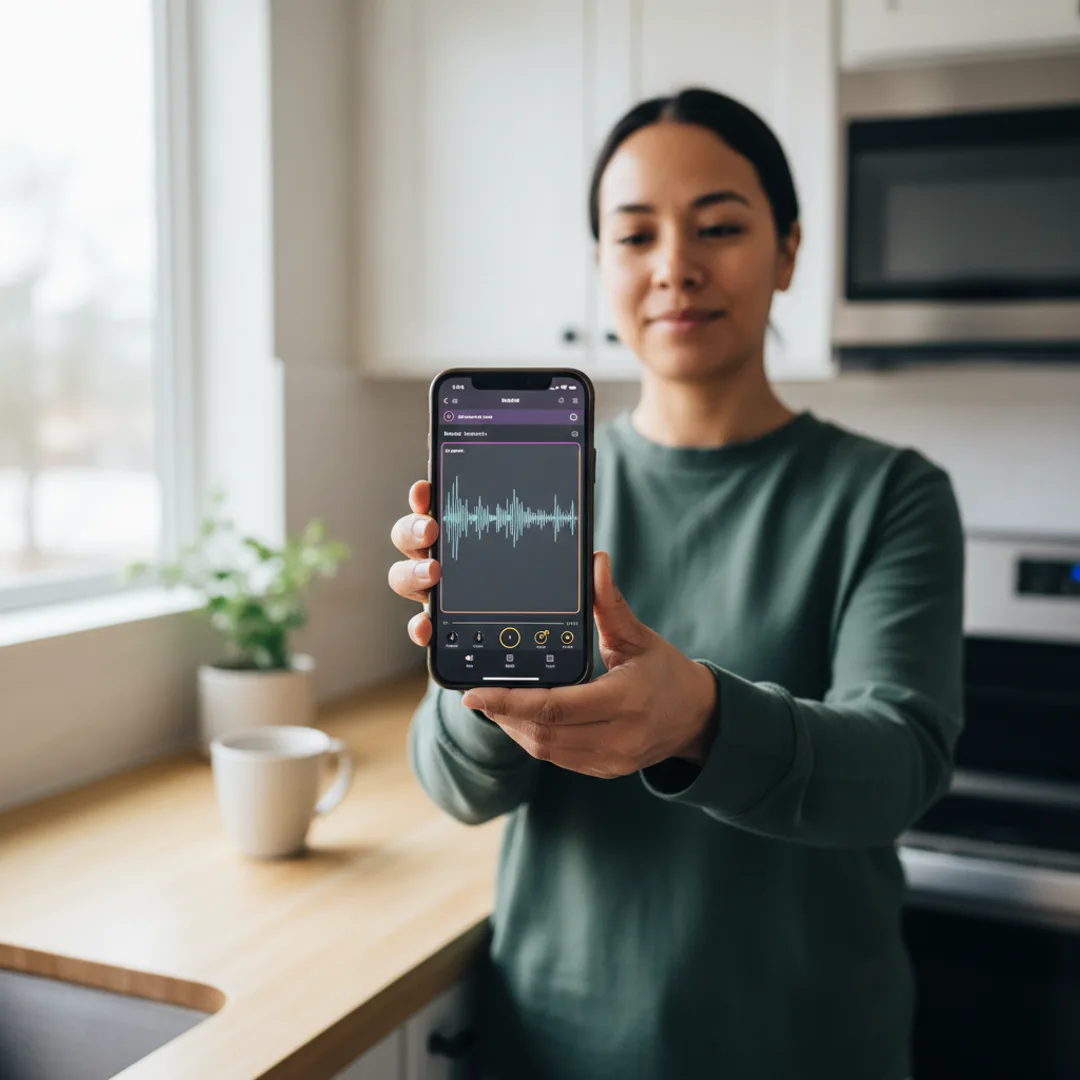
Suno is the most well-known AI song generator, and their free tier is genuinely generous — 50 credits a day refills automatically. A standard 2-minute song costs about 5 credits, which gets you roughly 10 songs every day for free.
The catch is two things: free tier songs are tagged "non-commercial" in their license (you cannot monetize them), and the free generations sit in a public feed where anyone can hear them. If those two limitations do not bother you, Suno's free tier is the most prolific way to make AI music without paying.
The output quality on the free plan is identical to paid — same model, same length, same audio fidelity. Just no commercial rights and no privacy.
3. Udio — high-quality free generations
Bucket: Truly free (1,200 credits per month). Platform: Web (iOS app rumored for 2026). Free tier: 1,200 credits monthly = about 10 songs/month, no watermark.
Udio is the audio-quality favorite among musicians. Their model produces noticeably crisper mixes than most competitors, especially on instrumental and vocal-heavy tracks.
Where the free tier helps: 1,200 monthly credits is enough for casual use — about 10 full-length songs a month. The audio quality you get on free is the same as paid.
Where it limits you: like Suno, the free tier comes with non-commercial licensing. If you want to release on streaming platforms or monetize on YouTube, you need a paid plan. Udio also does not have an iPhone-native app yet, so it is a desktop or mobile-web experience.
4. SongR — fast and free with no signup
Bucket: Truly free (unlimited, watermark-free). Platform: Web. Free tier: Unlimited generations, no signup, no credit card, no watermark on exports.
SongR is the underdog of this list. It is web-only, the interface is plain, and there is no mobile app. But it is one of the very few AI music tools where you can land on the homepage, paste a prompt, and download a finished song in under a minute — no account, no email, no watermark.
The trade-off is quality. SongR's model is older and the output reflects that — vocals are passable, mixing is amateurish, and the genre range is narrower than Suno or Muziko. For quick prototypes or non-critical use cases (jingles, voicemail tones, video transitions), it is hard to beat the friction-free experience.
5. AIVA — free composer for instrumentals
Bucket: Truly free (3 downloads/month). Platform: Web + Windows + Mac. Free tier: 3 monthly downloads, MP3 only, personal use license.
AIVA is the orchestral specialist. If you want classical, cinematic, or electronic instrumentals — no vocals — AIVA is the most capable free tool I have used. It is the only one on this list with a music theory-aware composition engine, which means you can specify key, time signature, and chord progressions and it will respect them.
The free tier limits you to 3 MP3 downloads per month, but each export is full-length (you can specify up to 5 minutes) and clean. For game soundtracks, YouTube background music, or meditation tracks, three downloads a month is often enough.
AIVA cannot generate vocals at all, so it is the wrong tool if you want a song with lyrics.
6. Boomy — free with limits, easy share-to-stream
Bucket: Truly free (limited). Platform: Web + iOS app. Free tier: 25 saves per month, free uploads to streaming platforms.
Boomy is interesting because the free tier includes something nobody else offers — they will distribute your free-tier songs to Spotify, Apple Music, and TikTok Music as a B-side artist. You cannot earn royalties on free-tier uploads, but the songs go live on real streaming platforms.
For making a real song you actually own and control, Boomy is not the best choice — the free output is short (under 90 seconds) and the genre selection is narrower than Suno or Muziko. But as a "make a fake artist profile in 10 minutes" novelty, it is genuinely fun.
7. Mubert — free royalty-free background tracks
Bucket: Truly free (no watermark on personal use). Platform: Web + iOS + Android. Free tier: Unlimited generations for personal use, no watermark.
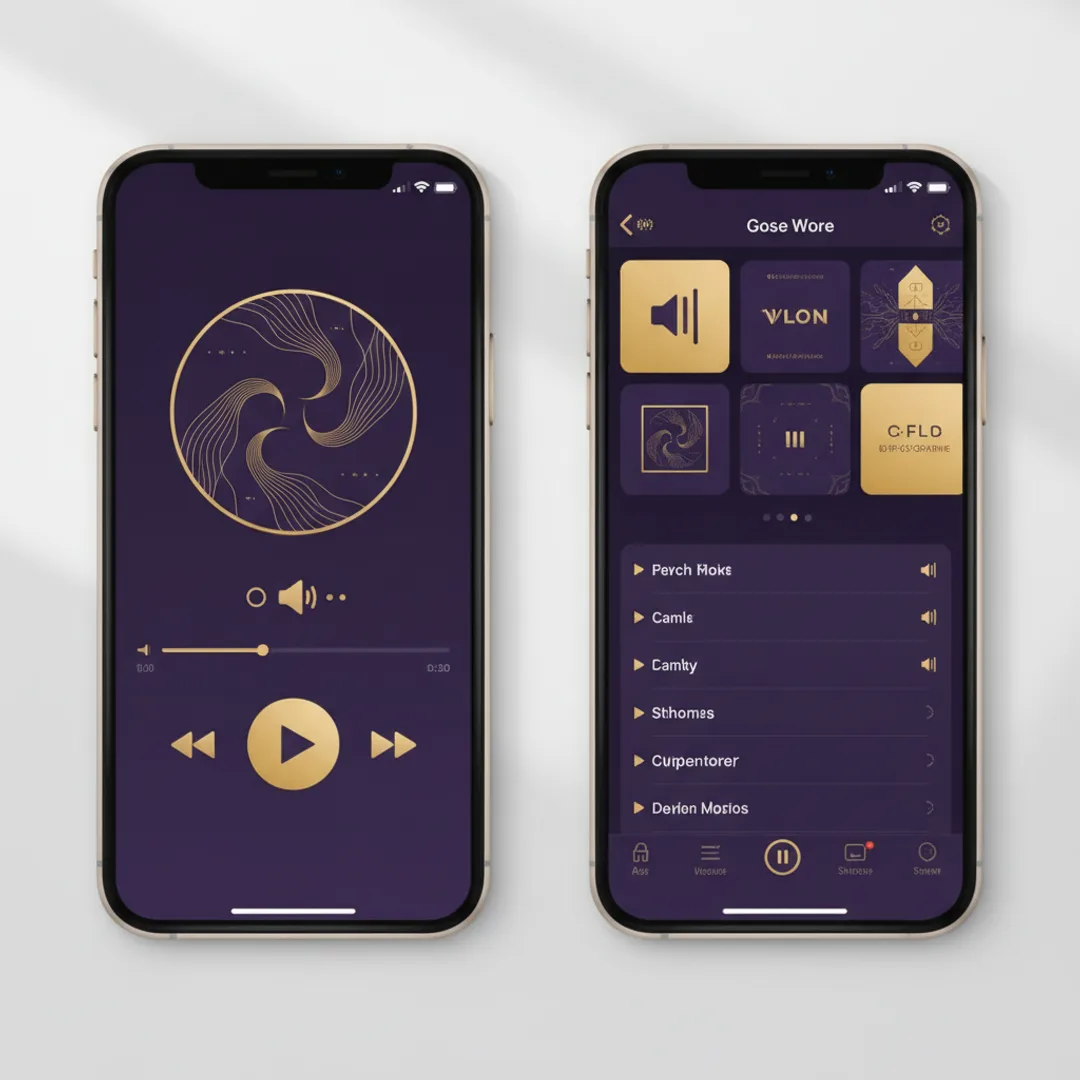
Mubert is not a song generator in the traditional sense — it is closer to an infinite-radio engine. You pick a mood, length, and intensity, and Mubert streams a personalized track that is as long as you want.
The free personal-use tier is unlimited and watermark-free, which is genuinely generous. It is the right tool for things like background music for a workout playlist, a podcast bed, a video soundtrack you do not plan to monetize. For making a song with vocals you can call your own, Mubert is the wrong tool — there are no vocals at all.
How to actually pick one
Most people scrolling this list want one of four things. Here is the honest match-up:
- "I want to make a real song with lyrics on my iPhone, free." → Muziko (best mobile UX, free generations on download) or Suno's iOS app (more free credits, public feed).
- "I want the highest audio quality, free." → Udio (web), or Suno on a desktop browser.
- "I want background music with no vocals." → AIVA for orchestral, Mubert for ambient/lo-fi.
- "I just want a quick novelty song to send a friend." → SongR (no signup) or Boomy.

If you want the longer "what should I actually use" framework, the Top 10 ranking compares paid options head-to-head. And if you are brand new and just want to make your first AI song, the 3-minute walkthrough is the fastest path to a finished track.
A note on commercial use of free-tier output
Almost every free-tier output on this list comes with a non-commercial or limited-use license. That means:
- You generally cannot monetize a YouTube video that uses free-tier music as the soundtrack.
- You generally cannot release the song to Spotify or Apple Music unless the platform offers a free distribution path (Boomy does, others do not).
- You generally can use the song in personal projects, demos, social posts, and unmonetized content.
If you plan to use the music commercially, the cheapest legitimate path on this list is Muziko at $34.99/year ($2.92/month) which includes a commercial use license. That is meaningfully cheaper than Suno Pro ($10/month) or Udio Standard ($10/month). For more on the legal side, the IFPI industry data is a good reference for how the music rights ecosystem currently treats AI-generated tracks.
Frequently asked questions
Are free AI song generators actually free, or just trials?
Most so-called free AI song generators are either watermarked, limited to short clips, or full trials that expire. The seven apps above are the only ones I found that offer real free generations of full-length songs without watermarks.
Can I make a free AI song with vocals?
Yes. Muziko, Suno, Udio, SongR, and Boomy all generate AI vocals on their free tiers. AIVA and Mubert are instrumental only.
Can I monetize free AI-generated songs?
Usually no. Most free tiers grant only personal-use rights. To monetize on YouTube, Spotify, or in paid client work, you need a paid plan. Muziko's $34.99/year plan is the cheapest commercial-rights option in this guide.
What is the best free AI song generator for iPhone?
Muziko is the best free AI song generator built natively for iPhone — free generations on download, no watermark, no time limit, no credit card. Suno's iPhone app is a strong second.
Will free AI songs sound worse than paid?
On most apps here, the audio quality on free is identical to paid. The differences are usage limits, commercial license, and access to advanced features like song extension or stem export.
The honest summary: of the 20 "free AI song generators" I tested, exactly seven let me create a usable song without paying or watermarking the result. If you are starting out and want the easiest path on iPhone, download Muziko free and make your first track today. If you want the most free credits per month and do not mind a public feed, Suno is the obvious second pick.
Try everything you just read about. Muziko is free to download.