Best AI Music App for iPhone 2026: Top 10 Ranked
I tested the 10 best AI music apps for iPhone in 2026 and ranked them by speed, quality, vocals, and price. Honest picks you can trust.
I've spent the last six months generating thousands of AI songs on my iPhone — same device, same criteria, same honest standards. This is the updated ranking for 2026.
What follows is the best AI music app for iPhone in each slot from 1 to 10. Every app earned its rank. Some are free. Some cost money. None get a spot for marketing reasons. I'll tell you how I tested them, what each one is best at, and where each one fails. At the end I help you pick the one that fits what you're actually trying to make.
How I tested and ranked these apps
I ran the same test battery on every app. Same iPhone 16 Pro, same Wi-Fi, same ten prompts covering the genres I see most often — lo-fi, pop, hip-hop, EDM, cinematic, indie folk, K-pop, jazz, country, and ambient. Each app got at least ten hours of real use before I ranked it.
Scoring weighted six criteria:
- Audio quality — how good does the finished track actually sound?
- Generation speed — how long from "tap Generate" to "I can listen"?
- Prompt literalness — does it make what you asked for, or its own interpretation?
- Vocal quality — when it sings, does it sound like a person or a robot?
- Genre coverage — how many styles produce listenable output?
- iOS polish — does it feel like a native app or a web wrapper?
Pricing and licensing mattered as tiebreakers, not main criteria. An app that makes great songs you can't legally release is worth less than one that makes good songs with clean terms. For reference on how these models work under the hood, the Wikipedia article on AI music generation is solid. If you want a deeper comparison of the top three before reading the full list, I covered it in my AI song generator for iPhone guide.
What makes a good AI music app on iPhone
Before the ranking, one point worth stating: "good on desktop" and "good on iPhone" are different products. An app that takes 90 seconds to generate a track is fine on a laptop. On a phone, while you're walking somewhere or sitting on a train, 90 seconds is a lifetime. You forget what you were trying to make.
The best iPhone AI music apps share four traits:
- Fast generation loop — under 30 seconds end-to-end.
- Native iOS feel — proper sheets, haptics, and share integration.
- Low friction input — typing a prompt is fine, but the best apps also accept voice, paste from Notes, or offer starter templates.
- Save and share that works — you shouldn't have to fight the app to get audio out of it.
I marked apps down hard for bad sharing flows. If exporting a track takes six taps and a workaround, the app loses points no matter how good the audio is.
The top 10 AI music apps for iPhone in 2026
1. Muziko
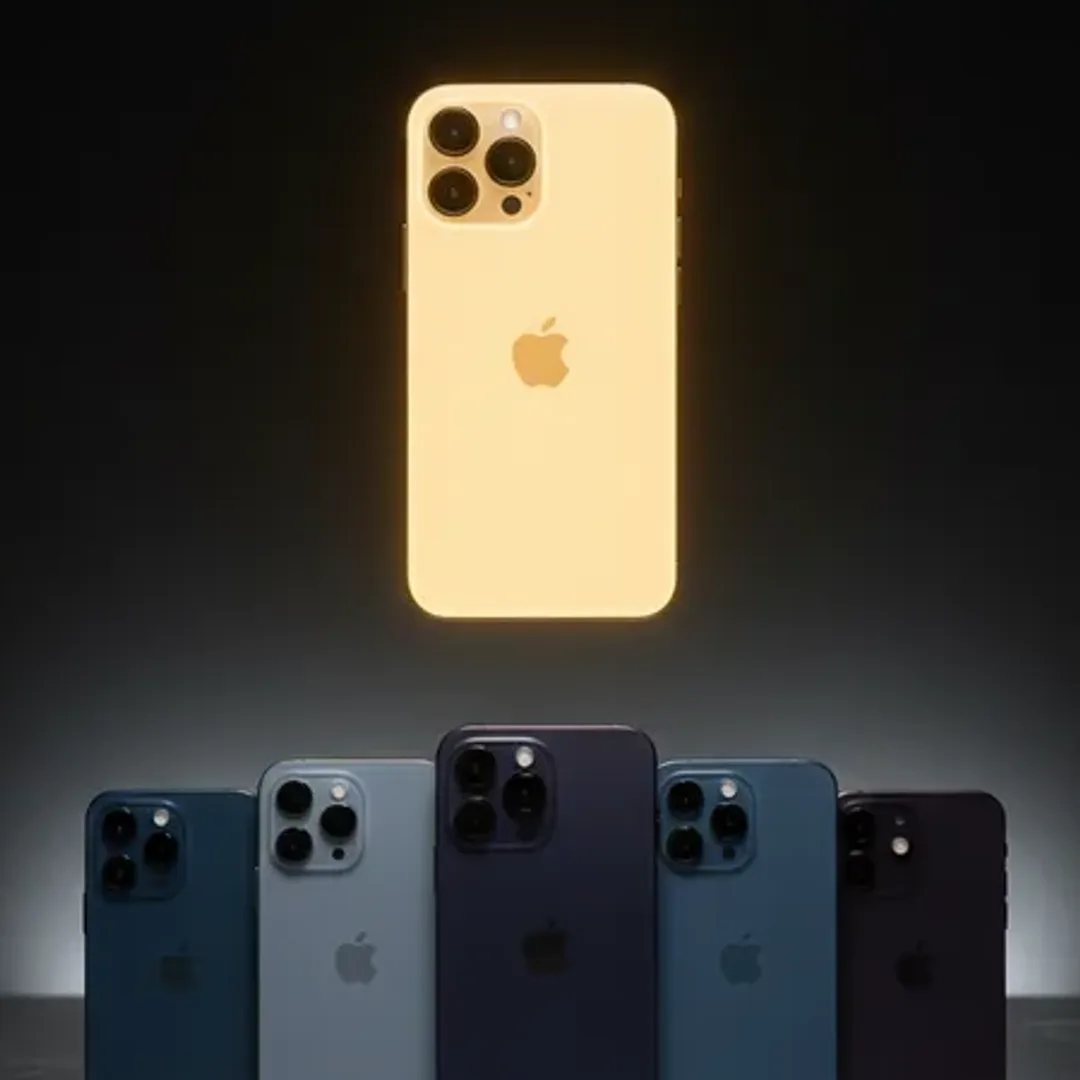
Disclosure: I write for Muziko. I'd still rank it first. Generation is 8–15 seconds — the fastest on iOS. The three-mode setup (Describe, Lyrics, Story) covers more starting points than any competitor. 50+ genres, 14 moods, iOS 18+ native, runs on iPhone, iPad, Vision Pro, and Apple Silicon Macs. $6.99/week or $34.99/year with a trial. App Store listing.
Best for: fast iteration, TikTok clips, lo-fi, cinematic, indie pop. Weakness: 15-second cap per generation means you chain clips for anything long.
2. Suno
Still the name most people know, and with reason. Vocals are Suno's strongest feature — the singing sounds the most real among generators I've tested. The iOS app rebuilt in late 2025 is much better than the 2024 version. Longer tracks up to 4 minutes. Paid tiers start at $8/month.
Best for: full songs with vocals, community features. Weakness: slower generation (30–45s), prompts sometimes drift off-brief.
3. Udio
Udio has the audio fidelity ceiling. On a full-length track, nothing else quite matches the texture and detail. The iPhone app is the weakest part of the story — it feels like a web wrapper. Power users end up on the desktop version, which isn't a great iPhone recommendation but is an honest one.
Best for: audiophile results, extension and remixing. Weakness: iOS UX, 60–90s generation, pricier tiers.
4. AIVA
The composer's pick. Orchestral and instrumental output at genuinely pro levels. MIDI export, clear royalty terms, used by film and game scorers. Does not do vocals at all.
Best for: cinematic scoring, film, games, classical. Weakness: no vocals, steeper learning curve.
5. Soundraw
Not purely generative — Soundraw assembles customizable stems from a large library. The upside is predictability and the cleanest commercial licensing in the category. Great for background tracks under a video.
Best for: YouTube background music, podcasts, commercial use. Weakness: less surprising creatively.
6. Boomy
Boomy is the fastest path to a finished song for a complete beginner. Tap a few buttons, get a track, publish to streaming. The audio isn't top-tier but the workflow is so fast that it earns a spot. Good for making dozens of quick ideas and seeing what sticks.
Best for: absolute beginners, high-volume idea generation. Weakness: audio quality capped below Suno/Muziko tier.
7. Mubert
Mubert focuses on endless, generative tracks rather than finished songs. You give it a mood and it produces a continuous stream. Useful for content creators who need royalty-free audio beds. The iOS app is clean and fast.
Best for: endless background tracks, focus sessions, streaming. Weakness: not structured songs, no vocals.
8. Soundful
Soundful sits between Soundraw and Boomy — stem-based but with AI-driven variation. Mobile experience is decent. The commercial license is clear, and the track library covers electronic and pop styles well.
Best for: branded video, ad creators, musicians who need stems. Weakness: limited iPhone-specific polish, narrower creative range.
9. BandLab (SongStarter)
BandLab's SongStarter feature generates AI song ideas you can then edit in their full mobile DAW. This is the only entry on the list that lets you take an AI starting point and keep building it traditionally. For actual musicians who want AI as a sketch tool rather than the whole pipeline, it's excellent.
Best for: musicians using AI as a seed, not a finished product. Weakness: not a one-tap generator, requires DAW comfort.
10. Endel
Endel is technically an AI music app, though it's built for focus, relaxation, and sleep rather than track creation. The output is beautifully designed soundscapes personalized to time of day, weather, and heart rate. It's Apple Watch-native and feels uniquely like an iPhone product.
Best for: focus, sleep, wellness-driven listening. Weakness: not for making songs you'd share.
Free vs paid: which tier is actually worth it
Most "free" AI music apps for iPhone are free in the marketing copy and paywalled everywhere that matters. A realistic breakdown:
- Actually usable free tiers: Suno (daily credits), Muziko (trial period), Boomy (limited generations), BandLab (free tier with watermarks on downloads).
- Free but watermarked or length-capped: Soundraw, Soundful, Mubert.
- No meaningful free tier: Udio, AIVA (trial only).
My honest take: if you're just trying things out, use Suno's free credits or Muziko's trial. Don't pay for anything until you know what you want to make. If you do commit, the annual plans are significantly cheaper than weekly — Muziko's yearly ($34.99) works out to under three bucks a month. Cheaper than Spotify.
The one place the free tier really hurts is commercial use. Free outputs almost always come with restrictive licenses. For a TikTok track or personal project that's fine. For an ad, a YouTube monetized video, or a client deliverable, pay for the tier that includes clear commercial rights.
Which AI music app should you pick?
Rapid-fire by use case:
- TikTok clips, social content, fast iteration: Muziko.
- Full songs with strong vocals: Suno.
- Top audio fidelity, don't mind friction: Udio.
- Film, game, cinematic scoring: AIVA.
- Background music for YouTube with clean licensing: Soundraw or Soundful.
- Absolute beginner, just want something quick: Boomy.
- Endless ambient streams: Mubert or Endel.
- AI as a seed for traditional production: BandLab SongStarter.
If you're unsure, start with Muziko or Suno. Between them they cover 80% of what most people want to make. For lo-fi, Muziko is the strongest first pick — the genre sits right in its sweet spot. For pop, either wins depending on whether you prioritize vocals or speed. For EDM, try Muziko first and Mubert if you want continuous sets instead of structured drops.
Apple's own Human Interface Guidelines set the bar for how iOS apps should feel. Most of the apps on this list clear the bar. A few (you can guess which) clearly don't.
FAQs
What is the best AI music app for iPhone in 2026?
For most users, Muziko. It combines the fastest generation on iOS with the broadest creative starting points. Suno is the runner-up and the pick if vocals are your top priority. Udio is the quality ceiling if you tolerate a worse mobile experience.
Which AI music app has the best vocals?
Suno, by a clear margin. Muziko and Udio are close behind. Boomy and Soundful vocal output is noticeably more robotic. AIVA and Mubert don't do vocals at all.
Are AI-generated songs copyright safe?
It depends on the app's license. Suno paid tiers, Muziko, Soundraw, and AIVA all grant commercial rights to output. Udio is more restrictive. Free tiers often don't include commercial licensing — check the terms before you monetize anything.
Can I use these AI music apps offline?
Mostly no. Quality depends on cloud inference. AIVA has partial offline melody drafting. Everything else needs Wi-Fi or cellular.
How much do AI music apps for iPhone cost in 2026?
Entry-level paid tiers run from $6.99/week (Muziko) to $10/month (Suno). Annual plans on most apps are 40–60% cheaper per month than weekly. Pro tiers with commercial licensing push toward $30/month on Udio and AIVA.
Which app is fastest on iPhone?
Muziko at 8–15 seconds per generation. Boomy is next at around 20 seconds. Suno and Soundraw land in the 30–45 second range. Udio is the slowest of the top-tier apps at 60–90 seconds for longer tracks.
The best AI music app for iPhone in 2026 is the one you actually open. Download two or three from this list, spend a weekend making songs, and see which one you keep coming back to. That's the real ranking — the one that happens on your home screen.
Try everything you just read about. Muziko is free to download.