Text to Song AI: Turn Any Description into Music
How text-to-song AI works under the hood, the description recipe that produces tracks that match what you imagined, and genre-specific templates to copy and paste.
The thing that is genuinely strange about text-to-song AI is that it does not need lyrics. You can type a sentence describing a feeling — "a slow piano song that sounds like rain on a Sunday morning" — and a model returns a 90-second piece of music that, more often than not, actually sounds like that. No sheet music, no chord input, no MIDI. Just the description.
When this works, it feels closer to translation than composition. Your sentence carries a mood, a tempo, an instrumentation, an emotional arc, and the model unpacks all of those signals at once. When it does not work, it usually fails for one specific reason: the description was not specific enough.
This guide is about how to write descriptions that produce tracks that match what you imagined — what the model is actually paying attention to, the recipe for a description that lands on the first generation, and the templates I use across the genres I make most often.
How text-to-song AI works under the hood
You do not need the math to use these tools well, but a rough mental model helps you write better descriptions.
A modern text-to-song system has three components:
- A text encoder that reads your description and turns it into a high-dimensional vector — a numeric fingerprint of every concept in your sentence. "Lo-fi piano with rain ambience" gets parsed into separate signals for genre (lo-fi), instrument (piano), texture (ambient), and a soundscape cue (rain).
- An audio diffusion model that starts from random noise and gradually denoises it into a waveform shaped by the text vector. Each step pulls the audio closer to something that matches your description.
- A vocoder or audio decoder that turns the model's internal representation into a 24kHz or 48kHz stereo file you can listen to.
The text encoder is the part that decides what you get. If your description is vague — "a happy song" — the vector is fuzzy and the model picks an interpretation. If the description is specific — "upbeat acoustic folk with handclaps and a male whistled melody, summer afternoon energy, around 110 bpm" — the vector is sharp and the model converges on something close to what you described.
This is why prompt specificity matters more than prompt length. A long, vague description does not beat a short, specific one. The model is reading concepts, not word count.
The description recipe that actually works
After hundreds of generations, the descriptions that produce the best results almost always cover four ingredients. I think of them as a recipe:
- Genre and energy — the broad style and tempo feel. "Lo-fi hip hop, mellow." "Upbeat indie pop, energetic."
- Instruments and vocals — the instruments that should be foregrounded and whether vocals are present. "Mellow Rhodes piano with brushed drums." "Female vocals with airy delivery."
- Scene or mood — the emotional or visual context. "Late-night studying." "Beach at golden hour." "A first kiss in the rain."
- Production cue — a one-phrase production hint. "Warm tape hiss." "Bright modern mix." "Intimate, close-mic'd."
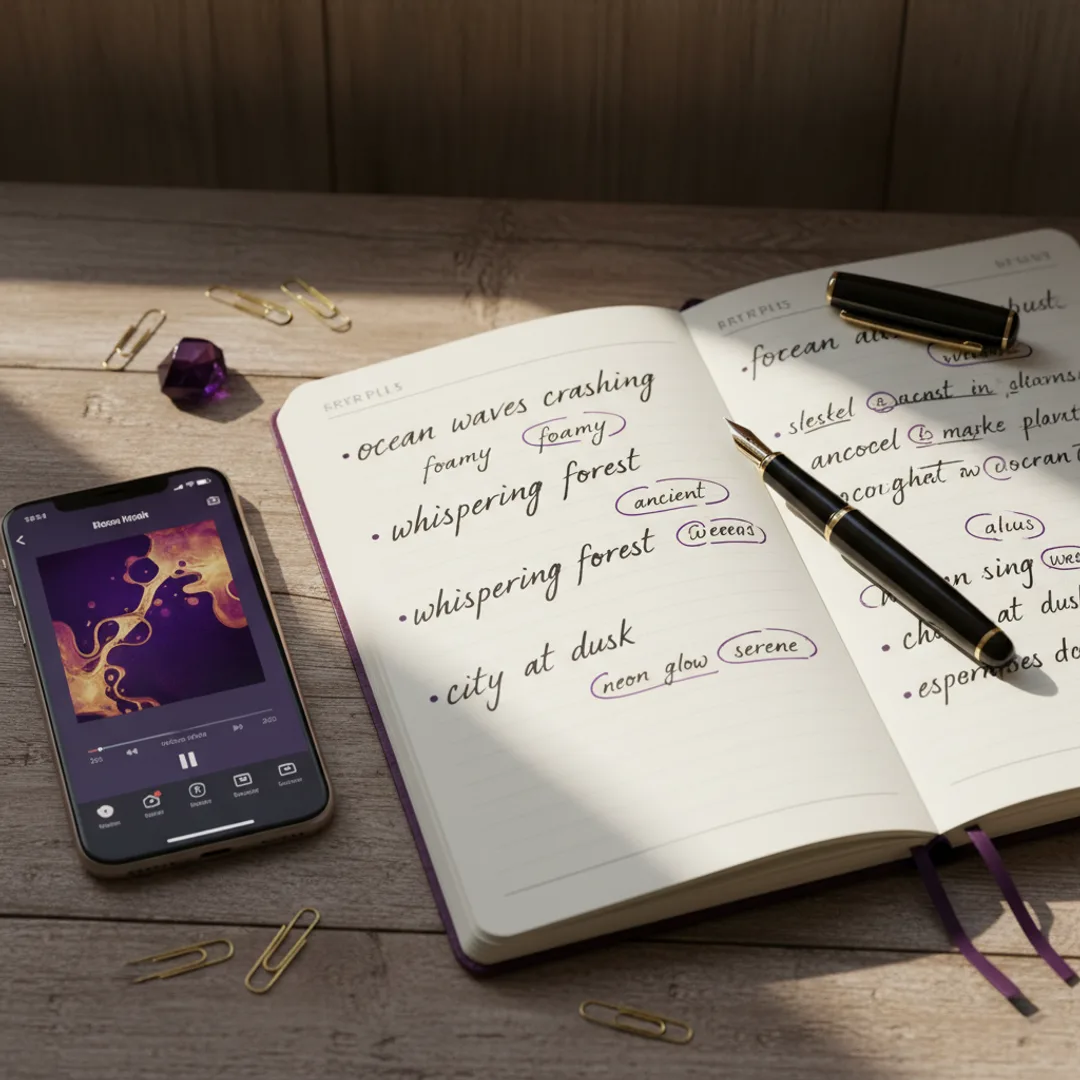
A description that combines all four lands consistently:
"Lo-fi hip hop, mellow Rhodes piano with brushed drums, late-night studying, warm tape hiss."
That single sentence covers genre, instruments, scene, and production. The model has enough signal in every dimension to converge on a coherent track. Drop any one ingredient and the result gets generic in that exact way — drop the scene and the song feels emotionally flat; drop the production cue and the mix sounds plasticky.
The full prompt formula that builds on this recipe is in the prompts that work guide. For text-to-song specifically, the four-ingredient version is enough.
Genre-specific description templates
These are templates I have tested across thousands of generations. Each one is a starting point — replace the bracketed parts with your specifics.
Acoustic folk
"Acoustic folk, [male/female] vocals with a warm delivery, fingerpicked guitar with [light strings / mandolin / upright bass], [scene], around [85–105] bpm, intimate close-mic'd mix."
Folk is the most forgiving genre for text-to-song. Vocals stay clean, the instrument list is short, and "intimate close-mic'd" pulls the mix toward something that sounds organic.
Lo-fi hip hop
"Lo-fi hip hop, [vocal chops / instrumental], mellow [Rhodes piano / dusty sample] with [brushed drums / 808 sub], [scene like rainy afternoon or late-night studying], warm tape hiss, around [80–95] bpm."
The "warm tape hiss" cue is what makes a generation actually sound like lo-fi instead of a clean instrumental. Skip it and the model often returns something too polished. The full lo-fi prompt formula is in the lo-fi guide.
Modern pop
"Modern pop, [male/female] vocals with a memorable repeating phrase, bright synth pads with [handclaps / 808 kick], [scene], around [110–125] bpm, radio-ready mix."
The "memorable repeating phrase" is a cue the model takes seriously — it pushes the output toward a chorus that loops well. Useful for songs you want to share clip-style.
Trap / hip hop
"Modern trap [instrumental / male vocals], dark atmospheric pads, hard 808 sub bass with rolling hi-hats, [scene like late-night drive or empty parking garage], around [140–150] bpm, club-ready mix."
For full rap-focused prompts, the rap generator guide has more detail on flows and vocal cadence.
Cinematic / orchestral
"Cinematic orchestral, [no vocals / female vocalise], swelling strings with [piano / brass / choir], [scene like a sunrise reveal or a slow chase], around [70–90] bpm, wide film-mix."
Cinematic prompts work best with no vocals or with wordless vocalise. Specific lyrics tend to fight the orchestral arrangement.
Synthwave / 80s
"Synthwave, [instrumental / male vocals with retro reverb], gated drums with arpeggiated synth bass, neon-lit night drive, around [105–115] bpm, 80s-styled mix."
The "gated drums" cue is the fastest way to get the model to produce that 1985 production sound. Without it, you usually get something more modern that loses the genre signature.
Indie pop
"Indie pop, [male/female] vocals with a slightly imperfect delivery, jangly electric guitar with light synths, [scene], around [108–120] bpm, warm vintage mix."
The "slightly imperfect delivery" cue is what gives indie its character. Without it, the vocals tend to come out too polished, which is the wrong texture for indie.
Iterating when the model misses
Sometimes the first generation does not land. The fix is almost always more specific, not more words.
If the song is too generic — sounds like a stock track — the description was probably missing a scene or a production cue. Add one of these:
- A specific scene: "a thunderstorm at 3am", "Sunday morning in a quiet kitchen"
- A production cue: "warm tape hiss", "intimate close-mic'd", "radio-ready mix"
- A signature instrument: "with a recognizable saxophone solo", "with a memorable whistled melody"
If the song is the wrong tempo, add a bpm range. The model takes ranges well: "around 90 bpm" or "between 100 and 120 bpm." Avoid exact numbers — "exactly 124 bpm" — because the model treats them as approximate anyway and the precision wastes vector space.
If the vocals sound wrong, get specific about delivery. "Female vocals with airy whispered delivery." "Male vocals with a vulnerable cracking delivery." "Vocals with a confident shouted delivery." The delivery word matters as much as the gender word.
If the mix sounds off, add a mix descriptor at the end. "Warm vintage mix." "Bright modern mix." "Intimate close-mic'd mix." "Wide film mix." This single phrase pulls the production toward a coherent overall sound.
In testing, two iterations usually gets a description from "almost right" to "this is the track I imagined." Three iterations is rare. If the third generation still misses, the description is fighting itself — usually two of the four ingredients are pulling in opposite directions, like asking for "intimate folk" and "club-ready mix" in the same prompt.
The difference between text-to-song and lyrics-to-song
Text-to-song and lyrics-to-song are two different modes that share the same engine. Knowing which to use matters.
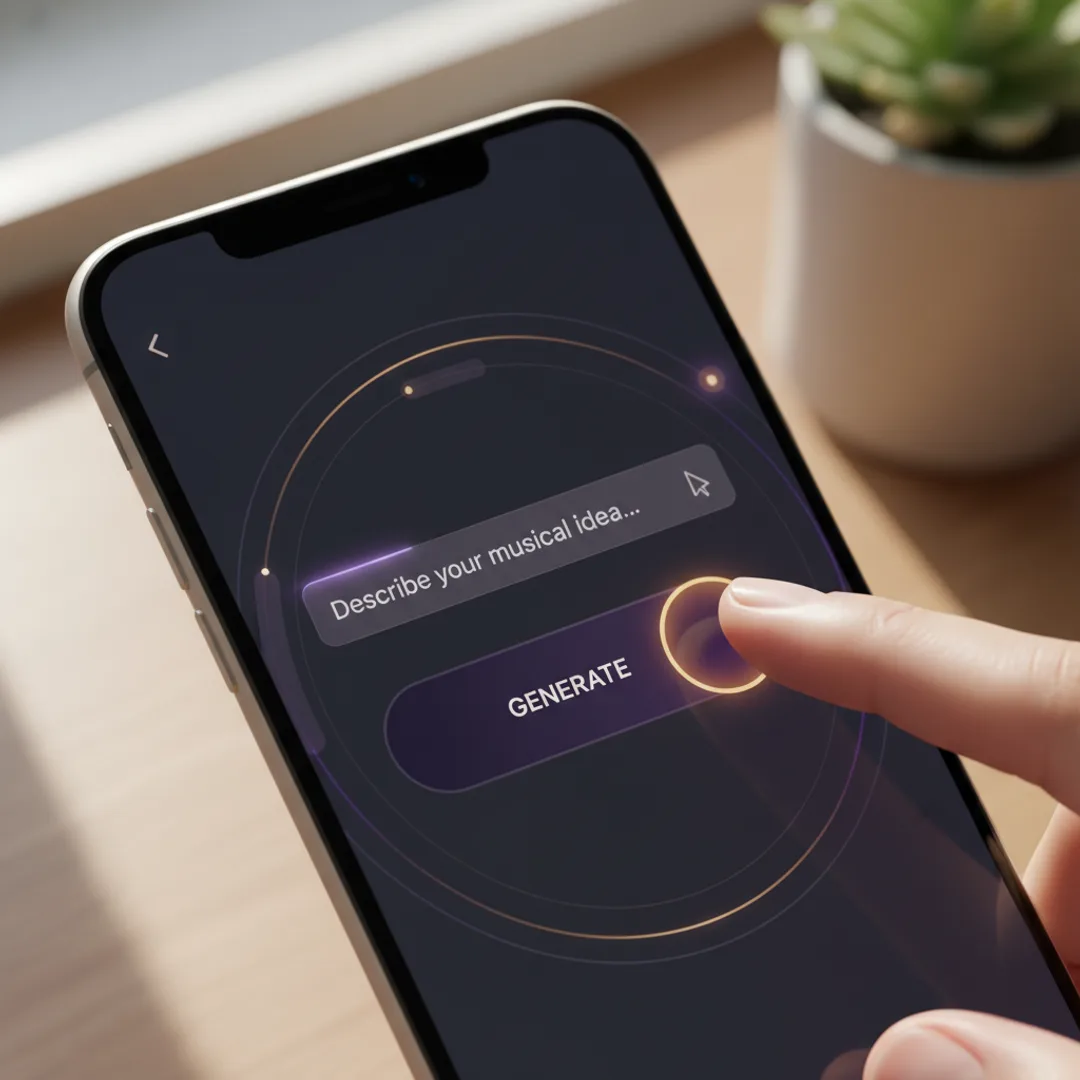
Text-to-song is description-only. You write what the song should sound like, and the model decides whether to add lyrics or not, and what those lyrics should say. Use this when you want a vibe, a soundtrack, or a track for a video — anything where the lyrics are not the point.
Lyrics-to-song is lyrics-first. You write actual lyrics, then describe the genre and vocal style, and the model writes melody and instrumentation around your words. Use this when you have a specific lyrical idea — a birthday song, a love song with names in it, a song about a specific event.
Most apps support both. In Muziko, the Describe mode is text-to-song and the Lyrics mode is lyrics-to-song. Switching between them mid-project is fine — sometimes I start with a description, get a track I like, then write lyrics that match the vibe and regenerate in Lyrics mode.
For a step-by-step on the lyrics workflow, the lyrics-to-song guide covers it. For more on the prompt formulas that bridge both modes, the prompts that work guide is the deeper dive.
Commercial use of text-to-song output
Tracks generated from a text description are owned by you under most current AI music app terms — including Muziko Pro — and can be used in monetized YouTube, TikTok, Spotify, podcasts, and commercial projects. The legal shape is similar to other generative AI output: you supplied the prompt, you own the result.
Two caveats worth knowing:
- Free tiers usually restrict commercial use. If you want to monetize, you generally need a paid plan. Muziko Pro at $34.99/year includes full commercial rights.
- Copyrighted artist names in your prompt are a bad idea. Writing "in the style of Taylor Swift" might produce something close to her sound, but the legal cleanliness of that output is murky. Stick to genre and energy descriptors instead — "upbeat country pop with a confident female vocal" gets you the same vibe without naming a specific artist.
For the broader legal question, the Wikipedia entry on AI music copyright is a useful primer.

Try this exact description right now
Open Muziko, pick Lo-fi as the genre and Calm as the mood, switch to Describe mode, and paste this:
"Lo-fi hip hop instrumental, mellow Rhodes piano with brushed drums and a memorable melodic line, late-night rainy window studying scene, warm tape hiss, around 85 bpm."
In testing, this description produces a coherent lo-fi track on the first generation about 80% of the time. If the first take is close but not quite, iterate on one ingredient — usually the scene or the production cue — and the second generation lands.
For more practical workflows by use case, the TikTok track guide covers description tweaks for short-form video, and the iPhone 3-minute walkthrough is the fastest way to get from your first description to a finished song.
Frequently asked questions
Try everything you just read about. Muziko is free to download.