
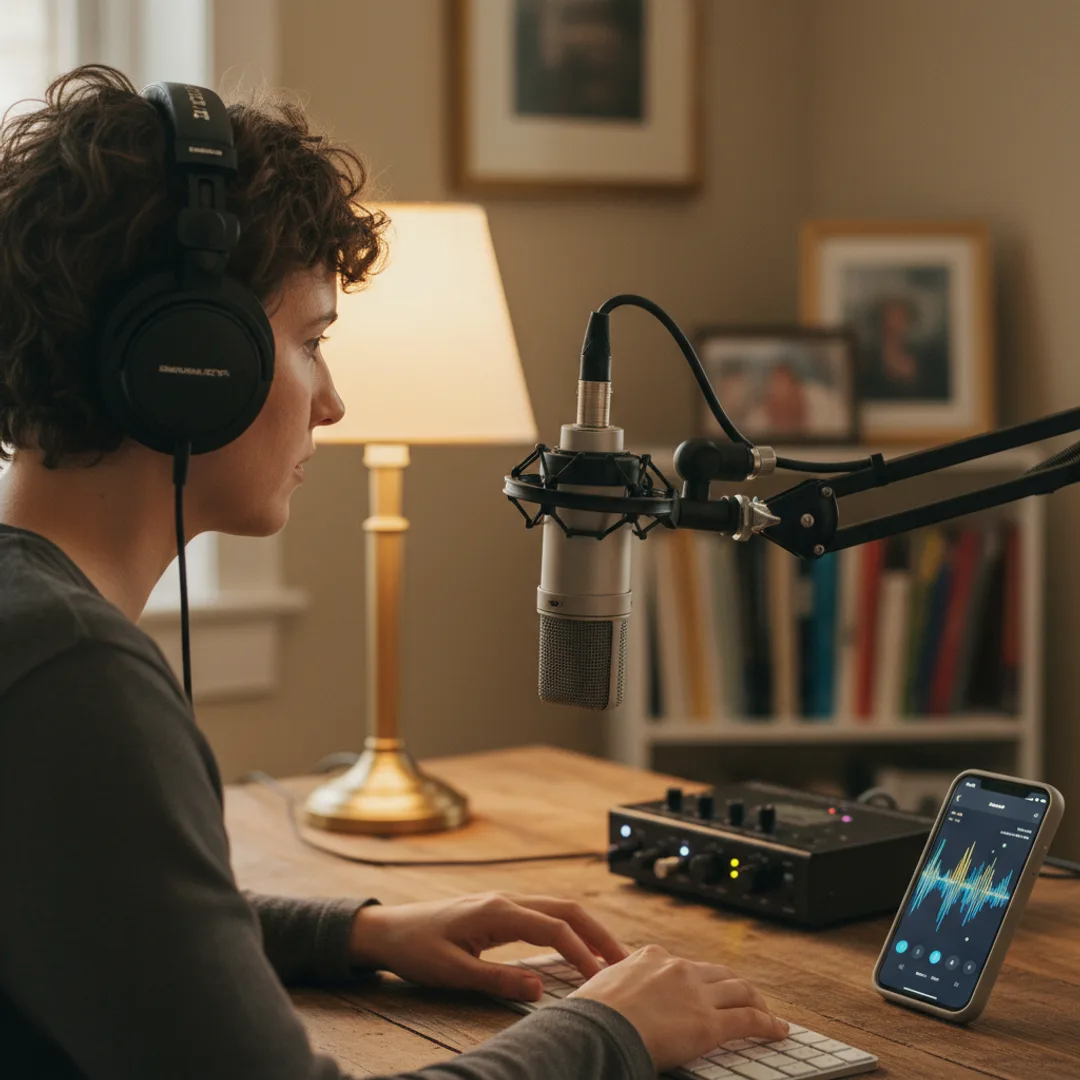
AI Podcast Intro Music: Custom Intros and Outros
Stop using the same Epidemic Sound intro every other podcast uses. Generate custom AI podcast intros, outros, and stings on iPhone in under five minutes — tuned to your show's exact vibe and length.
I have been listening to podcasts at roughly the rate of 14 episodes a week for the last six years. Sometime around 2023 I started noticing that every third podcast intro sounded like every other third podcast intro — the same upbeat indie folk strum, the same swelling synth pad on the "welcome to the show," the same library track that pops up under three completely unrelated shows in a single week. The bottleneck was not creativity but supply: Epidemic Sound, Artlist, and Soundstripe have great libraries, and they are the libraries every podcast on the planet is drawing from.
This is the case for AI podcast intro music that podcast hosts have not fully caught up to yet. Custom AI intros, outros, and stings are now cheap enough, fast enough, and high-quality enough to replace the stock library entirely. Twelve seconds of intro music, three seconds of sting, ten seconds of outro, generated on an iPhone in under five minutes, with mastering tuned for podcast playback and no per-episode licensing concern. The competitive bar for what a podcast intro can sound like just moved.
This guide is the workflow I have tested for generating AI podcast music on iPhone — intros, outros, transition stings, ad-break beds, episode-specific themes — in under five minutes per element. The structure, the mastering directions that matter for spoken-word context, and where AI is genuinely better than a stock library versus where stock still wins.
Why generic stock intros are quietly hurting your podcast
A few specifics about podcast intros that most hosts only think about after the show is launched:
The same dozen stock tracks soundtrack thousands of podcasts. Epidemic Sound, Artlist, and Soundstripe each license a few hundred "podcast-ready" tracks, and the algorithmic top picks dominate. Listeners hearing the same upbeat acoustic intro across multiple shows develop a kind of stock-music fatigue — the music starts to read as generic rather than as your show.
Intro length is a problem most stock libraries do not solve. A great podcast intro is 8 to 15 seconds — long enough to set the tone, short enough not to lose the listener before the first word. Most stock tracks are 1:30 to 3:00 mastered for general background use, which means hosts spend production time chopping, fading, and looping music that was not built for the actual application.
Stock music is mastered for streaming, not for spoken-word context. Podcasts need intros that sit cleanly under the host's voice without competing with it — gentle midrange, controlled high frequencies, a low end that does not muddy the speech. Most stock tracks are mastered with full streaming dynamics, which often need EQ adjustment when paired with voice.
The license terms on stock libraries are not as simple as they look. Epidemic Sound and Soundstripe require active subscriptions to keep the music licensed; cancel the subscription and your back catalog technically loses its license. Artlist offers more permanent licenses but at a higher price point. AI music generated on a paid app is licensed at the point of generation — once you have the track, you own the right to use it, with no recurring licensing fee.
For more on the personalization pattern broadly, the story to song AI guide covers turning any description into a track. For the broader licensing context, the can you sell AI-generated music legal guide covers what is and is not allowed across paid and free tiers.
What custom AI podcast music can do that stock libraries cannot
The point of custom AI podcast music is not better music — it is built for your show specifically. Five things AI podcast tracks do that stock libraries cannot:
- An exact length matched to your intro slot. Prompt "12 seconds, four-bar phrase, clean ending" and the track is built to that length rather than chopped down from a 2:00 master.
- Mastering tuned for spoken-word context. Prompt "gentle midrange, controlled high frequencies, low end that does not compete with male speech in the 100-200 Hz range" and the result sits cleanly under the host's voice.
- A unique sonic identity that no other podcast has. The intro becomes part of your brand. Listeners hearing the first three seconds of your show recognize your show, not "a Soundstripe podcast in the lifestyle category."
- Matching outros and stings from the same sonic family. Generate the intro, then regenerate the same prompt at different lengths for the outro and the transition stings. The whole show has one coherent sonic identity.
- Per-episode variants for special episodes. Live shows, holiday episodes, milestone episodes, sponsor-heavy episodes — each can have a variant intro generated from the same template. The base identity holds while specific episodes get small twists.
For the prompt-craft side, how to write AI song prompts that actually produce great music is the most useful companion read.
Step-by-step: a custom podcast intro in Muziko, under five minutes
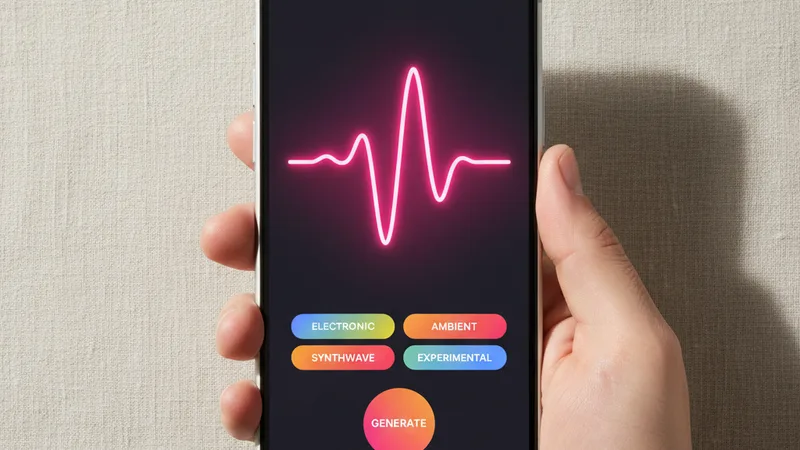
The workflow I have used for two podcasts in the last year — one interview show, one solo essay format. Total time on the most recent intro was 4 minutes 26 seconds from opening the app to having the final WAV exported.
1. Open Muziko and tap Create. Switch to Describe mode for instrumental intros and outros, or Write Lyrics mode if your show has a sung tagline or shoutable show name.
2. Pick the genre. Match the genre to your show's tone. Indie folk for warm conversational shows. Lo-fi for chill creative shows. Cinematic strings for narrative documentary shows. Synth-pop for tech and culture shows. Hip-hop or trap for sports and pop culture shows. The genre is the single most important brand decision for the intro.
3. Pick a mood. Confident for most intros — the opening should signal "this show is worth your time." Dreamy for narrative or essay-format shows. Playful for comedy and culture shows. Sentimental for memorial or interview-driven shows.
4. Set the exact length. "12 seconds, four-bar phrase, clean ending" is the prompt structure for intros. "15 seconds, four-bar phrase, slow fade ending" for outros. "3 seconds, single hit, clean ending" for transition stings. Be specific — AI music apps in 2026 handle exact-length prompts well.
5. Prompt for podcast-ready mastering. Add "mastered for spoken-word context, gentle midrange, controlled high frequencies, low end that does not compete with speech, leave headroom for voice" to the prompt. This is the production direction that separates podcast music from general background tracks.
6. Generate three to six takes. Each generation runs 8 to 15 seconds in Muziko. Listen against your actual voice — record yourself saying the intro tagline over the music to test whether the mix sits cleanly. Most podcast intros need this voice-against-music test to verify the mastering.
7. Save in WAV or the highest-quality format the app offers. Compressed audio formats (MP3, AAC) lose dynamic detail that matters for short intro music. Save in WAV or FLAC if your podcast host supports it; otherwise the highest-bitrate AAC.
8. Generate the matching outro and stings. Regenerate the same prompt at different lengths and energy levels to build a sonic family for the show — 15-second outro, 3-second stings between segments, 5-second ad-break bed. The whole show now has one coherent identity.
For the full mobile workflow walkthrough, the AI song generator for iPhone 2026 guide covers each creation mode in depth.
Writing a podcast music prompt that sits cleanly under speech
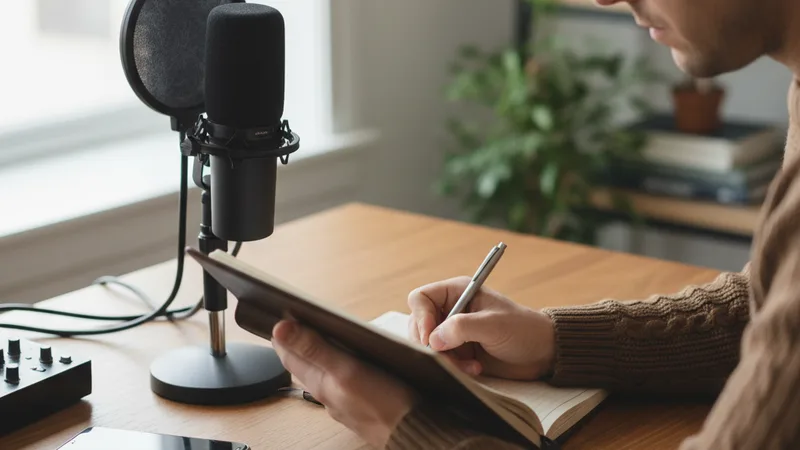
A working podcast music prompt has six small ingredients. Miss any one and the result reads as generic stock music rather than a custom track.
The exact length, as seconds. Not "short" or "intro length" — a number. 8 seconds, 12 seconds, 15 seconds. Most modern AI apps handle exact lengths down to one-second precision.
The genre, narrow and tone-matched. "Warm indie folk with fingerpicked acoustic guitar and a single soft synth pad" is a usable direction. "Podcast intro music" produces generic stock-music tracks every time.
The energy curve. "Soft start, building to a confident peak at 0:06, gentle release in the final two seconds" gives the AI a structural map. A flat-energy intro reads as filler; a curve gives the intro a shape.
Spoken-word mastering directions. "Mastered for spoken-word context, gentle midrange around 200-800 Hz, controlled highs above 6 kHz, low end below 100 Hz pulled back to leave headroom for male and female speech." This is what separates podcast music from generic background tracks.
A clean ending direction. "Clean ending, no fade, ends on the four" for intros that go straight into the host speaking. "Soft fade over the last three seconds" for outros that taper out. Be explicit.
Brand-aligned instrumentation. The instruments themselves carry brand. A piano-and-strings intro reads differently from a 808-and-hi-hat intro. Pick the instruments that match your show's tone and reinforce the brand decision in every prompt.
A combined working prompt for an interview-format podcast:
"Warm indie folk podcast intro, 12 seconds total, fingerpicked acoustic guitar with a single soft synth pad entering at 0:04 and a soft string swell entering at 0:08, confident mood, four-bar phrase, soft start building to a confident peak at 0:08, clean ending on the four with no fade, mastered for spoken-word context with gentle midrange around 200-800 Hz, controlled highs above 6 kHz, low end below 100 Hz pulled back to leave headroom for speech."
In testing, that prompt produces a podcast-grade intro in roughly three to four generations about 80% of the time. For more on iterating prompts toward specific outputs, the perfect prompts breakdown covers the underlying patterns.
Matching podcast format to genre and length: a starter chart
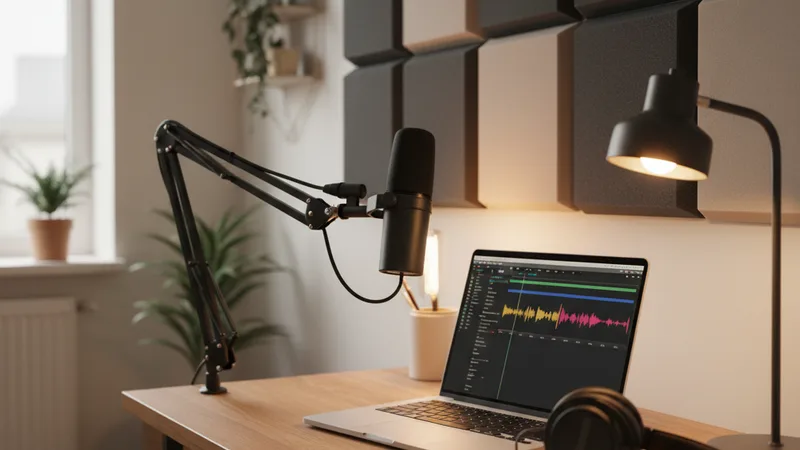
Podcast music is format-sensitive. An interview show needs different energy than a true-crime narrative. Patterns that consistently hold:
| Podcast format | Genre | Mood | Intro length | Outro length | Sting length |
|---|---|---|---|---|---|
| Interview / conversation | Indie folk or warm acoustic | Confident | 10-15s | 15-20s | 2-4s |
| Solo essay / monologue | Lo-fi or singer-songwriter | Sentimental | 8-12s | 12-18s | 2-3s |
| News and current affairs | Cinematic synth or orchestral | Confident | 6-10s | 10-15s | 2-3s |
| True crime / narrative | Cinematic strings with dark undertone | Dreamy | 12-18s | 15-25s | 3-5s |
| Comedy and culture | Playful indie pop or funk | Playful | 8-12s | 12-18s | 2-3s |
| Tech and business | Modern synth-pop | Confident | 8-12s | 12-15s | 2-3s |
| Sports and pop culture | Hip-hop or trap | Confident | 6-10s | 10-15s | 2-3s |
| Health and wellness | Warm acoustic with strings | Sentimental | 10-15s | 15-20s | 2-4s |
| History and education | Classical piano or cinematic | Confident | 12-18s | 15-25s | 3-5s |
| Religious / spirituality | Gospel or warm acoustic | Sentimental | 10-15s | 15-20s | 3-4s |
| Kids and family | Playful acoustic with light percussion | Playful | 8-12s | 10-15s | 2-3s |
Pick the row that matches your format. Lock the lengths. Layer the genre and mood on top. For the broader genre quality breakdown across AI music apps, the best AI music app for iPhone 2026 ranking covers what each handles best.
When AI podcast music wins — and when stock libraries still win
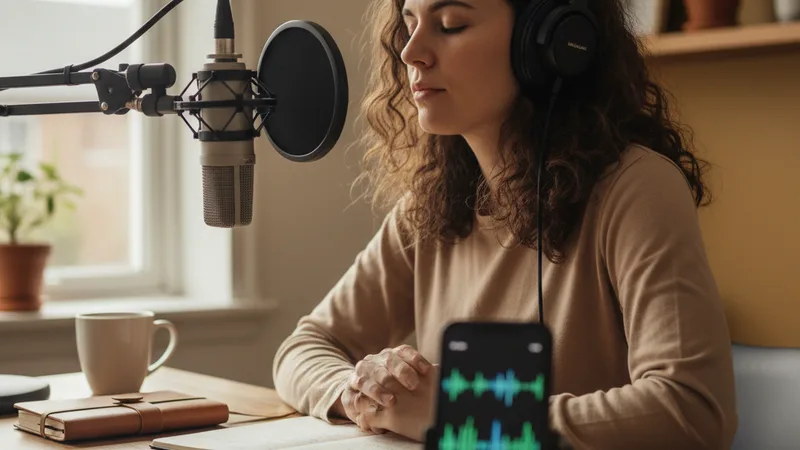
Honest accounting of where AI podcast music beats Epidemic Sound and Artlist and where stock still wins.
AI wins:
- Unique brand identity for a launching podcast. If you are launching a show and want it to sound like your show from episode one, custom AI music outperforms stock libraries decisively. The intro becomes part of how listeners identify the brand.
- Exact-length intros, outros, and stings. Custom AI music is built to length. Stock music is chopped from longer tracks, which often shows in the timing.
- Per-episode variants. Holiday specials, milestone episodes, live shows, sponsor-heavy episodes can all have small variant intros generated from the same template. Stock libraries cannot do this without licensing additional tracks.
- Podcasts without active library subscriptions. AI tracks are licensed at the point of generation on a paid app subscription. Once generated, the track is yours. Stock libraries require active recurring subscriptions to keep back catalogs licensed.
- Spoken-word-optimized mastering. The "leave headroom for speech" mastering direction produces tracks that sit under the voice cleanly. Stock tracks are mastered for general background use and often need EQ adjustment in post.
Stock libraries still win:
- Established podcasts with strong existing brand recognition. If your audience already recognizes the existing stock intro as "your sound," replacing it is a brand risk rather than an improvement. Keep what works.
- Background music under long ad reads or sponsor segments. Stock libraries have huge selections of 2-3 minute background beds in many genres. AI can generate these, but for ad-bed background music, stock often serves the use case faster.
- Music for video content where licensing breadth matters. Cross-platform video content (YouTube, TikTok, Vimeo, network TV) sometimes benefits from stock library breadth and the legal certainty of established licensing terms.
- Productions with strict audio quality QA requirements. Some large networks require pre-cleared library music for legal and audio-quality consistency. AI music does not yet fit those workflows cleanly.
- When you do not have time to test mastering against your voice. AI podcast music requires verifying the mastering works under your specific voice. If you are rushing an episode and have no time to test, stock library tracks pre-tested by thousands of podcasts may be faster.
For broader context on the licensing edges of AI music for podcast and video content, the can you sell AI-generated music legal guide covers what is and is not allowed across paid and free tiers. For an adjacent commercial-music use case, the AI music for TikTok guide covers short-form video specifically.
Try this prompt right now
Open Muziko on iPhone, tap Create, switch to Describe mode, pick Indie Folk genre and Confident mood, and paste this prompt (adjust the genre to match your show's tone):
"Warm indie folk podcast intro, 12 seconds total, fingerpicked acoustic guitar with a single soft synth pad entering at 0:04 and a soft string swell entering at 0:08, confident mood, four-bar phrase at 110 bpm, soft start building to a confident peak at 0:08, clean ending on the four with no fade, mastered for spoken-word context with gentle midrange around 200-800 Hz, controlled highs above 6 kHz, low end below 100 Hz pulled back to leave headroom for male and female speech."
Generate three to six takes. Record yourself saying your show's tagline over each take to test the mix. Pick the take where your voice sits cleanly on top, the intro has a clear energy curve, and the ending is clean rather than abrupt. Save in WAV or the highest-quality format your app offers.
Then regenerate the same prompt at "15 seconds, slow fade over the last three seconds" for the outro, and at "3 seconds, single hit, clean ending" for transition stings. The whole show now has one coherent sonic identity.
In testing, this template produces podcast-grade intro music in roughly four total generations about 80% of the time. For more on long-form personalization patterns, the text to song AI guide walks through turning any description into a track. For an adjacent vocal-tagline use case, the AI music with vocals guide covers shows with sung intros and taglines.
Frequently asked questions
How long should a podcast intro be?
Most podcast intros should run 8 to 15 seconds — long enough to set the show's tone, short enough not to lose the listener before the first word. Interview and conversation shows can use 10-15 seconds for a warmer setup. News, sports, and short-form shows benefit from 6-10 second intros to get into the content faster. Narrative and true-crime shows can push to 15-18 seconds because the atmospheric setup is part of the appeal. The single biggest reason podcast intros fail is being too long — three seconds over budget is enough to lose listeners on a sample episode.
Is AI-generated podcast music legal to use on Apple Podcasts and Spotify?
Yes, when generated on the paid tier of a reputable AI music app like Muziko Pro at $34.99 per year, Suno Pro, or Udio Pro. The paid tier grants commercial usage rights including podcast distribution on Apple Podcasts, Spotify, YouTube Music, Amazon Music, and all major platforms. Free-tier generations are usually restricted to personal non-commercial use, which can include personal hobby podcasts but is restricted for monetized shows with ads or sponsorships. For any podcast with revenue (ads, sponsors, premium subscriptions, brand partnerships), generate on the paid tier to keep all rights clean across distribution platforms.
Can AI podcast intros really sit cleanly under speech the way stock library music does?
Yes, when you specifically prompt for spoken-word mastering. The phrase "mastered for spoken-word context, gentle midrange around 200-800 Hz, controlled highs above 6 kHz, low end below 100 Hz pulled back to leave headroom for speech" produces tracks that sit under the voice without competing. Without that direction, the AI defaults to streaming-optimized mastering with full dynamics, which often clashes with voice. Always test the intro against your actual recorded voice before locking it in — record the tagline over each candidate take and pick the one where your voice sits cleanest on top.
Should I use the same AI intro for every episode, or different intros per episode?
Use the same base intro for every regular episode to build brand recognition — listeners should be able to identify your show in the first three seconds. Generate variant intros for special cases: live shows, milestone episodes (10th, 50th, 100th), holiday specials, sponsor-heavy episodes, and crossovers with other shows. The variants should share the same sonic identity (same instruments, same key, same general energy) with small twists (different chord progression, different harmonic emphasis). This is something stock library music cannot do — every variant has to be a separate license. AI generates from the same template repeatedly.
What format should I export the AI podcast music in?
WAV or FLAC if your podcast host supports lossless uploads; otherwise the highest-bitrate AAC the app offers. Compressed audio formats like 128 kbps MP3 lose dynamic detail that matters for short intro music — the soft start, the controlled high frequencies, the clean ending all degrade in low-bitrate compression. Most modern podcast hosts (Acast, Megaphone, Buzzsprout, Transistor) accept WAV or FLAC. If you must use MP3, export at 320 kbps. The compressed file you upload to the podcast host will be re-encoded by Apple Podcasts and Spotify on their end, so starting from the highest-quality source matters.
Can AI music replace my Epidemic Sound or Soundstripe subscription?
For podcast intros, outros, and stings — yes, for most shows. The cost of a paid AI music app subscription ($34.99 per year for Muziko Pro, $96 per year for Suno Pro) is significantly less than Epidemic Sound's podcast tier ($15-20/month, $180-240/year) or Soundstripe ($16-24/month, $192-288/year). For ad-bed background music, longer interstitials, or shows that need huge variety of background tracks per episode, stock libraries still have an advantage because they have thousands of pre-mastered tracks. Many podcasters end up using AI for branded show elements (intro, outro, stings) and a smaller stock library subscription for background beds — total cost still drops significantly.
Try everything you just read about. Muziko is free to download.
![AI Amapiano Generator: Log Drum Tracks [Tested 2026]](/_next/image?url=%2Fimages%2Fblog%2Fai-amapiano-generator-log-drum-tracks%2Fhero.webp&w=3840&q=75)
![AI Cinematic Music Generator: Trailer Scores [Tested]](/_next/image?url=%2Fimages%2Fblog%2Fai-cinematic-music-generator-trailer-scores%2Fhero.webp&w=3840&q=75)