
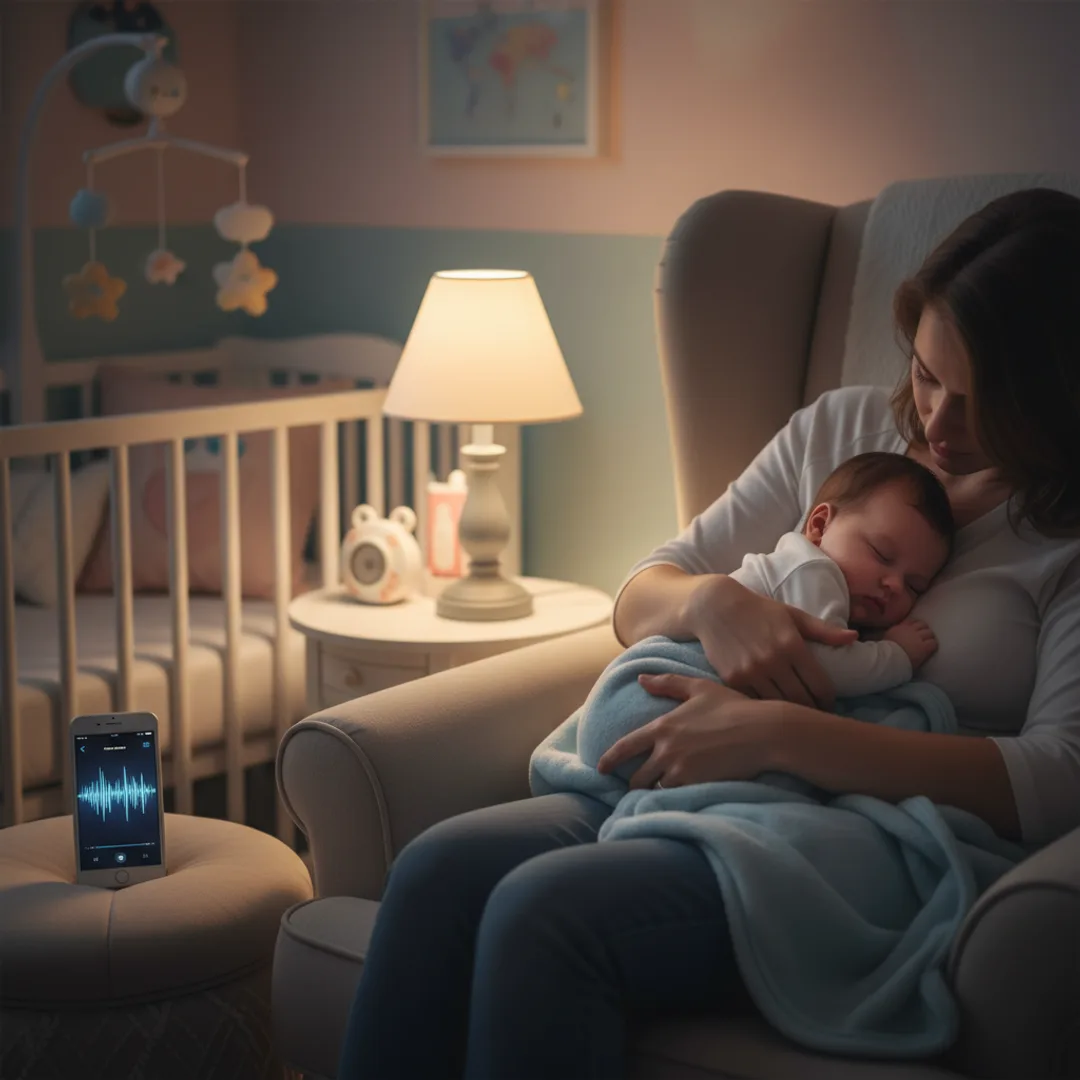
AI Lullaby Generator: Custom Songs for Your Baby
Make a gentle custom lullaby with AI on iPhone in under five minutes — their name in the soft chorus, the right tempo for sleep, and a track they will hear at bedtime for years.
A friend of mine had a baby in February. By week six the parents had been singing the same three lullabies for forty consecutive nights and the soundtrack of every Spotify "baby sleep" playlist was starting to feel like wallpaper. She generated a two-and-a-half-minute custom lullaby on her iPhone one Saturday morning — her daughter's name softly in the chorus, a fingerpicked acoustic guitar at 60 bpm, no startling dynamics, and a soft outro that faded into silence rather than ending abruptly. The track became part of the bedtime routine within a week. Six months later it still works.
This is the case for AI lullabies that I have been quietly testing through three families in the last year. Custom lullabies do something the standard sleep playlist cannot: they name the baby specifically, run at a tempo and dynamic range that actually supports sleep, and give the family a track they can replay for years as the baby grows up. The cost is minimal. The risk is small. The result, when handled with care, is one of the most quietly cherished AI music use cases I have come across.
This guide is the workflow I have refined for generating AI lullabies on iPhone — newborn, infant, toddler, family lullabies for siblings, lullabies for adopted children, lullabies for grandparents to send — in under five minutes per track. The tempo math for actual baby sleep, the prompt structure that produces gentle results, and where AI is genuinely helpful versus where you should reach for a live human voice instead.
Why standard lullaby playlists rarely match your baby
A few specifics about lullabies that most new parents work out slowly through trial and error:
The standard lullaby playlist is short and repetitive. "Twinkle Twinkle Little Star," "Rock-a-Bye Baby," "Hush Little Baby," "Brahms's Lullaby." Beautiful songs, all of them — and the same four songs every parent has been hearing for two hundred years. By the third month, parents are hearing them in their sleep.
Spotify and Apple Music "baby sleep" playlists are not built for the specific baby. They are statistical averages. Some babies fall asleep faster to acoustic guitar, some to soft female vocals, some to instrumental piano, some to ambient nature sounds. A statistical average across millions of babies will work for the median baby — not necessarily for yours.
Most pop lullaby covers have production issues for actual sleep. They get mastered with the loudness ranges of streaming music, which means sudden dynamic swings that startle a sleeping baby. Custom AI lullabies can be prompted for "narrow dynamic range, no sudden volume changes, soft outro fading to silence" — production directions specifically tuned for sleep.
The baby's name in a lullaby is a small thing with a large effect. Infants recognize their name from around four months of age and begin to associate the sound with comfort if it is used in soothing contexts. A lullaby with the baby's name in the soft chorus — sung in the same calm voice every night — becomes part of how they learn to fall asleep.
For the personalization pattern broadly, the story to song AI guide covers turning any description into a track. For the technical underpinnings, the non-technical guide to AI music generators is the gentlest introduction.
What a custom AI lullaby can do that a standard playlist cannot
The point of a custom lullaby is not better music — it is for that baby specifically. Five things AI lullabies do that the standard playlist cannot:
- The baby's name in the soft chorus. Sung gently, never loud, in the same calm voice every night. Becomes a sleep cue over time.
- A tempo matched to actual baby sleep physiology. Newborn heart rate at rest is roughly 100-130 bpm; calm adult heart rate is 60-80 bpm. Lullabies in the 55-75 bpm range pull the baby's nervous system toward calm. AI can hit any exact number.
- Narrow dynamic range optimized for sleep. No sudden swells, no surprise transitions, no instruments entering and exiting dramatically. The track stays at a consistent gentle volume from start to end.
- A soft outro that fades to silence rather than ending. Babies that fall asleep mid-track can wake up at the abrupt end of a song. AI lullabies can be prompted for a long gentle fade.
- A track that grows with the baby. Generate one lullaby at three months, regenerate the same prompt at eighteen months with a slightly more melodic version, and again at three years as a "your song." The track becomes part of the family's audio history.
For the prompt-craft side, how to write AI song prompts that actually produce great music is the most useful companion read.
Step-by-step: a custom lullaby in Muziko, under five minutes
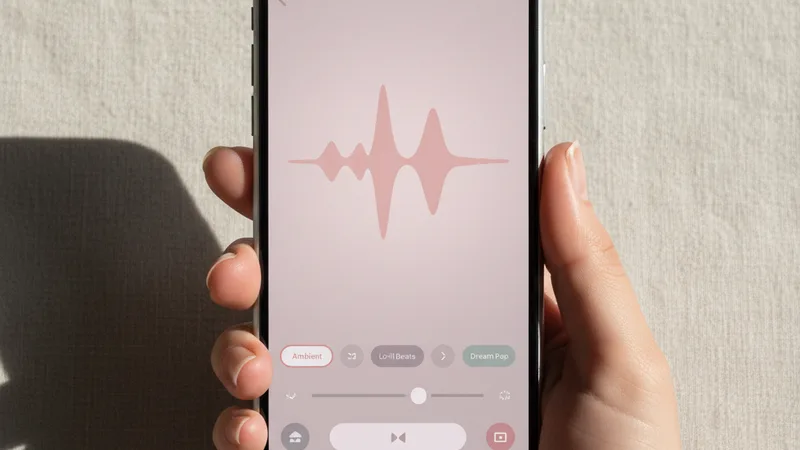
The workflow I have used with three families in the last year. Total time on the most recent run was 4 minutes 38 seconds from opening the app to having the track ready for the nursery speaker.
1. Open Muziko and tap Create. Switch to Write Lyrics mode if you want the baby's name in the chorus. Switch to Describe mode if you want a soft instrumental lullaby with no vocals.
2. Pick the genre. Acoustic ballad, soft folk, classical piano, harp, and ambient with gentle melodic elements are the five that consistently work for sleep. Avoid anything with aggressive percussion or heavy synth.
3. Pick a mood. Dreamy is the default mood for lullabies. Sentimental works for older toddlers who can engage with the song as a "their song." Playful works for waking-up songs at the end of nap time rather than bedtime.
4. Set the tempo low. 55-75 bpm is the lullaby sweet spot — slow enough to support sleep, not so slow it drags. 60 bpm is a safe default. Prompt the BPM as a number.
5. Write four to eight lines of lyrics. Keep them short and repetitive. The baby's name in two of the lines, simple imagery (moon, stars, the soft light, the long quiet road), and no complex emotional content. Babies do not need lyric subtlety; they need rhythmic repetition.
6. Prompt for narrow dynamic range and a soft outro. Add "narrow dynamic range, no sudden volume changes, soft outro fading to silence over the last twenty seconds" to the prompt. This is the single most important production direction for sleep tracks.
7. Generate three to five takes. Each generation runs 8 to 15 seconds in Muziko. Listen on the actual speaker you will use in the nursery, at the actual volume you will play it. Test for any sudden dynamic moments that might startle.
8. Save and add to the bedtime routine. Most parents I have spoken with find that lullaby tracks need three to seven nights of repeat exposure before the baby starts to associate them with sleep. Be patient with the routine.
For the full mobile workflow walkthrough, the AI song generator for iPhone 2026 guide covers each creation mode in depth.
Writing a lullaby prompt that actually supports sleep

A working lullaby prompt has six small ingredients. Miss any one and the track risks falling into the "soft pop song" category rather than the "actual lullaby" category.
The baby's name, phonetic if unusual. Saoirse becomes Sersha in the lyrics. The AI reads phonetically — it does not need the official spelling, only how the name sounds.
The tempo, as a low specific number. 60 bpm is a safe default. 55 bpm for slower sleep tracks. 70 bpm for soothing-but-melodic. Going below 50 bpm tends to feel sluggish; going above 80 bpm starts to feel like a soft pop song rather than a lullaby.
A narrow dynamic range and soft mastering. "Narrow dynamic range, gentle throughout, no sudden volume changes, mastered at a low overall level." This is the production direction that separates sleep tracks from generic soft music.
Simple repetitive lyrics, if you want vocals. Babies do not need lyric subtlety. Four to eight short lines, the baby's name repeated, simple imagery — "moon outside the window, the long quiet road, the soft light through the curtains." Avoid complex emotional content, avoid stories with structure, avoid metaphors that require interpretation.
A vocal direction, if you want vocals. "Solo female vocal, soft and breathy, almost whispered", or "solo male vocal, gentle and warm, no harmony." Lullaby vocals should be solo and minimal. Layered harmonies make the track feel performative rather than intimate.
A specific length and soft outro. Most lullabies should run 2:30 to 4:00 — long enough to support falling asleep, short enough that the loop is not endless. Always prompt for "soft outro fading to silence over the last twenty seconds" to avoid the abrupt ending that can wake a sleeping baby.
A combined working prompt for a four-month-old:
"Gentle acoustic folk lullaby for Maya, 60 bpm, dreamy and calm, solo female vocal soft and almost whispered with no harmony, fingerpicked acoustic guitar and a single soft piano figure on the second verse, simple repetitive lyrics about Maya and the moon outside the window and the long quiet road, three minutes total, narrow dynamic range no sudden volume changes, soft outro fading to silence over the last twenty seconds."
In testing, that prompt produces a sleep-grade lullaby in roughly three to four generations about 85% of the time. For more on iterating prompts toward specific outputs, the perfect prompts breakdown covers the underlying patterns.
Matching baby age to lullaby style: a starter chart
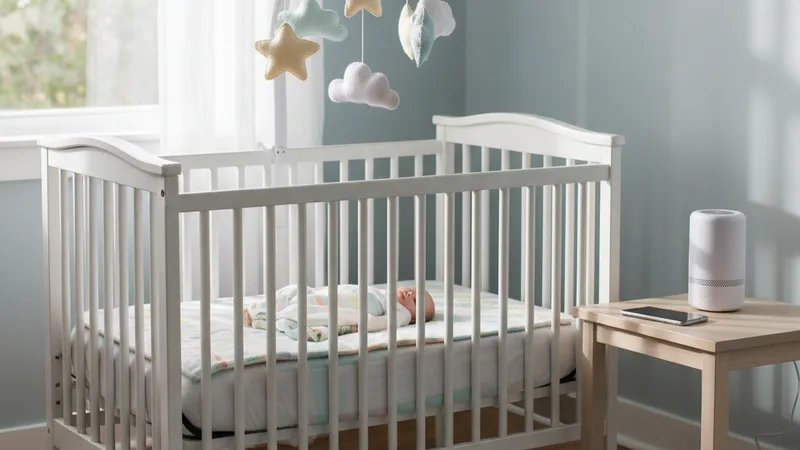
Lullabies are surprisingly age-sensitive. What works for a newborn is not the same as what works for a two-year-old. Patterns that hold consistently:
| Baby age | Genre | Mood | Tempo | Length | Notes |
|---|---|---|---|---|---|
| Newborn (0-3 months) | Ambient or harp | Dreamy | 55-65 bpm | 3:00-4:00 | No vocals or very soft vocals, narrow dynamics |
| Infant (3-6 months) | Acoustic folk lullaby | Dreamy | 58-68 bpm | 3:00-4:00 | Name in chorus, soft female vocal |
| Older infant (6-12 months) | Acoustic with light melody | Dreamy | 60-72 bpm | 2:30-3:30 | Name and simple imagery, baby may hum along |
| Toddler (1-2 years) | Soft acoustic or piano | Dreamy | 65-75 bpm | 2:30-3:30 | Name plus simple narrative ("the moon waits") |
| Older toddler (2-3 years) | Acoustic with light percussion | Sentimental | 70-80 bpm | 2:30-3:00 | Becomes "their song," can have more melody |
| Preschooler (3-5 years) | Acoustic singer-songwriter | Sentimental | 70-85 bpm | 2:30-3:00 | Toddler can request the song by name |
| Nap-time wake-up (any age) | Soft pop or playful folk | Playful | 85-100 bpm | 2:00-2:30 | Slightly more energetic, lifts toward awake |
| Sibling lullaby (toddler + baby) | Acoustic folk with both names | Dreamy | 60-70 bpm | 3:00-4:00 | Both names softly in chorus, calm throughout |
Pick the row that matches your baby's current age. Lock the tempo. Layer the genre and mood on top. Most modern AI music apps handle acoustic, folk, and soft classical piano at lullaby quality. For the broader genre-by-genre quality breakdown across AI apps, the best AI music app for iPhone 2026 ranking covers what each handles best.
When AI lullabies work — and when to use your own voice instead
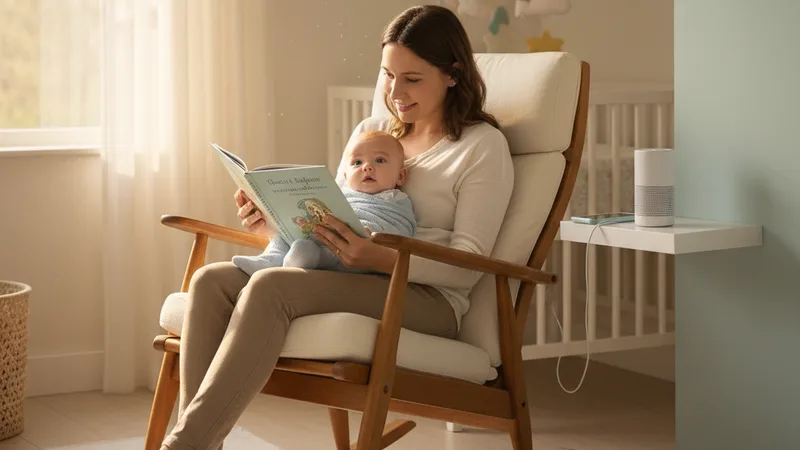
Honest accounting of where AI lullabies are the right tool and where they are not.
Work brilliantly:
- As a supplement to your own voice. The most effective lullaby setup in my testing is a parent singing or humming alongside an AI lullaby playing softly in the background. The combination gives the baby both the bonding cue of the parent's voice and the consistency of a track.
- For grandparents and extended family. When grandparents who live far away want to feel present in the baby's bedtime routine, sending a custom AI lullaby with the baby's name lets them be part of the rhythm without needing to be in the room.
- For adopted or fostered children. Children who arrive in a family at older ages benefit from songs that name them specifically and become "their song" in the new home. Custom AI lullabies handle this well.
- For sibling lullabies. Families with multiple young children can generate a single lullaby that includes all the children's names, which becomes the family bedtime track for years.
- For naptime in daycare or grandparent care. A consistent custom lullaby that travels with the baby across childcare contexts can support sleep transitions in unfamiliar environments.
Use your own voice instead:
- For the primary nightly bedtime routine of a young infant. Nothing replaces a parent's voice for an infant under six months. AI lullabies should supplement, not replace. The parent's voice carries oxytocin and bonding cues that no recording can.
- When you have not personally listened to the full track first. Always listen to the entire lullaby on headphones before playing it for your baby. Check for any sudden dynamic moments, any unusual instruments, any pronunciation issues with the name.
- When the baby is sick or distressed. During illness or distress, babies need the direct comfort of a parent's voice, not a recording. Save AI lullabies for routine bedtime, not emergency soothing.
- For very short naps where falling-asleep transition matters most. Some babies need the rocking and the live voice together to transition; a recording cannot replicate the breath rhythm of a parent holding them.
- If anyone in the family has concerns about AI-generated content for young children. Lullabies are not the place to introduce new family disagreements. Default to traditional songs and use AI tracks only with full household agreement.
For broader context on AI music ethics, the can you sell AI-generated music legal guide covers what is and is not allowed across paid and free tiers, including the personal-use side.
Try this prompt right now
Open Muziko on iPhone, tap Create, switch to Write Lyrics, pick Acoustic genre and Dreamy mood, and paste these lyrics (replace Maya with the actual name and the moon line with any simple soft imagery from your nursery):
"Maya, the moon outside the window, Maya, the soft light through the curtains, Maya, the long quiet road, Maya, the small slow river, Maya, the night is yours now, Maya, the night is yours."
Add the prompt note: "Gentle acoustic folk lullaby, 60 bpm, dreamy and calm, solo female vocal soft and almost whispered with no harmony, fingerpicked acoustic guitar and a single soft piano figure on the second verse, three minutes total, narrow dynamic range no sudden volume changes, soft outro fading to silence over the last twenty seconds, mastered at a low overall level for nursery playback."
Generate three to five takes. Listen on the actual speaker you will use in the nursery, at the actual volume. Pick the take where the name sounds softest and clearest, the vocal is gentlest, and the outro fades all the way to silence rather than ending abruptly. Save in the highest-quality format your app offers and add it to the bedtime routine for a week before deciding whether to regenerate.
In testing, this template produces a sleep-grade lullaby in roughly four total generations about 85% of the time. For more on long-form personalization patterns, the text to song AI guide walks through turning any description into a track. For a related personalization use case, the AI birthday song guide covers the same workflow with shorter, more playful tracks.
Frequently asked questions
Is it safe to use an AI-generated lullaby for a baby?
Yes, when used thoughtfully alongside a parent's voice rather than as a replacement. AI lullabies should supplement live parental singing, not substitute for it — especially for infants under six months, where a parent's voice carries bonding and regulatory cues that no recording can replicate. Always listen to the entire lullaby on headphones yourself before playing it for the baby to check for sudden dynamic moments, unusual instruments, or pronunciation issues. Play at a low volume in the nursery (40-50 dB is the standard safe range). Use AI lullabies for the consistent background of the bedtime routine, and reserve your own voice for the moments of actual soothing during distress.
What's the best tempo for a lullaby?
55 to 75 bpm, with 60 bpm as the safest default. This range pulls the baby's nervous system toward a calm rhythm — newborn resting heart rate is roughly 100-130 bpm and adult calm heart rate is 60-80 bpm, so lullabies in this range provide a gentle entrainment toward sleep. Going below 50 bpm tends to feel sluggish; going above 80 bpm starts to feel like a soft pop song rather than a true lullaby. Prompt the AI for an exact BPM number rather than vague directions like "slow."
Will the AI sing the baby's name correctly?
Common English names are pronounced correctly on the first take about 95 percent of the time. Less common or non-English names sometimes get mispronounced on early generations. The fix is to spell the name phonetically in the lyrics field — Saoirse becomes Sersha, Aoife becomes Eefa, Caoimhe becomes Keeva. The AI reads the lyrics phonetically and does not need the official spelling, only how the name is pronounced. For lullabies, generate five takes minimum and listen specifically for soft, gentle name pronunciation — a clipped or sharp delivery of the name disrupts the calm tone of the track.
How long should a baby lullaby be?
Most lullabies should run 2:30 to 4:00 — long enough to support falling asleep, short enough that the loop is not endless. For newborns and young infants, lean toward the longer end (3:30 to 4:00) because falling asleep transitions take longer. For older toddlers and preschoolers, shorter tracks (2:30 to 3:00) are usually enough. Always prompt for "soft outro fading to silence over the last twenty seconds" to avoid the abrupt ending that can wake a sleeping baby. Most music apps allow you to set the track to loop in the iPhone music app if longer continuous playback is needed.
Can I make a lullaby that includes multiple children's names?
Yes, and this works especially well for families with siblings sharing a bedtime routine. Write the lyrics with both names in the soft chorus — "Maya and Liam, the moon outside the window, Maya and Liam, the long quiet road." Keep the tempo and mood calm enough for the younger child while allowing slightly more melody for the older one. Sibling lullabies become powerful family rituals when generated once and then used as the consistent bedtime track for years; the older sibling often comes to identify the song with the younger one and vice versa.
Can grandparents or extended family use AI lullabies to feel present at bedtime?
Yes, and this is one of the most quietly meaningful uses of the technology. Grandparents who live far away can generate a custom lullaby with the grandchild's name and a soft reference to something specific from their relationship — a place they visited together, a small phrase they use. Sending the audio file to the parents lets the grandparent be part of the bedtime routine without needing to be in the room. Families I have spoken with say these grandparent-generated lullabies become especially meaningful as the child grows up and learns who made the song. Long-distance and adoptive families also benefit.
Try everything you just read about. Muziko is free to download.
![AI Amapiano Generator: Log Drum Tracks [Tested 2026]](/_next/image?url=%2Fimages%2Fblog%2Fai-amapiano-generator-log-drum-tracks%2Fhero.webp&w=3840&q=75)
![AI Cinematic Music Generator: Trailer Scores [Tested]](/_next/image?url=%2Fimages%2Fblog%2Fai-cinematic-music-generator-trailer-scores%2Fhero.webp&w=3840&q=75)