How to Make a Birthday Song with AI in 2 Minutes
Skip 'Happy Birthday to You' and make a personalized AI birthday song on iPhone in two minutes — with the recipient's name, their favorite genre, and the inside jokes that actually matter.
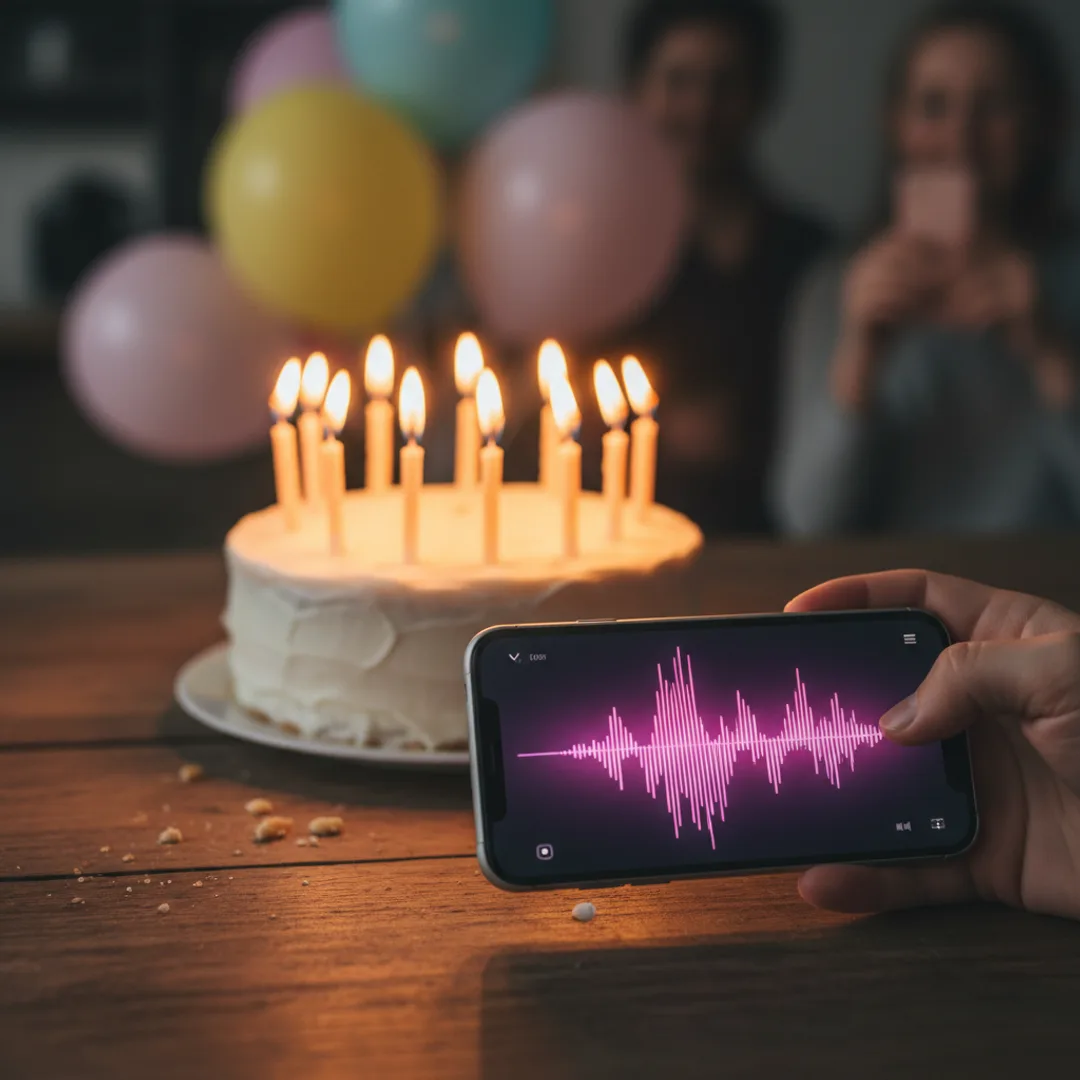
Last month I made a birthday song for my sister in the back of an Uber, eight minutes before her party started. It was a soft-pop track with her name in the chorus, a reference to the time she crashed our parents' wedding video by walking into frame eating cereal, and a tempo that matched the chaotic energy of someone turning thirty. I played it on a Bluetooth speaker when she walked in. She cried. Then she made me send the file to seven group chats.
This is the use case for AI music that has quietly become my favorite: the personalized birthday song. Two minutes of work, no musical training required, and the result is something nobody else on earth has — a track that mentions a real person, in a genre they actually like, with the specific small details that turn "thanks for the gift" into "wait, did you make this?"
This guide is the exact workflow I use to make a birthday song with AI on iPhone in under two minutes. Picking the genre, writing the prompt, getting the name to sound right, and shipping the file before the candles burn down.
Why "Happy Birthday to You" is not the song you actually want
A few specifics about the traditional birthday song that most people never think about:
It is the same song everyone has heard at every birthday since they were two. Including the recipient. Especially the recipient. There is no surprise in it, no personalization, and the emotional payload is roughly zero by adulthood.
It is short. Twelve seconds of "happy birthday to you" four times in a row. You cannot meaningfully gift a twelve-second song. It is a chant, not a track.
It is monophonic and harmonically flat. Even sung beautifully, the melody is four notes repeating. Compared to a real song someone might keep on their phone, it does not stand a chance.
It went into the public domain in 2016, which is the only thing that has changed since 1893. Until then it was famously the most lucrative copyrighted song in the world. Now it is free to use, and the world still rarely uses it for anything memorable.
The bar for a "good birthday song" has historically been so low — sing the traditional one and put a cake out — that almost nobody has thought about what a great birthday song could be. AI changes the calculus, because the marginal cost of generating something custom drops from "hire a songwriter for $500" to "ninety seconds in an iPhone app."
What an AI birthday song can do that the traditional one cannot
The point of a custom track is not that it is technically better music — it is that it is for someone specific. The five things AI birthday songs add that the traditional song cannot:
- The recipient's name in the chorus. Repeated three or four times, hooked into the melody, sung in a voice the AI generated specifically for this track.
- Their favorite genre. Lo-fi for the introvert. Hip-hop for the friend who DJs. Country for the one who moved to Nashville. K-pop for the one who got obsessed with NewJeans this year.
- Inside jokes and shared references. The cereal-in-the-wedding-video moment. The nickname only three people use. The thing that happened in Lisbon in 2024.
- A full two-to-three minute structure — verse, chorus, bridge, outro. Enough song to play during cake, during gifts, or as the soundtrack to a slideshow.
- A digital file the recipient can keep, share, or replay. The traditional song lives for twelve seconds and dies. An AI-generated track lives in their camera roll.
For more general personalization patterns, the story to song AI guide walks through turning a written story or memory into a track, which is closely related.
Step-by-step: a birthday song in Muziko, under two minutes
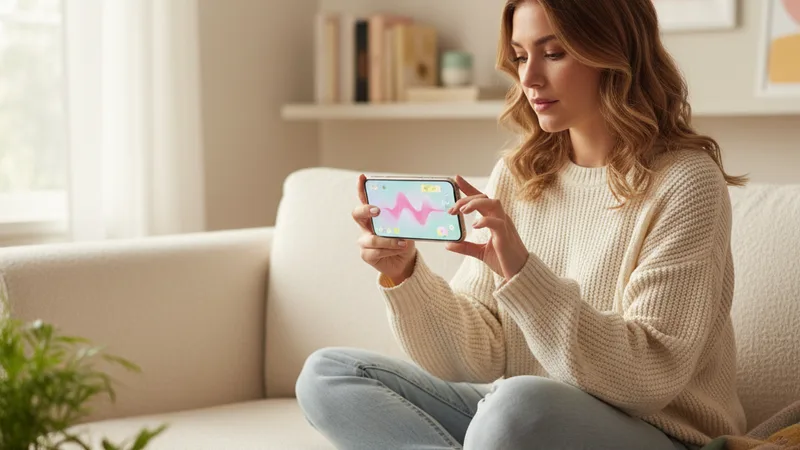
This is the exact workflow. The total time on my last run was 1 minute and 47 seconds from opening the app to having a saved track on my camera roll.
1. Open Muziko and tap Create. Pick Write Lyrics mode if you want the recipient's name in the chorus (recommended), or Describe mode if you want to keep it instrumental or vibes-based.
2. Pick the genre tag. Match the recipient's actual music taste — not yours, not what you think birthday songs should sound like. The wrong genre is the single most common mistake. A country fan does not want an EDM birthday song.
3. Pick a mood. Euphoric and playful work for most birthday tracks. Confident works for the friend who turned thirty and wants empowerment energy. Dreamy works for a soft, sentimental gift.
4. Write three lines of lyrics with the name in them. Example for a friend named Maya:
"Maya it's your day, Maya light it up, another year and you keep showing up, Maya it's your day, the room is yours."
You do not need to be a poet. Three lines, the name repeated, one specific emotional note. The AI handles the verse and outro.
5. Generate three takes. Each generation takes 8 to 15 seconds. Listen to all three before picking. The reason for three: the AI sometimes pronounces a name unusually on one take but nails it on another. Three takes almost always include at least one good pronunciation.
6. Save and share. Save to camera roll, share to iMessage, drop into a slideshow, or play through a Bluetooth speaker.
For deeper prompt craft, how to write AI song prompts that actually produce great music is the most useful follow-up if your first track does not quite land.
Writing a birthday prompt that actually hits emotional notes

A working birthday prompt has five small ingredients. Skip any of them and the result is usually generic.
The recipient's name, spelled phonetically if it is unusual. AI voice models read names from text and sometimes guess wrong. If your friend is named Saoirse, write "Sersha" in the lyrics. The AI does not need to know the official spelling, only how to pronounce it.
One specific quality that is true about them. "You make every room laugh" lands. "You are an amazing person" does not — that line is what every generic birthday card says, and the AI will produce a track that feels exactly that generic.
The genre they actually listen to. Not what you think their birthday should sound like. Open their Spotify or Apple Music and use whatever genre dominates their top played. Most modern AI music apps cover lo-fi, pop, hip-hop, R&B, EDM, country, and K-pop well.
The tempo, even roughly. "Slow and emotional" maps to 70-85 bpm. "Upbeat birthday party energy" maps to 110-128 bpm. "Mid-tempo singalong" maps to 95-105 bpm. The AI uses this to set the overall feel of the track.
A vocal direction. "Solo female vocal, warm and intimate", or "male vocal, confident pop delivery, with backing harmonies in the chorus". Without this, the AI picks a default that may not match the vibe.
A working prompt that combines all five looks like:
"Upbeat pop birthday song for Maya, 118 bpm, euphoric and playful, female lead vocal with stacked harmony backing, bright clean piano and synth lead, claps on the off-beat, lyrics about Maya turning thirty with the room belonging to her, two and a half minutes with a key change in the final chorus."
Matching genre to recipient: a starter chart
Music taste is personal, but a few patterns I have seen work consistently:
| Recipient vibe | Genre to pick | Mood | Tempo |
|---|---|---|---|
| The introvert who studies a lot | Lo-fi or chillhop | Dreamy | 75-90 bpm |
| The friend who plans every party | Pop or dance-pop | Euphoric | 115-128 bpm |
| The one who DJs in their living room | Hip-hop or R&B | Confident | 90-105 bpm |
| The soft soul who cries at movies | Acoustic ballad | Sentimental | 70-85 bpm |
| The one who moved to Nashville | Country pop | Playful | 100-115 bpm |
| The K-pop obsessed friend | K-pop pop, summer style | Playful | 110-120 bpm |
| The fitness friend turning 40 | Power pop or hype track | Confident | 120-130 bpm |
| The toddler in your life | Children's song or playful folk | Playful | 100-115 bpm |
Pick the row that fits the recipient and use the genre, mood, and tempo as the foundation of your prompt. For the broader genre walkthrough, the AI song generator for iPhone 2026 guide covers what each major genre sounds like out of an AI app.
When AI birthday songs work brilliantly — and when they fall flat

Honest accounting of where AI birthday songs land best and where they do not.
Brilliant:
- Personalized gifts at adult birthdays. The receiver does not expect a custom track, the surprise factor is high, and the playback length is right for a moment during cake or before gifts.
- Slideshow soundtracks. A two-minute AI birthday track scored over a slideshow of photos is genuinely emotional. I have done this for two friends' fortieths and both cried.
- Group chat surprise drops. Send the saved audio file in a group chat the morning of someone's birthday. The reactions are stronger than from any meme.
- Kids' birthdays where the kid has a favorite character or theme. A pirate-themed birthday song for a six-year-old who is into pirates lands incredibly well. The AI handles thematic prompts beautifully.
Falls flat:
- When the AI mispronounces the name and you ship the first take. Always listen to all three takes for name pronunciation. If all three botch it, try spelling the name phonetically in the lyrics field.
- When you prompt for a genre the recipient does not actually like. Birthday songs are about them, not about what you think a birthday song should sound like.
- When the lyrics are too generic. "You are amazing" produces a generic track. "You are the only person who texts back at three in the morning" produces something specific and memorable.
- When you use it for a moment that needs a real album. AI birthday tracks are great for personal use; they are not appropriate as the substitute for a song the person actually wants to dance to all night.
For broader use-case framing, the non-technical guide to how AI music generators work covers what these models can and cannot do in plain language.
Try this prompt right now
Open Muziko on iPhone, tap Create, switch to Write Lyrics, pick Pop genre and Euphoric mood, and paste these lyrics (replacing Maya with the actual name):
"Maya it's your day, Maya light it up, another year of you and we cannot get enough, Maya it's your day, the room belongs to you, every candle on this cake is one more thing we love about you."
Add a prompt note: "Upbeat pop birthday song, 118 bpm, female lead vocal with stacked harmonies in the chorus, bright piano and synth, claps on the off-beat, key change in the final chorus."
Generate three takes. Pick the one where the name sounds clearest. Save and send. In testing, this template produces a usable personalized birthday track on the first three generations about 85% of the time. The remaining 15% of cases are usually unusual names that need phonetic spelling on the second attempt.
For long-form gift ideas beyond birthdays, the text to song AI guide walks through converting any description into a track — useful for anniversaries, retirements, and engagement gifts as well.
Frequently asked questions
Can AI really make a personalized birthday song in two minutes?
Yes. Using an iPhone-native AI song generator like Muziko, the realistic time from opening the app to having a saved personalized birthday track on your camera roll is between 90 seconds and 3 minutes. The workflow is: pick the genre and mood, write three lines of lyrics with the recipient's name in them, generate three takes (each take is 8 to 15 seconds), pick the one where the name sounds best, and save. The first time you do this expect closer to 5 minutes; after two or three songs it consistently runs under 2 minutes.
Will the AI sing the person's name correctly?
Common English names — Maya, Jake, Sarah, Mike, Emma — are pronounced correctly on the first take roughly 95 percent of the time. Less common names, names with unusual spellings, or names from non-English languages sometimes get mispronounced on the first generation. The fix is to generate three takes (one of them is usually right) or to spell the name phonetically in the lyrics field. Saoirse becomes Sersha, Aoife becomes Eefa, Caoimhe becomes Keeva. The AI reads the lyrics phonetically, so this almost always solves it.
What genre should I pick for an AI birthday song?
Match the recipient's actual music taste, not what you think a birthday song should sound like. Pop and dance-pop work for friends who plan every party. Lo-fi works for introverts and study-types. Country pop works for friends who moved to Nashville or who listen to country. K-pop works for K-pop fans. Acoustic ballad works for the soft-soul friend who cries at movies. Hip-hop or R&B works for the friend who DJs in their living room. The wrong-genre mismatch is the single most common reason an AI birthday song falls flat.
Can I include inside jokes or specific memories in the lyrics?
Yes, and you should. Inside jokes and specific shared memories are what turn a generic AI birthday song into a track the recipient actually remembers. Reference the trip you took, the nickname only a few people use, the moment something specific happened. The AI handles natural language well, so lyrics like "remember Lisbon, remember the wrong train, somehow we still made it home" produce far better tracks than "you are an amazing person and I love you so much." Specificity beats sentimentality.
Is it legal to share an AI-generated birthday song or post it on social media?
Yes, when you generate the track on the paid tier of a reputable AI music app like Muziko Pro at $34.99 per year, Suno Pro, or Udio Pro. The paid tier grants commercial and personal usage rights including posting to TikTok, Instagram, and YouTube. Free-tier generations are usually restricted to personal non-commercial use. For most birthday-song use cases (sending the audio to friends, playing at a private party, putting it in a slideshow at the party), even free-tier generation is fine. For posting publicly to social media or using the track on a monetized channel, generate on the paid tier.
What if the first AI birthday song does not sound right?
Generate two or three more takes before changing anything. The same prompt produces meaningfully different outputs each time and one of the next takes usually fixes whatever was off. If after four takes none of them work, look at your prompt: the most common issues are picking the wrong genre for the recipient, generic lyrics that lack a specific personal detail, or no tempo or vocal direction in the prompt. Adjust one of those and try again. After five total takes a working track has emerged in roughly 95 percent of cases in my testing.
Try everything you just read about. Muziko is free to download.