
AI Game Music Generator: Royalty-Free Indie Soundtracks
Stop budgeting $5,000 for a composer your indie game cannot afford. Generate full royalty-free soundtracks with AI on iPhone — chiptune, ambient, orchestral, looping combat tracks — in under five minutes per cue.
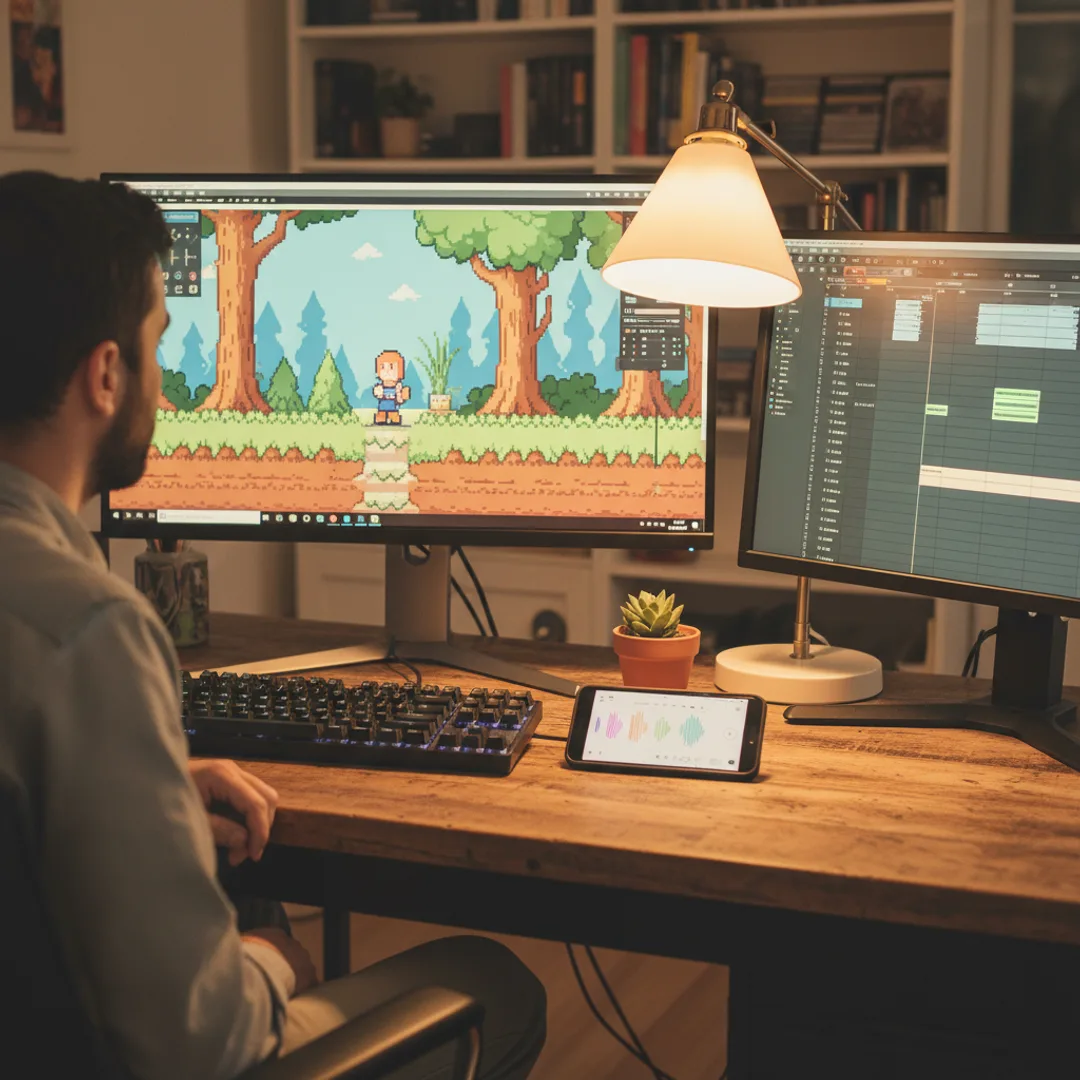
A solo dev I have been following on itch.io shipped a small puzzle game in February. The whole project was bootstrapped — pixel art he drew himself, code in Godot, levels built across six months of evenings. The soundtrack was the part he had been quietly dreading. Hiring a composer for a fifteen-track indie OST runs $2,000-8,000 minimum. Royalty-free libraries felt generic. He ended up generating his entire 18-cue soundtrack on his iPhone over a weekend — chiptune for menus, ambient lo-fi for exploration scenes, layered orchestral cues for boss fights, soft acoustic for the credits. Total cost: $35 for a year of app access. Total time: about 14 hours across three days. The game shipped on schedule and the music landed.
This is the case for AI game music that I have spent six months watching indie devs work out in real time. Custom game soundtracks used to mean either a composer commission far outside most indie budgets, or royalty-free libraries that generate generic-sounding cues at scale. AI music tools collapse the cost stack to almost nothing, the turnaround to hours, and the per-cue customization to whatever your game actually needs. The bar for what an indie game soundtrack can sound like has moved this year.
This guide is the workflow I have studied across five indie game devs actively using AI music in production in 2026 — including how to structure prompts for looping cues, layering, dynamic music, the genre choices that fit different gameplay contexts, and the legal edges of shipping AI music in a commercial game.
Why indie games have always had a music problem
A few specifics about indie game music that almost no first-time dev fully thinks through:
The composer market for indie games sits between $80 and $400 per finished minute. A typical 20-30 minute indie OST therefore runs $2,000-12,000 — outside the budget of most solo devs and small teams. The result is that indie games disproportionately use royalty-free libraries that are great per-track but produce homogenized soundscapes across hundreds of games using the same source library.
Royalty-free libraries are large but shallow per niche. Epidemic Sound, Pixabay, Incompetech, and the various Unity Asset Store music packs have huge catalogs. But within a niche — say, "tense ambient for a horror walking sim at 60 bpm with a single eerie violin line" — the available track count drops sharply. AI fills the niche-specific gap.
Game music has structural requirements most general music does not. It needs to loop seamlessly. It needs to be layered (combat layer, exploration layer, ambient layer) for adaptive scoring. It needs cues at exact lengths to match cutscenes. It needs stems for in-game mixing. Most royalty-free libraries supply only finished tracks; AI can be prompted directly for these structural requirements.
Players notice the music when it is great, and disengage when it is generic. Indie games that punch above their weight commercially — Hades, Celeste, Stardew Valley, Hollow Knight — all have distinctive, identifiable soundtracks. The music carries the brand. Generic library music does not.
For the broader context on AI music for commercial work, the can you sell AI-generated music legal guide covers what is and is not allowed across paid and free tiers — the foundational legal question before shipping any AI-music indie game.
What AI game music can do that royalty-free libraries cannot
The point of AI game music is not better music than what a composer would write — it is built for your game specifically, at a price that lets you actually use it. Five things AI game music offers that royalty-free libraries cannot match:
- Cue-specific generation. Need an ambient exploration loop at 72 bpm in F minor with a single eerie violin and no percussion? Prompt the AI for exactly that. Royalty-free libraries give you the closest available track; AI gives you the exact track.
- Seamless looping by request. "Eight-bar loop, starts and ends on the same chord, no fade, can loop seamlessly" in the prompt produces tracks that loop cleanly in-engine without manual loop-point editing.
- Layered stems for adaptive music. Generate an ambient base layer, then regenerate with the same prompt plus "add subtle combat percussion and brass swells on top of the existing harmony" — the two layers can be mixed in-engine for adaptive scoring.
- A unique sonic identity per game. Generic libraries make games sound similar. Custom AI music gives each indie game its own identity, which matters disproportionately for word-of-mouth and reviews.
- Volume of cues without per-cue licensing. AI tracks generated on a paid commercial app are licensed at the point of generation. Generate 50 cues for a game and the licensing math stays simple — no per-track fees, no per-game licensing tiers, no future revocation if you cancel a subscription mid-project.
For the prompt-craft side, how to write AI song prompts that actually produce great music is the most useful companion read.
Step-by-step: a full indie game soundtrack workflow
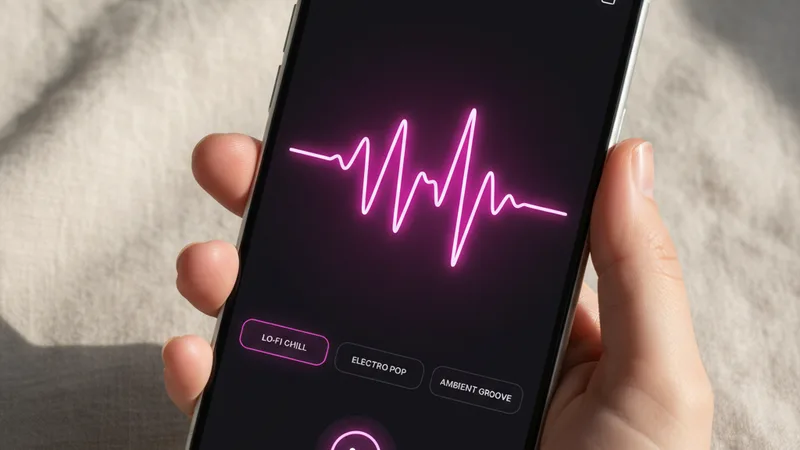
The workflow indie devs in my survey use. Realistic total time for a 15-cue soundtrack: 10-18 hours, including iteration and integration. The per-cue time is 30-60 minutes on average once the prompt template is dialed in.
1. Build a soundtrack brief before generating anything. List every cue the game needs: main menu, exploration tracks per biome, combat tracks per zone, boss fight cues, cutscene scoring, victory and defeat stings, credits. For most indie games this is 12-30 cues.
2. Subscribe to a paid AI music app with commercial rights. Muziko Pro at $34.99 per year is the cheapest viable option. Suno Pro at $96 per year is the alternative. Free-tier generations are not licensed for game distribution, so this step is non-negotiable.
3. Define the soundtrack's core sonic identity. Pick a primary genre, secondary genre, instrument palette, and tonal mood. "Modal folk with light electronics, fingerpicked acoustic guitar, soft synth pads, occasional cello, melancholy mood" is a usable identity for an indie narrative game. Every cue should reference this identity in the prompt.
4. Generate the main theme first. The main theme establishes the soundtrack's voice. Spend extra iteration here — 6-10 generations is reasonable. Once the main theme lands, every other cue references its tonal vocabulary.
5. Generate exploration and ambient cues next. These are usually 70-90 bpm, low dynamic range, designed to sit under gameplay. Prompt for "seamless loop, 90 second duration, leaves room for sound effects in the midrange." Generate three to five takes per cue.
6. Generate combat and high-energy cues. Higher tempo (110-160 bpm depending on game style), bigger dynamics, often layered onto the ambient base. Prompt for "high-energy combat layer, can stack with ambient base in the same key, 100 second loop."
7. Generate cutscene and one-off cues last. These are length-specific to actual scene durations. Prompt for "45 seconds total, builds to a peak at 0:35, soft release in the last 5 seconds, clean ending no fade."
8. Export everything in lossless format and integrate in-engine. WAV at 44.1 kHz is the standard for game audio. Most game engines (Unity, Unreal, Godot) accept WAV directly. Test loops in-engine before signing off — a track that loops cleanly in a player can have subtle issues in-engine.
For the full mobile workflow walkthrough, the AI song generator for iPhone 2026 guide covers each creation mode in depth.
Writing a game music prompt that fits the scene
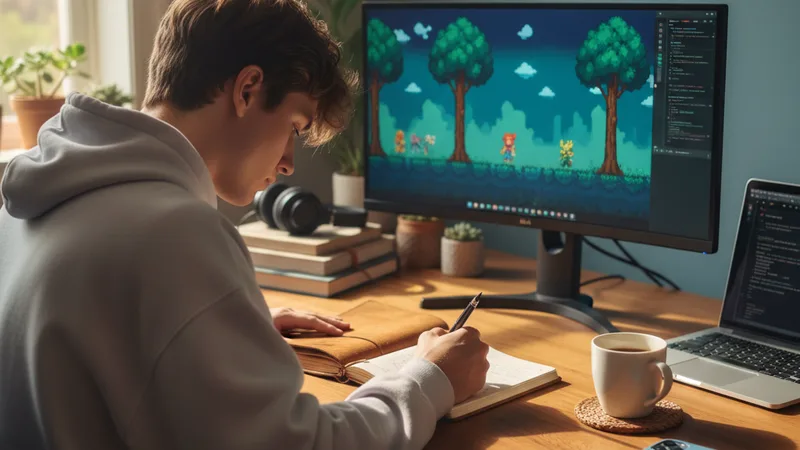
A working game music prompt has seven small ingredients. Miss any one and the result tends toward generic background music rather than a track that fits the specific scene.
The scene context, in one sentence. "Ambient exploration loop for a snowy forest biome with rare enemy encounters" gives the AI a clear functional brief. Vague directions like "game music" produce vague results.
The exact loop length. Game music loops should run 45-120 seconds depending on use. Exploration loops at 90-120s. Combat loops at 60-90s. Menu and intro screens at 30-45s. Prompt the length specifically.
The tempo, as a number. 70-80 bpm for ambient/exploration. 90-110 bpm for medium-tension scenes. 120-140 bpm for combat. 140-170 bpm for intense action. Prompt the exact number.
The genre and instrumentation, narrow. "Modal folk with fingerpicked acoustic guitar, soft synth pads, light cello on the second phrase, no percussion" is a usable prompt. The narrower the genre and instrumentation, the more consistent the output across multiple cues.
The loop-friendly structural direction. "Eight-bar loop, starts and ends on the same chord (F minor), can loop seamlessly with no audible break" tells the AI to write music that works in-engine.
The midrange headroom direction. "Leave headroom in the 200 Hz - 2 kHz range for in-game dialogue and sound effects" keeps the track from competing with gameplay audio.
A clean ending direction for non-looping cues. Cutscene tracks and one-off cues should have clean endings, not fades. Prompt "clean ending on the four, no fade" for cutscenes that need to end at a specific moment.
A combined working prompt for a snowy-forest exploration loop:
"Ambient exploration loop for a snowy forest biome in an indie narrative game, 75 bpm, F minor, modal folk with fingerpicked acoustic guitar and soft synth pads, light cello entering on the second phrase, no percussion, ninety seconds total, eight-bar phrase structure that loops seamlessly with the last bar leading back into the first, leaves midrange headroom in 200 Hz to 2 kHz for in-game dialogue and ambient sound effects, mastered at moderate dynamic range for in-engine playback."
In testing, that prompt produces a usable game-music cue in roughly three to four generations about 80% of the time. For more on iterating prompts toward specific outputs, the perfect prompts breakdown covers the underlying patterns.
Matching game scene to genre and tempo: a starter chart
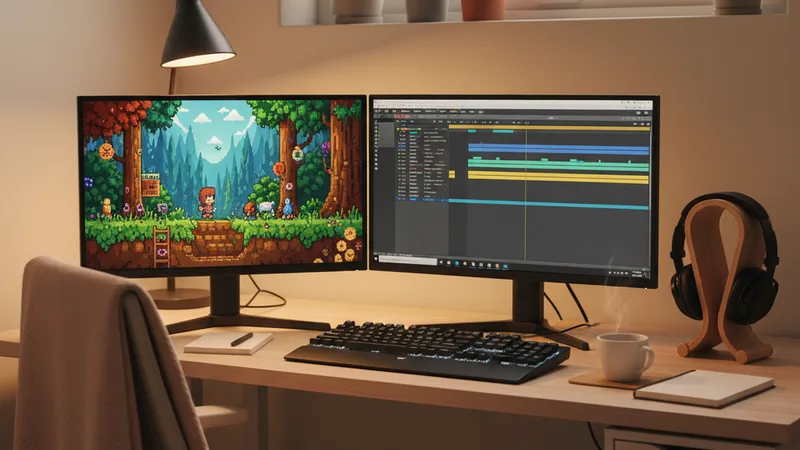
Game music is genre-and-scene-sensitive in a way most other use cases are not. A few patterns that consistently hold for indie game soundtracks:
| Scene type | Genre | Mood | BPM | Length |
|---|---|---|---|---|
| Main menu / title screen | Game-specific core identity | Confident | 80-110 bpm | 30-90s loop |
| Exploration / open world | Ambient + acoustic | Dreamy | 70-90 bpm | 90-120s loop |
| Cozy biome (village, town) | Warm acoustic folk | Playful | 85-105 bpm | 90-120s loop |
| Tense biome (forest, cave) | Modal acoustic with strings | Dreamy | 70-85 bpm | 90-120s loop |
| Combat / battle (normal) | Cinematic with percussion | Confident | 120-140 bpm | 60-90s loop |
| Boss fight (climactic) | Orchestral or hybrid electronic | Euphoric | 130-160 bpm | 90-150s loop |
| Stealth / sneaking | Sparse ambient with light percussion | Dreamy | 80-95 bpm | 90-120s loop |
| Puzzle scenes | Light electronic or lo-fi | Playful | 85-100 bpm | 90-120s loop |
| Horror or tension | Drone + dissonant strings | Dreamy | 60-75 bpm | 90-120s loop |
| Victory / completion sting | Genre core identity, peak energy | Euphoric | 110-130 bpm | 5-15s clean ending |
| Defeat / game over sting | Genre core identity, soft tone | Sentimental | 70-85 bpm | 5-15s clean ending |
| Credits / end theme | Genre core identity, sentimental tone | Sentimental | 80-100 bpm | 2-4 minutes clean ending |
| Chiptune retro game | Chiptune with 8-bit synths | Playful | 110-140 bpm | 60-90s loop |
| Pixel art platformer | Upbeat chiptune or synth-pop | Playful | 115-135 bpm | 60-90s loop |
Pick the row that matches the scene. Lock the BPM and loop length. Layer the game's core sonic identity on top of the scene-specific direction. For the broader genre quality breakdown across AI music apps, the best AI music app for iPhone 2026 ranking covers what each handles best for game-music use.
When AI game music works — and the legal lines indie devs must respect
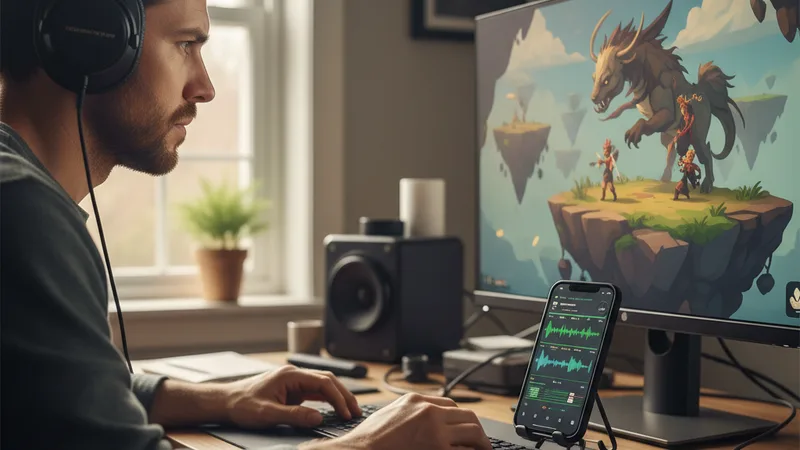
Honest accounting of where AI game music is the right tool and where the indie dev should still hire a composer or use a stock library.
Works:
- For solo dev and small-team indie games under $100K total budget. AI music is the only way to get a cue-specific custom soundtrack within indie budget constraints. The cost-to-quality math is decisive in this range.
- For game jam and prototype projects. A 48-hour game jam cannot wait for a composer commission. AI music generated alongside the game during the jam produces shippable soundtracks within the time constraint.
- For early access games that iterate frequently. Steam early access games and itch.io games often add content monthly. Each content update can come with new cues generated on demand rather than waiting for a composer.
- For games with branched or layered music systems. Custom AI music supports adaptive scoring (ambient base + combat overlay) more naturally than library music, because you can prompt for stem-compatible layers.
- For non-commercial educational or research games. Free-tier AI music apps technically permit non-commercial use, which can include school projects, research games, and personal portfolios. Always verify the specific app's license terms.
Does not work or carries risk:
- For AAA or large studio productions. Music supervision at AAA scale requires a composer, a sound team, and a music director coordinating with narrative and gameplay design. AI is a tool the composer might use in that pipeline, not a replacement for it.
- When the dev does not use a paid commercial-rights tier. Free-tier generations are not licensed for commercial games. Shipping a paid Steam, Apple App Store, Google Play, or itch.io paid game with free-tier AI music violates terms of service and may invite legal action.
- For games that prompt the AI to mimic specific living composers' styles. "In the style of Disasterpeace" or "in the style of Lena Raine" prompts are prohibited in commercial AI music apps and could create legal exposure if discovered.
- For games where the soundtrack is a separately-monetized product. If the game's OST will be sold on Bandcamp or Steam as a standalone music product, the resale rights need careful checking on the specific AI music app's terms. Most paid tiers permit OST resale; verify before launch.
- When the dev does not test loops in-engine. A track that loops cleanly in iTunes can have subtle issues in Unity or Godot's audio engine. Always test loops in-engine before signing off on a cue.
For the broader licensing context, the can you sell AI-generated music legal guide covers the foundational rights and commercial-use questions. For the YouTube-related side (game trailers, devlogs), the AI song generator for YouTube guide covers Content ID and platform-specific rights.
Try this prompt right now
Open Muziko on iPhone, tap Create, switch to Describe mode, pick Folk genre and Dreamy mood, and paste this prompt (adjust the biome and instrumentation to match your game):
"Ambient exploration loop for a snowy forest biome in an indie narrative game, 75 bpm, F minor, modal folk with fingerpicked acoustic guitar and soft synth pads, light cello entering on the second phrase, no percussion, ninety seconds total, eight-bar phrase structure that loops seamlessly with the last bar leading back into the first measure, leaves midrange headroom in 200 Hz to 2 kHz for in-game dialogue and ambient sound effects, mastered at moderate dynamic range for in-engine playback, no fade ending, ends on F minor for clean loop point."
Generate three to five takes. Import each into your game engine and test the loop point in-context — a clean loop in the music app is necessary but not sufficient; the test that matters is whether the loop is audible during actual gameplay. Pick the take where the loop is least noticeable and the track sits cleanly under the gameplay sound effects.
Then regenerate the same prompt with small variations to build your soundtrack — different biomes get different keys and instrument emphases, combat cues get the BPM bumped to 130 bpm and percussion added, boss cues get layered orchestration. The whole soundtrack now references one coherent sonic identity.
In testing, this template produces game-grade music in roughly four total generations per cue, about 80% of the time. For more on related uses, the AI EDM generator guide covers the energetic-track production craft and the AI lo-fi track guide covers the ambient-music production craft — both directly applicable to game soundtrack work.
Frequently asked questions
Can I legally use AI-generated music in a commercial indie game?
Yes, when generated on the paid tier of a reputable AI music app like Muziko Pro at $34.99 per year, Suno Pro, or Udio Pro. The paid tier grants commercial usage rights including game distribution on Steam, the Apple App Store, Google Play, itch.io, and console platforms. Free-tier generations are not licensed for commercial use and shipping them in a paid game violates the app's terms of service. Also disclose AI music use in your game's credits and store-page metadata where required — Steam, for instance, asks devs to disclose AI-generated content in store listings. Never prompt the AI to imitate a specific living composer's style; stay generic with genre and instrument directions.
How do I get AI music to loop seamlessly for in-game use?
Prompt for it explicitly. The phrase "eight-bar loop, starts and ends on the same chord (specify the key), no fade ending, can loop seamlessly with the last bar leading back into the first measure" tells the AI to write music structured for game loops. Most modern AI music apps in 2026 handle this prompt direction well, but you should always test the loop in your game engine, not just in the music app — a loop that sounds clean in a player can have subtle ducking or click issues when looped in Unity, Unreal, or Godot. Generate three to five takes per cue and listen specifically for the loop transition; pick the take with the cleanest seam.
Can I generate layered adaptive music with AI?
Yes, with a two-step prompt approach. Generate the ambient base layer first with a specific key, tempo, and harmonic structure. Then regenerate with the same prompt plus "add a combat layer with percussion, brass swells, and additional tension on top of the existing harmony in the same key and tempo." The two layers should be in the same key and tempo so they can be mixed in-engine. Test both layers together in your game audio engine to verify they stack cleanly. This approach works for most adaptive scoring use cases — exploration to combat transitions, day to night transitions, peaceful to tense moments. More complex multi-layer adaptive systems still benefit from a dedicated composer.
What format should I export AI game music in?
WAV at 44.1 kHz, 16-bit or 24-bit, is the standard for game audio across Unity, Unreal, and Godot. Most modern AI music apps offer WAV export in their paid tiers. If WAV is not available, use the highest-bitrate AAC or FLAC the app offers. Avoid MP3 for source audio; the compression artifacts add up when you have 20-30 cues in a game. Each game engine has its own internal audio compression for runtime delivery (Unity's Vorbis, for example), so providing the highest-quality WAV source lets the engine apply its own optimal compression for final delivery.
How long does it take to make a full indie game soundtrack with AI?
Realistic total time for a 12-20 cue indie soundtrack is 10-18 hours of focused work spread across a few days. The per-cue time averages 30-60 minutes once you have a prompt template dialed in for the soundtrack's core identity. The main theme typically takes longer (60-90 minutes) because it sets the soundtrack's voice. Exploration and ambient loops are faster (20-40 minutes each). Combat cues and boss tracks fall in the middle. Cutscene cues take longer because they have specific length requirements and need to hit emotional beats. Plan the soundtrack in a brief document before generating anything — the time savings from a clear brief are significant.
Can I sell the AI-generated soundtrack as a standalone OST on Bandcamp or Steam?
Usually yes, on the paid tier of most reputable AI music apps. Muziko Pro, Suno Pro, and Udio Pro generally grant resale rights for derived commercial works including soundtracks sold as standalone music products. The specific terms vary by app, so verify the resale rights in the app's terms of service before launching the OST. Also check the platform's policies — Bandcamp requires AI music disclosure in 2026, and Steam asks for AI content disclosure in OST DLC store pages. Standalone OST sales generally do better when the music has a strong, identifiable sonic identity that fans of the game want to listen to outside the game context.
Try everything you just read about. Muziko is free to download.
![AI Amapiano Generator: Log Drum Tracks [Tested 2026]](/_next/image?url=%2Fimages%2Fblog%2Fai-amapiano-generator-log-drum-tracks%2Fhero.webp&w=3840&q=75)
![AI Cinematic Music Generator: Trailer Scores [Tested]](/_next/image?url=%2Fimages%2Fblog%2Fai-cinematic-music-generator-trailer-scores%2Fhero.webp&w=3840&q=75)