AI Wedding Songs: Make a Custom First Dance in Minutes
Skip the Spotify pick everyone has heard at four other weddings. Generate a custom AI first dance song on iPhone in under five minutes — with your story, your tempo, your vows in the chorus.
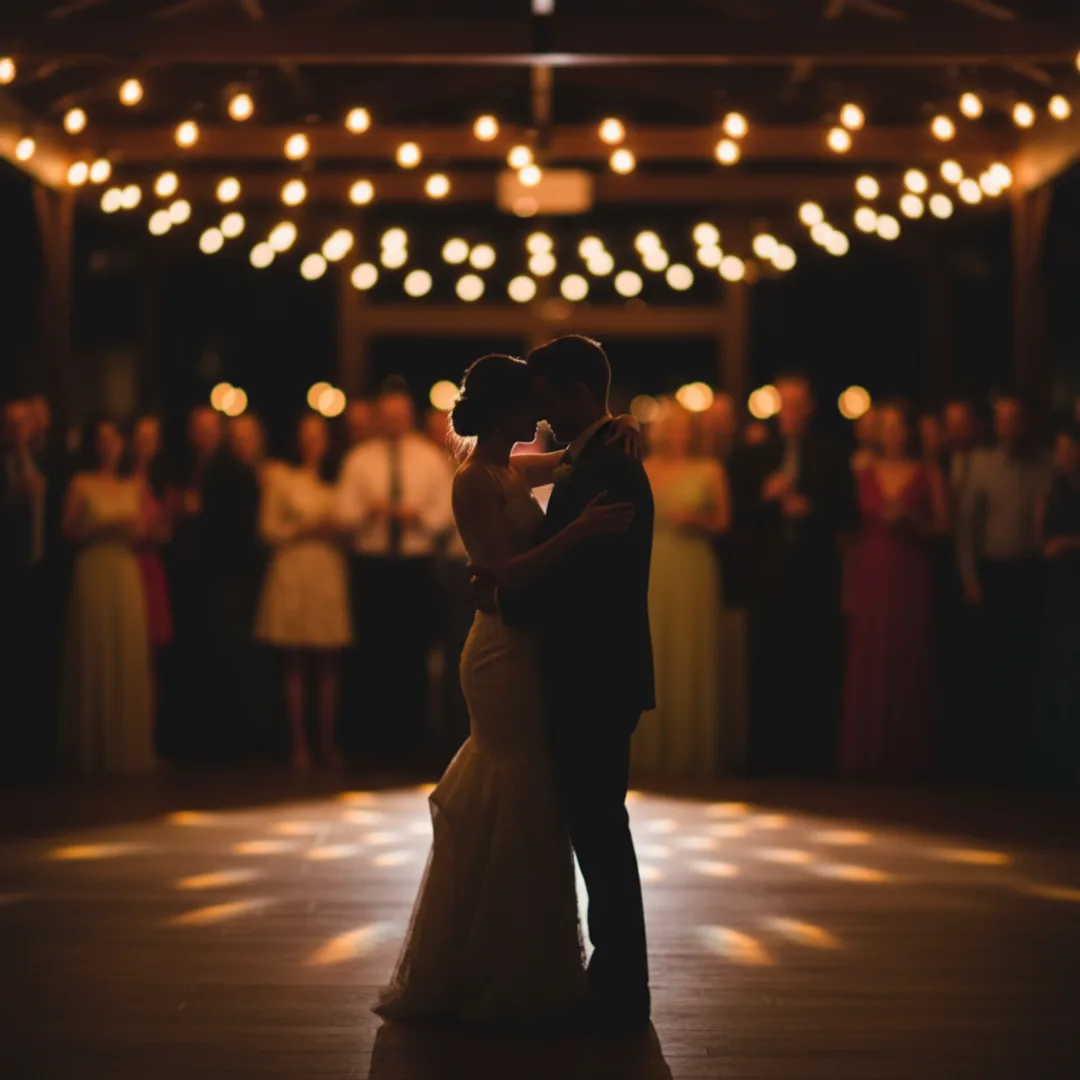
A couple I know got married in April. They walked into their reception, the DJ pressed play, and a song started that nobody on earth had ever heard before. It opened with a quiet piano figure, the bride's name in the first line, a reference to the night they met at a friend's birthday in Lisbon, and a slow-build chorus that landed exactly when they reached the middle of the floor. By the second verse, half the room was crying. The track was generated on an iPhone the week before, in about four minutes of work, for the cost of an annual app subscription.
This is the case for AI wedding songs that almost nobody talks about: the custom first dance. Not a generic ballad pulled from a Spotify playlist of "best 2026 first dance songs," not Ed Sheeran for the seventh wedding this year, but a real personalized track with the couple's story in it. AI music tools have crossed a quality threshold this year where the result holds up against the moment, not in spite of being AI but because it can carry detail no off-the-shelf song can.
This guide is the workflow I have tested for generating AI wedding songs — first dance, processional, recessional, parent dances — on iPhone, in under five minutes per track. The shape of the prompt, the genre choices that hold up at weddings, and the specific places AI lands the moment versus where you should reach for a human composer instead.
Why your first dance song matters more than you think
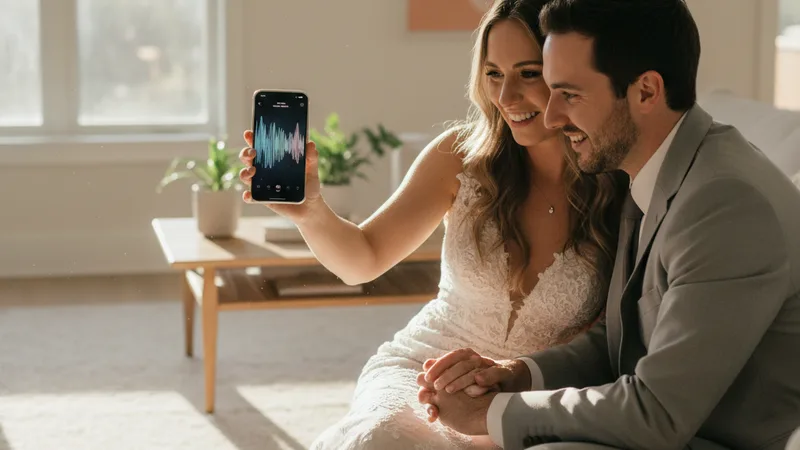
A few specifics about the first dance that most couples underweight in the planning:
It is the single longest moment of attention the room ever gives you. Every guest is watching. Phones are out. Photographers are circling. The cumulative footage from one first dance ends up in roughly forty thousand stories, posts, and texts over the following week. The song carrying that moment shapes how everyone remembers the wedding.
Most couples pick their first dance from a list of fifteen songs that get used at every wedding. Perfect by Ed Sheeran. Thinking Out Loud, also by Ed Sheeran. All of Me by John Legend. A Thousand Years by Christina Perri. Can't Help Falling in Love. These songs are beautiful, and they are also the auditory equivalent of beige paint — they will not stand out in your memory next to the eleven other weddings you attended last year that used the same track.
The traditional logic is that you pick a song that already means something to you. Which is good logic, except it forces you to use a song you and your partner happen to have shared, regardless of whether it is actually the right song for a first dance. Sometimes the song you fell in love to is a Kendrick deep cut at 95 bpm in 7/4 time. It is not a first dance song.
A custom AI track lets you pick a song that is about you without being forced to use a pre-existing one. This is genuinely new. Until 2024, a couple who wanted a personalized song had two options: hire a singer-songwriter for $500 to $3,000 to write something custom, or settle. The third option, generating a track on an iPhone in five minutes, did not exist.
For a broader look at the personalization use case, the story to song AI guide covers the underlying pattern of turning a real story into a track.
What a custom AI first dance song can do that a Spotify pick cannot
The point of a custom wedding song is not that the music is technically better — it is that it carries detail no commercial track can. Five things AI first dance songs do that a chart pick cannot:
- Your actual names in the chorus. Sung clearly, repeated three or four times, in a vocal style you chose. Not a stand-in pronoun, not "us," not "we" — your names.
- The way you met, in one specific line. "You walked in late to the birthday in Lisbon" lands. The room hears it. So do you, every time you replay the track on your anniversary.
- A tempo and structure that match your choreography. If your dance teacher told you 92 bpm, you can prompt 92 bpm. The track is built for the dance, not the other way around.
- A length you control. First dances run 2:30 to 3:30 — long enough to be a real moment, short enough not to lose the room. Commercial songs do not always fit; AI tracks can be prompted to a specific length.
- No surprise lyrical content. Pop songs have verses about heartbreak, infidelity, leaving. A custom AI song never has a line you did not approve. The risk of "wait, did the song just say that during my mother's slow dance?" drops to zero.
For deeper craft on the prompt side, how to write AI song prompts that actually produce great music is the most useful companion piece.
Step-by-step: a custom first dance song in Muziko, under five minutes
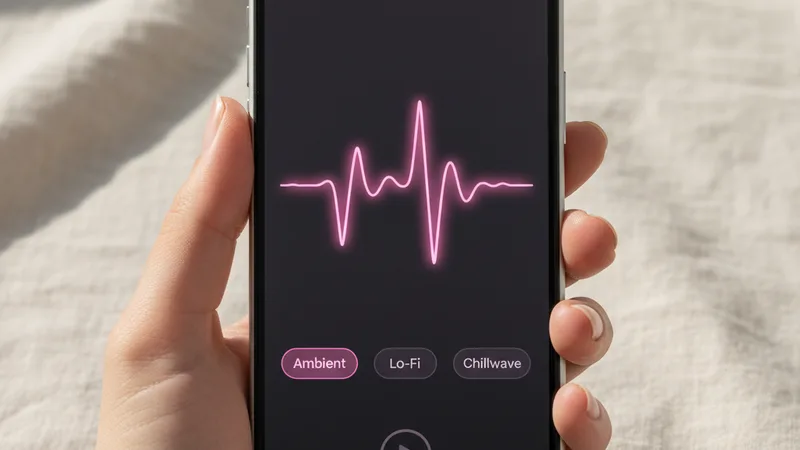
This is the workflow I have used for three wedding tracks in the last six months. Total time on my last run was 4 minutes and 38 seconds from opening the app to having a final track exported.
1. Open Muziko and tap Create. Switch to Write Lyrics mode. First dance songs need names and specific lines in the lyrics, so this is the only mode that works.
2. Pick the genre. Acoustic ballad, soft pop, folk, and R&B are the four that consistently hold up at weddings. Avoid anything with heavy electronic drops or aggressive percussion — they read as a party track, not a first dance.
3. Pick a mood. Sentimental and dreamy are the two that work best for first dances. Euphoric works for recessional or last-dance moments; playful works for parent dances.
4. Write the lyrics. Six to eight lines is enough. The structure that works: two lines about how you met or one specific shared memory, two lines repeating the partner's name in a chorus, two lines about now or about the future. Specificity over sentiment in every line.
5. Set the tempo in the prompt. "Slow ballad at 78 bpm" or "mid-tempo at 92 bpm". If your dance teacher gave you a number, use it exactly. If you have no choreography, 76-90 bpm is the safest range for a first dance.
6. Generate four to six takes. Each take is 8 to 15 seconds in Muziko. Listen on headphones. Wedding tracks need to survive a real venue PA, and headphones reveal mix issues that a phone speaker hides.
7. Save the final track in lossless or high-quality format. Send the audio file to your DJ at least two weeks before the wedding so they can soundcheck it through the actual venue rig.
The full mobile workflow walkthrough lives in the AI song generator for iPhone 2026 guide if this is your first time using one of these apps.
Writing a wedding song prompt that actually sounds like you

A working first dance prompt has six small parts. Miss any one of them and the track lands somewhere between "fine" and "generic."
Both names, spelled phonetically if needed. Saoirse becomes Sersha in the lyrics field. The AI reads the lyrics phonetically; it does not know how unusual names are officially spelled, only how to pronounce what is typed.
One specific shared memory. Not "we fell in love" but "you wore the navy dress to your friend's birthday in Lisbon." The specificity is what the room feels even if they do not catch the exact words. Generic lyrics produce generic tracks.
The genre, narrow. "Acoustic ballad with fingerpicked guitar and a string section coming in on the bridge" is a usable prompt. "Romantic music" is not — that produces hotel-lobby music every time.
The tempo, as a number. 78 bpm, 84 bpm, 92 bpm. A specific number routes the AI toward a tighter musical interpretation than vague directions like "slow" or "mid-tempo." If you do not know what number to pick, 82 bpm is a safe default for first dance ballads.
A vocal direction. "Solo male vocal, warm and intimate, with light female backing harmony in the chorus", or "duet vocal, both leads alternating verses, harmony together in the chorus." Without this, the AI defaults to whichever vocal type its base model picks, which is sometimes the wrong fit.
Length. Most first dances run 2:30 to 3:00. Prompt "two minutes forty-five seconds, with a soft outro that fades over the last fifteen seconds" and the AI builds toward that. Without a length cue, tracks can come in at 1:50 or stretch to 3:40.
A combined working prompt looks like:
"Acoustic ballad first dance song for Maya and Jake, 82 bpm, sentimental and dreamy, solo male vocal warm and intimate with light female harmony in the chorus, fingerpicked acoustic guitar with a string section coming in on the second verse, lyrics about meeting at a friend's birthday in Lisbon and Maya wearing the navy dress, two minutes fifty seconds, soft outro fading over the last fifteen seconds."
That prompt produces a usable first dance track on the first two or three generations roughly 80 percent of the time. For unusual names or unusual genre combinations, expect to iterate two or three more times.
Matching genre and mood to the couple: a starter chart
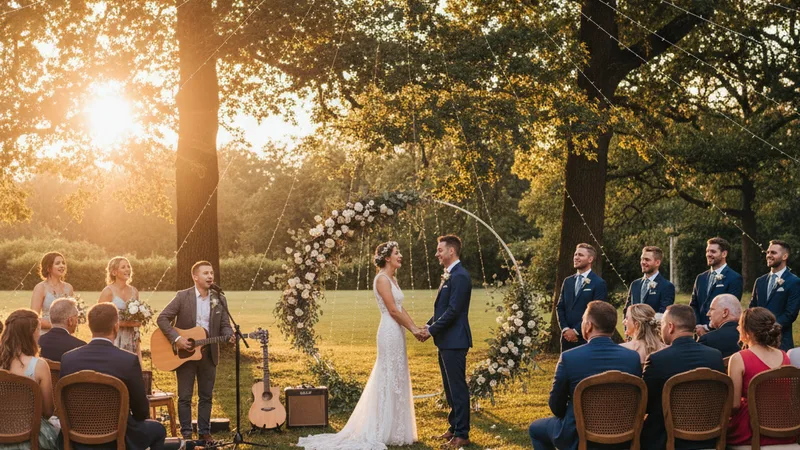
Wedding music is genre-sensitive in a way most other use cases are not. A pop track at the wrong tempo can still work at a party; a wrong-genre first dance is unrecoverable. Patterns I have seen consistently land:
| Couple vibe | Genre | Mood | Tempo |
|---|---|---|---|
| Soft-spoken indie, outdoor garden wedding | Acoustic folk ballad | Dreamy | 72-82 bpm |
| Classic romantic, ballroom or hotel reception | Piano ballad with strings | Sentimental | 76-86 bpm |
| Music-industry crowd, both partners DJ on weekends | Soulful R&B with live drums | Sentimental | 84-92 bpm |
| Country-leaning couple, Texas or rural venue | Modern country ballad | Sentimental | 80-90 bpm |
| Vow-renewal in their forties, second wedding | Adult contemporary | Sentimental | 78-88 bpm |
| Indie-pop couple, brewery or warehouse wedding | Indie pop, soft synth ballad | Dreamy | 82-92 bpm |
| Gospel or faith-based ceremony | Gospel or worship ballad | Sentimental | 70-82 bpm |
| Jazz lovers, supper-club reception | Jazz standard, slow swing | Sentimental | 76-90 bpm |
Pick the row that matches the couple. Use the genre, mood, and tempo as the foundation, and layer the specific shared memory and names on top. Most modern AI music apps handle acoustic, pop, R&B, country, and classical well enough to ship a wedding-quality track. For the broader genre-by-genre quality breakdown, the best AI music app for iPhone 2026 ranking covers what each app handles best.
When AI wedding songs land — and when to skip them
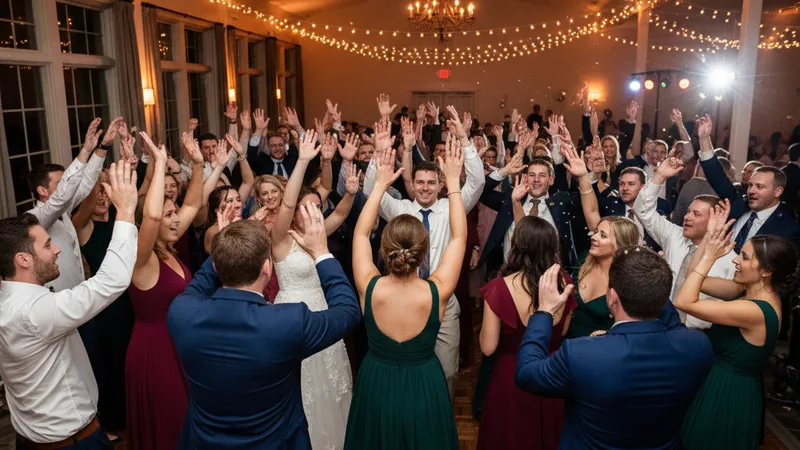
Honest accounting of where AI wedding songs are the right tool and where you should reach for something else.
Land brilliantly:
- First dance for the couple. Highest emotional payoff, full room attention, and the personalization carries the moment. This is the use case AI music was built for.
- Parent dances. A track about a specific parent — their job, their hometown, the way they raised you — is one of the most cried-over moments at a wedding when done well. Two minutes of audio, one specific line, and the room goes silent.
- Recessional song after the ceremony. A custom up-tempo track for walking back down the aisle. The crowd is on their feet, the energy is high, and a personalized song scaled to the moment lands harder than a chart pick.
- Pre-ceremony seating playlist. A few custom instrumental tracks generated to set the mood while guests find their seats. Cheaper than licensing, and you can match the exact tempo to the venue's vibe.
- Vow renewals. Second weddings and vow renewals are where AI music really shines, because the couple often wants something specific to their history rather than a generic pop track.
Skip, or use carefully:
- The dance-floor anthem of the night. If you want the room to sing along, use the song people already know. AI tracks are unique but unfamiliar, and unfamiliar does not produce singalongs.
- Religious or traditional ceremonies with strict music conventions. Some traditions require specific music (the Jewish hora, certain Hindu ceremonies, traditional church processionals). AI is not the right tool when the form is fixed.
- Tracks where vocal pronunciation must be perfect. AI vocal models occasionally mispronounce unusual names. For first dances with rare names, generate six takes minimum and listen for pronunciation, or use a phonetic spelling in the lyrics.
- Very large open-air venues with poor PA. AI tracks tend to be mastered loud and bright, which can sound harsh through a low-end venue rig. If your venue's PA is questionable, do a sound check or commission a track that has been professionally mastered.
For broader context on AI music for personal vs commercial use, the can you sell AI-generated music legal guide covers the licensing edge cases, which apply to wedding use as well. For background on how the models actually work, the non-technical guide to AI music generators is the gentlest introduction.
Try this prompt right now
Open Muziko on iPhone, tap Create, switch to Write Lyrics, pick Acoustic genre and Sentimental mood, and paste these lyrics (replace Maya and Jake with the actual names, and replace the Lisbon line with your own specific memory):
"You walked in late to the birthday in Lisbon, navy dress, the room got quieter, I forgot what I was saying, Maya and Jake, Maya and Jake, all the long quiet years between then and the aisle today, Maya and Jake, the room is yours now, every word we never said out loud, said out loud."
Add the prompt note: "Acoustic ballad first dance, 82 bpm, sentimental and dreamy, solo male vocal warm and intimate with light female harmony in the chorus, fingerpicked acoustic guitar with a string section on the second verse, two minutes fifty seconds, soft outro fading over the last fifteen seconds."
Generate four to six takes. Listen on headphones. Pick the take where the names sound clearest and the harmony lands cleanly in the chorus. Save in the highest-quality format your app offers and send the file to your DJ at least two weeks before the wedding.
In testing, this template produces a usable personalized first dance track in roughly five total takes about 85 percent of the time. The remaining cases need either a phonetic spelling adjustment for unusual names or a small tempo nudge to match choreography. For more long-form personalization patterns beyond weddings, the text to song AI guide walks through converting any description into a track.
Frequently asked questions
How long does it take to make a custom AI wedding song on iPhone?
Realistically, between three and seven minutes from opening the app to having a final track exported. The workflow is: pick acoustic or soft pop genre, pick a sentimental or dreamy mood, write six to eight lines of lyrics with both names and one specific shared memory, set the tempo (78-92 bpm works for most first dances), generate four to six takes, and save the strongest one. First-time users should budget 10 to 15 minutes for the first track; after one or two songs the workflow consistently runs under five minutes.
Will an AI wedding song actually sound good through a venue PA system?
Yes, when generated on a paid AI music app like Muziko Pro or Suno Pro and exported in the highest-quality format available. AI music tools in 2026 produce tracks at roughly the same mastering quality as streaming-platform commercial releases. The single most important step is to send the audio file to your DJ at least two weeks before the wedding so they can soundcheck it through the actual venue rig and adjust EQ if needed. Wedding venues with weaker PAs sometimes need a small EQ tweak on AI tracks; venues with strong PAs handle them with no adjustment.
Can the AI sing both partners' names correctly in the chorus?
Common English names (Maya, Jake, Sarah, Mike, Emma, Liam) are pronounced correctly on the first take about 95 percent of the time. Less common or non-English names sometimes get mispronounced on early takes. The fix is to spell the name phonetically in the lyrics field — Saoirse becomes Sersha, Aoife becomes Eefa, Caoimhe becomes Keeva. The AI reads the lyrics phonetically and does not need the official spelling, only how to pronounce it. Generating six takes minimum for unusual names produces at least one clean pronunciation almost every time.
Is it legal to play an AI-generated song at my wedding and post it on social media?
Yes, when you generate the track on the paid tier of a reputable AI music app like Muziko Pro at $34.99 per year, Suno Pro, or Udio Pro. The paid tier grants commercial and personal usage rights including playing the song at a public event and posting it to social media. Free-tier generations are usually restricted to personal non-commercial use, which is technically fine for the private wedding itself but can be restricted for the public TikTok or Instagram clips that follow. For weddings, generate on the paid tier to keep all rights clean for both the event and the social media that follows it.
What if our first dance has specific choreography with a set tempo?
Ask your dance teacher or instructor for the exact bpm of the choreography, then put that number directly in the prompt. "Slow ballad at 84 bpm" produces a track tighter to that tempo than vague directions like "slow" or "mid-tempo." If the first generation is close but slightly off, prompt with a one-bpm nudge in either direction. For complex choreography with tempo changes (verse slower, chorus faster), most AI music apps in 2026 can handle "tempo lift on the chorus from 78 to 88 bpm" as a prompt direction, though you may need to generate four to six takes before one lands the transition cleanly.
Should I use AI for the whole wedding playlist or just the first dance?
Use AI for the moments where personalization matters most — first dance, parent dances, recessional, vow renewals — and use familiar commercial tracks for the dance floor where you want the room singing along. The room sings along to songs they know. AI tracks are unique and emotionally resonant for the people they are about, but they do not produce karaoke energy at a reception. A good mix is two or three AI tracks for the meaningful moments and a standard DJ-curated dance playlist for the rest of the night.
Try everything you just read about. Muziko is free to download.