AI Music Generator Free: Which Ones Are Actually Free?
An honest breakdown of which AI music generators are actually free in 2026, what each free tier includes, and where the hidden limits — watermarks, paywalls, commercial restrictions — live.
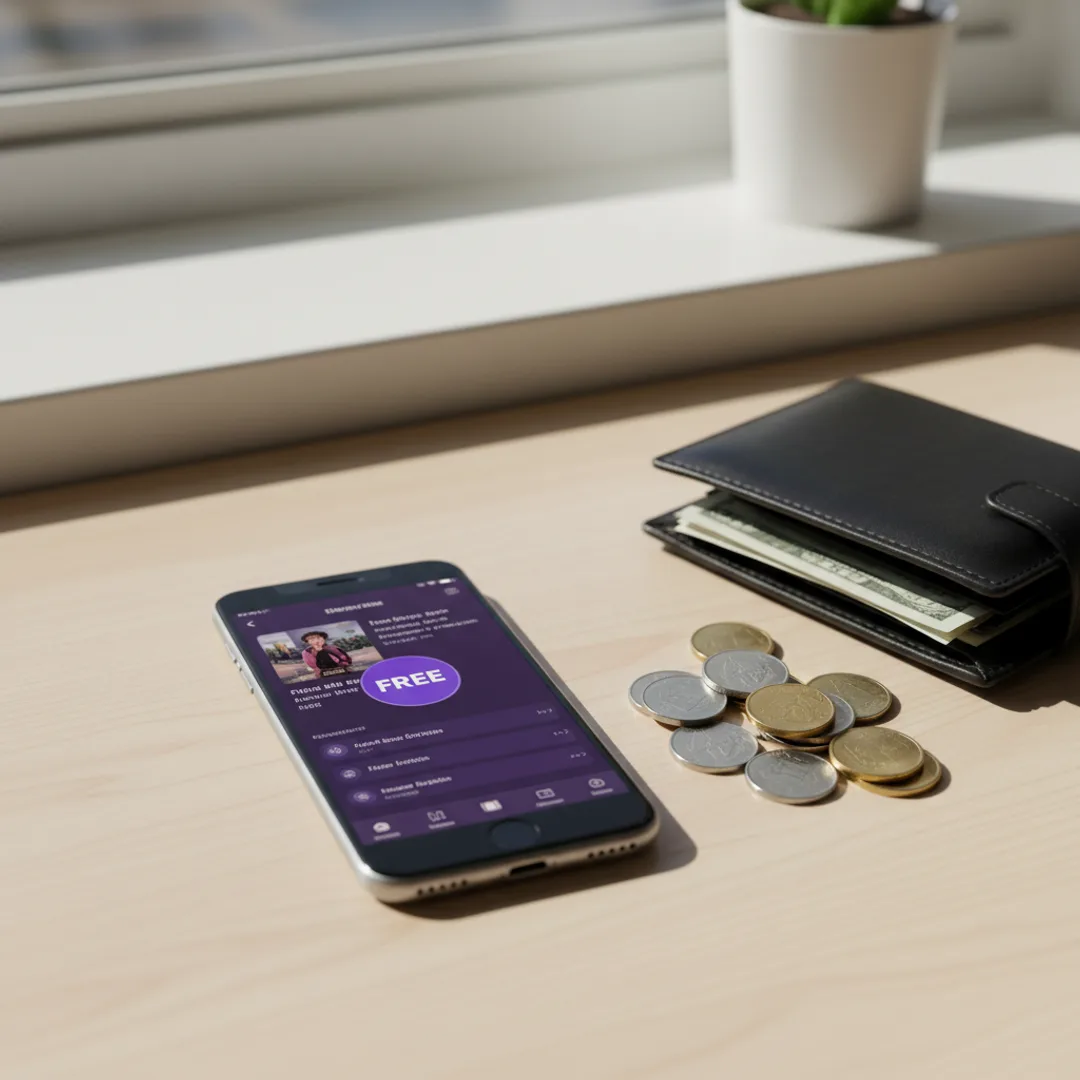
"Free" in AI music apps almost never means actually free. It means a limited number of generations per day, a watermark you cannot remove without paying, lyrics-only without vocals, exports limited to low-bitrate MP3, no commercial use, or all of the above stacked. Most "free AI music generator" results in search are paid apps with a teaser tier, and the friction kicks in the moment you try to do something useful with the output.
That is not bad. Free tiers are how AI music apps recover infrastructure costs while letting people try the product. But it makes the question "which one is actually free?" worth answering carefully — and the answer depends entirely on what you want to do with the music.
This guide breaks down what "free" actually includes across the main AI music apps in 2026, what restrictions each one ships with, and which one is best depending on whether you want to share, monetize, or just play around.
What "free" usually means in AI music apps
Before naming names, the four levers that AI music apps pull on free tiers:
- Generation count. Most apps cap free users at somewhere between 5 and 50 generations per day or per month. Once you hit the cap, you wait for the next reset or pay.
- Watermarks and audio quality. Some apps add a tag — a voice clip, an audio watermark, or a downgrade to 128 kbps MP3 — to free-tier output.
- Commercial use rights. Free tiers almost always restrict commercial use. The track is yours to play and share informally, but releasing it on Spotify, monetizing it on YouTube, or using it in client work usually requires a paid plan.
- Feature access. Lyrics-to-song mode, instrumental mode, song extension, stems export, advanced style controls — these are often paywalled. Free users get the core text-to-song flow only.
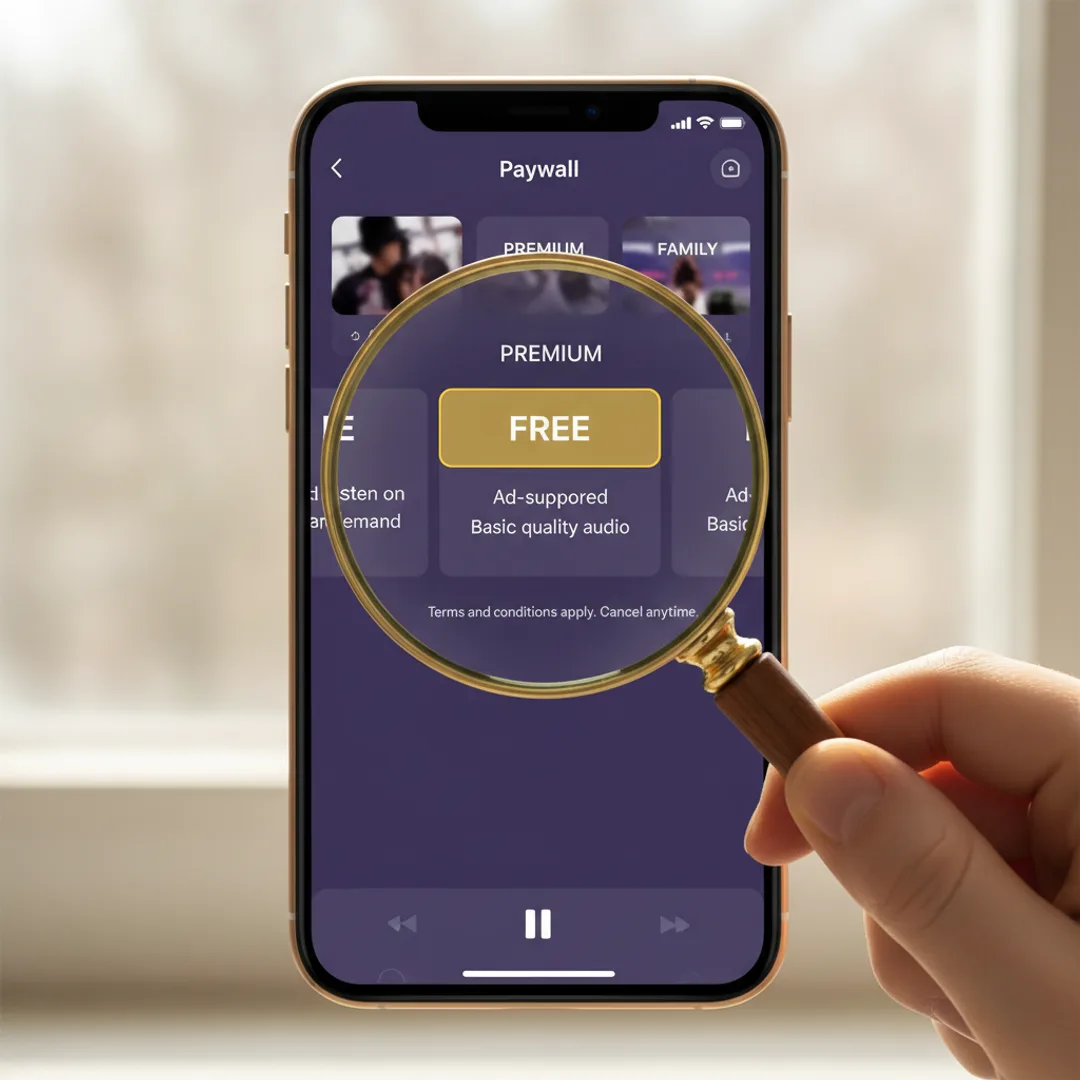
When you read "free AI music generator" in a comparison, ask: which of those four levers is being pulled, and how hard. The answer varies wildly between apps.
The free tiers, ranked by what you actually get
Muziko
Free tier: Yes — limited generations per day, full audio quality, no watermark on the output. Restrictions: Commercial use requires Pro ($34.99/year). Some advanced features (Story Mode, full Lyrics mode, faster generation queue) are Pro-only. Best for: Anyone with an iPhone who wants to try AI music generation without commitment, then upgrade to Pro if they want commercial rights.
The generosity of the Muziko free tier is that the audio you generate is the actual final-quality audio, not a watermarked teaser. You can play it, share it with friends, post it casually — and the only thing you cannot do is monetize it. For full feature comparison, Muziko vs Suno vs Udio covers it in depth.
Suno
Free tier: Yes — 50 credits per day on the free plan (about 10 generations). Restrictions: Generations on the free plan are non-commercial only. Songs can be shared but not monetized. Higher-quality v4 model and longer generations are paid. Best for: Web users who want a high quality of song generation and are okay with browser-only use.
Suno has the strongest free tier on the web. The daily credit reset is generous, and the audio quality matches what paid users get. The catch is no native iOS app — you generate in browser, then transfer to your phone for sharing.
Udio
Free tier: Yes — 10 daily credits, web-only, with a watermark in some output modes. Restrictions: Commercial use locked to paid plans. The highest-fidelity export is paid. Best for: Desktop power users who want to evaluate audio quality before paying.
Udio has the highest raw audio fidelity in any AI music tool, but the free tier is the most restrictive of the major apps. Daily credit cap is tight, and the most useful features (long generations, full-quality stems, commercial rights) are all paid.
MusicGen / AudioCraft (Meta, open-source)
Free tier: Fully free, fully open-source. Run it locally or via Hugging Face Spaces. Restrictions: Quality is below current commercial models. Vocals are weak — instrumental-focused. No iPhone app; requires a developer setup or browser-based interface. Best for: Developers and tinkerers who want to experiment with AI music technically.
MusicGen is the most genuinely "free" AI music tool in 2026 — no daily caps, no paywalls, no watermarks. But the audio quality reflects its 2023-era release, and getting useful output requires more technical fluency than most users want. Useful primer: Wikipedia's MusicGen entry.
Other "free" apps to watch out for
There is a long tail of apps that advertise "free AI music generation" with much harder paywalls. Common patterns:
- Listen-only previews. The app generates a track but does not let you download it without paying.
- Audible voice watermarks. A voice saying "made with X AI" gets stitched into the track every 20 seconds.
- 3-day free trial, not a free tier. "Free" in the App Store description means a trial that auto-renews into a subscription.
- Free signup, paywall on first generation. You can create an account but cannot generate without entering payment details.
If an app's "free" tier requires payment details upfront, treat it as a paid app with a trial, not a free app.
What you can and cannot do with free-tier output
Even on the most generous free tiers, certain uses are usually restricted. The most common limits:
You usually can:
- Generate songs and listen to them in-app.
- Share songs with friends via Messages, AirDrop, social media as casual personal content.
- Use songs as background for personal videos posted to a non-monetized account.
- Export to your camera roll or Files.
You usually cannot:
- Release songs on Spotify, Apple Music, or any DSP for revenue.
- Use songs in monetized YouTube videos (YouTube Partner Program).
- Use songs in TikToks where you are paid through Creator Fund or partnerships.
- License songs to clients, brands, or agencies.
- Resell or sublicense the audio.
For full-revenue monetization, every major app requires a paid plan. The cost-of-clearance is usually under $10/month — significantly cheaper than royalty-free music libraries used to cost.
Which free AI music generator should you actually use?
The answer depends on what "free" needs to do for you.
If you just want to try AI music for fun on iPhone: Use Muziko. The free tier produces actual usable audio, no watermark, full quality, and you can decide later whether to upgrade for commercial rights.
If you want the best browser experience with no installs: Use Suno. Daily credits are generous, audio quality is strong, and the browser interface is the most polished.
If you want to evaluate maximum audio fidelity before paying: Use Udio. The free tier is restrictive, but it is enough to hear whether Udio's mix quality justifies its higher tier subscription for your use case.
If you want zero paywalls forever and are technically comfortable: Use MusicGen. Fully free, fully open-source, and the best option if you want to experiment without the apparatus of an account.
If you want commercial use: Plan to pay. The cheapest path is usually Muziko Pro at $34.99/year — about $2.92/month with full commercial rights, which is below the cost of any royalty-free music library.

A note on free tiers and AI infrastructure
It is worth saying explicitly: the reason no AI music tool is unlimited-free is that generating a song costs the company real money in GPU compute. A 90-second generation at current model sizes uses meaningful compute time. Free tiers are how the apps amortize that cost across the rare users who upgrade.
Apps that promise "unlimited free" are almost always one of three things: (1) a teaser that converts to a hard paywall, (2) using a much smaller model with worse quality, or (3) burning investor money on a runway that will end. The honest free tiers — Muziko, Suno, Udio — cap usage so they can actually keep operating.
If you find a tool useful for more than a handful of generations a week, the paid tier is usually worth it, both for your own access and for the tool's continued existence.
Try the Muziko free tier right now
Open the App Store, search Muziko, and download. The app is free to install. Tap Create, pick Pop as the genre, Calm as the mood, and paste this prompt:
"Acoustic singer-songwriter, female vocals with a warm storyteller delivery, fingerpicked guitar with light strings, Sunday morning kitchen scene, around 92 bpm, intimate close-mic'd mix."
Hit Generate. In about 8 to 15 seconds, you have a finished track. No watermark, no paywall in the way of listening, full audio quality. If you want to do more — generate dozens per day, monetize the output, unlock Pro features — Pro is $34.99/year.
For a deeper compare, Muziko vs Suno vs Udio covers the test-drive comparison. For more on what makes generations land, the prompts that work guide is the prompt formula reference.
Frequently asked questions
Try everything you just read about. Muziko is free to download.